
Landscape Design AI
Powerful AI Side Yard Design Generator

Free AI Side Yard Design Generator Online

AI side yard design turns the narrow space between your house and fence into a finished, functional area. Upload a photo, choose a style, and preview ideas for paths, privacy, storage, or planting before buying materials.

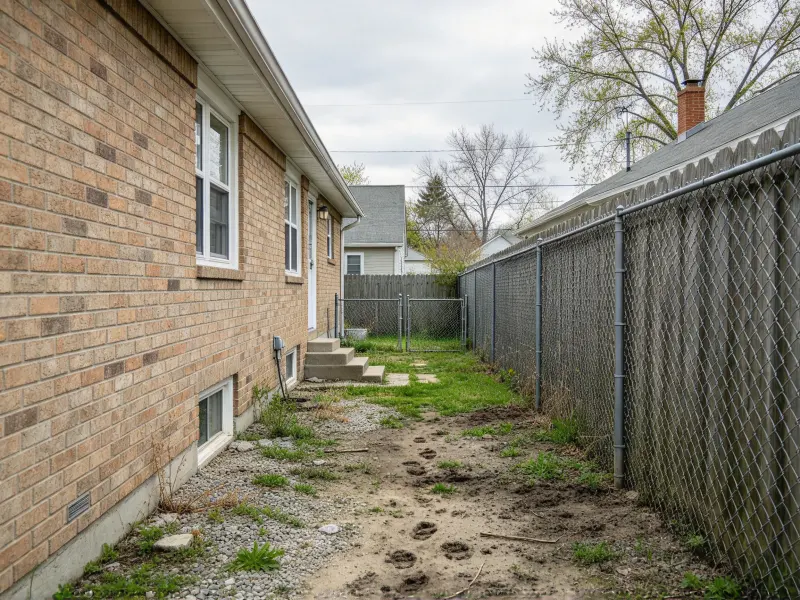
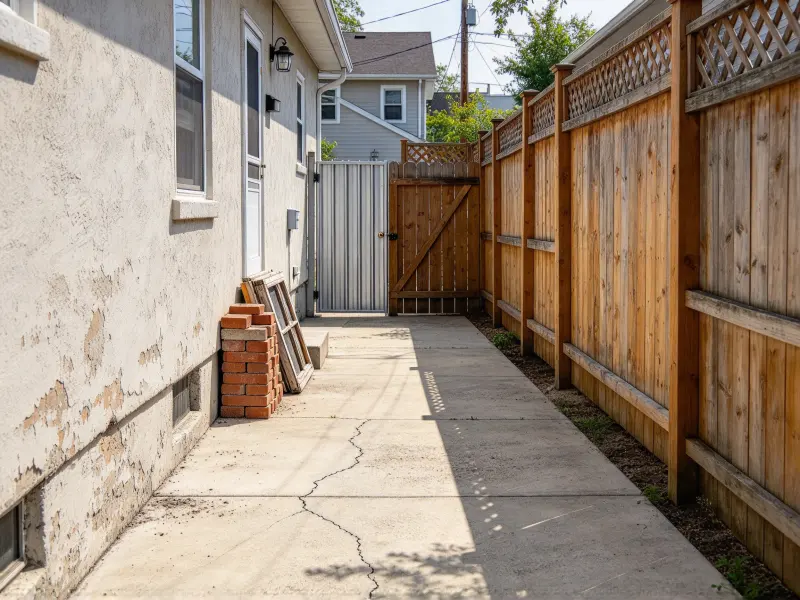
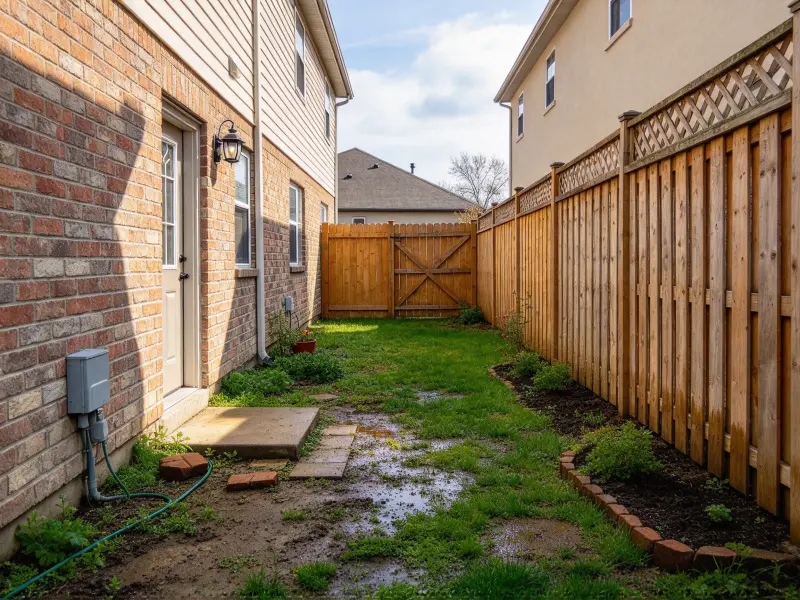
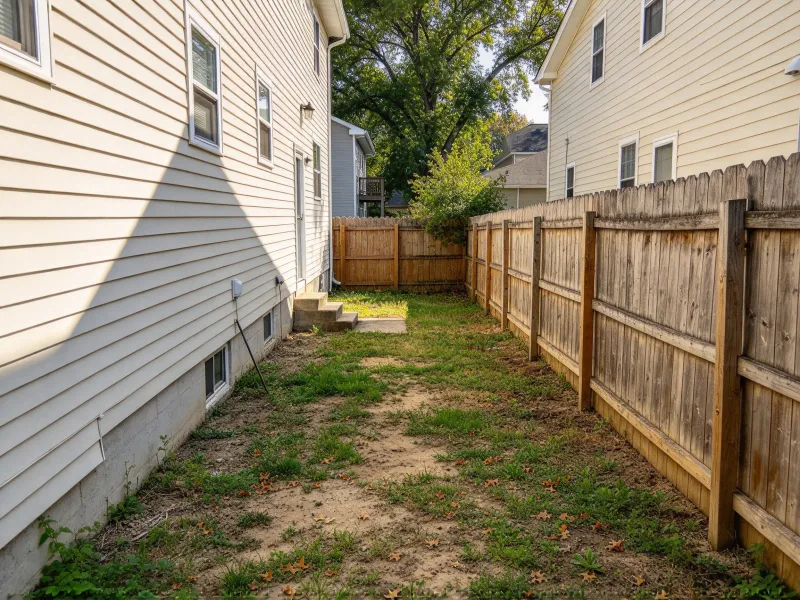
Free AI Side Yard Design Generator Online - Before GenerationBefore
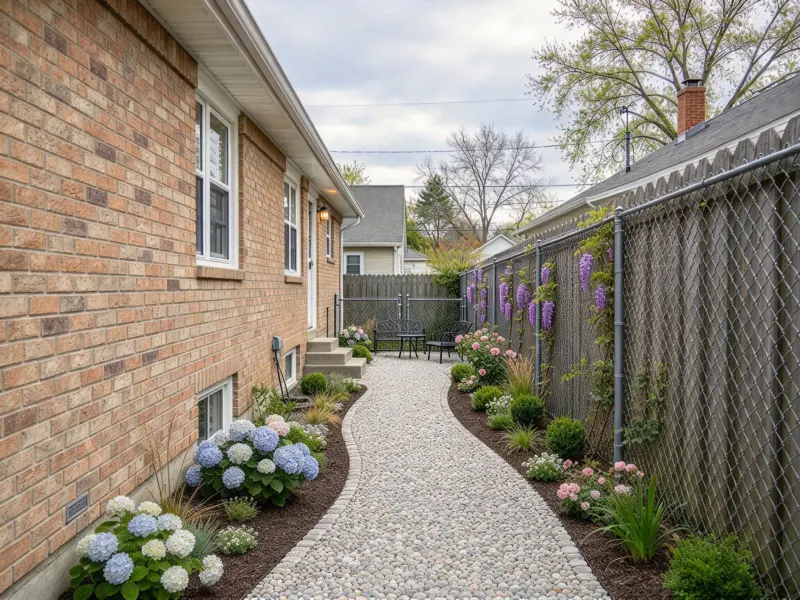
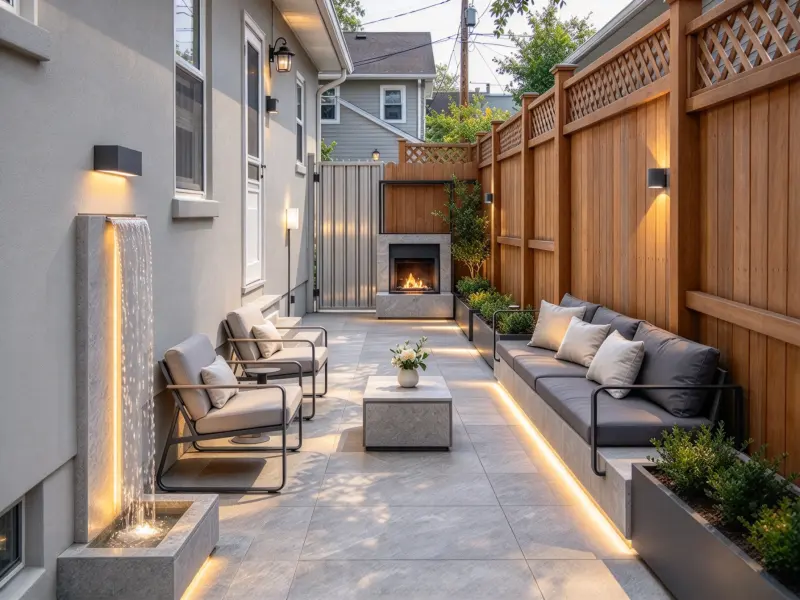
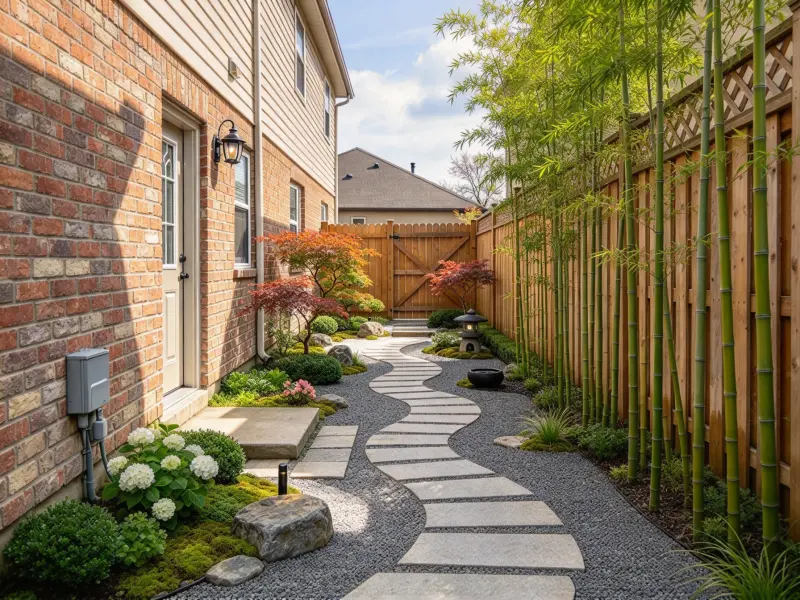
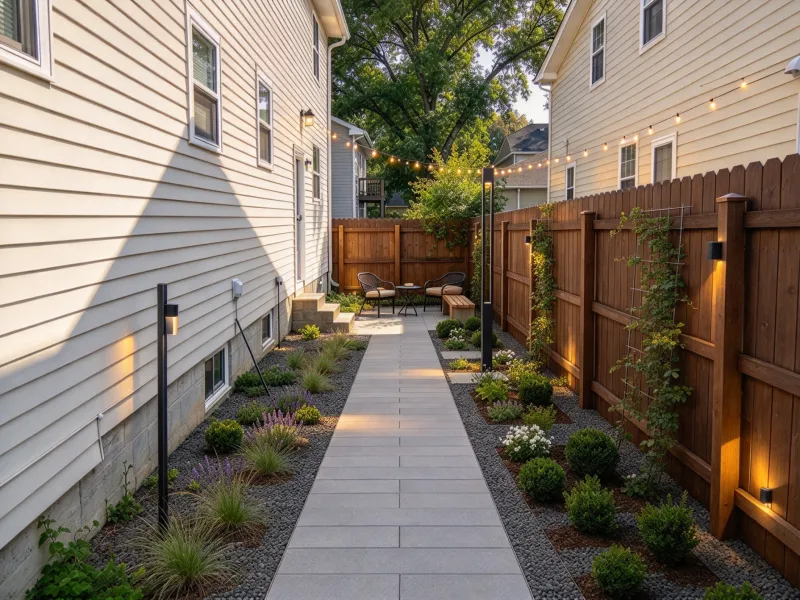
Free AI Side Yard Design Generator Online - After GenerationAfter

How to Design a Side Yard with AI?

Use AI side yard design to test the narrow passage beside your home before materials, screens, or planting choices make the layout harder to change.

  1. Upload Your Side Yard Photo
    Step 1

    Upload Your Side Yard Photo

    Take a daylight photo from one end of the passage, including the house wall, fence, gate, ground surface, doors, drains, and visible equipment. A clear, wide image helps AI side yard design work around the real limits of a narrow side yard rather than inventing a generic garden scene.

  2. Choose a Style and Set the Priority
    Step 2

    Choose a Style and Set the Priority

    Select a look, then explain what the space needs to do. You might need a side yard walkway to the backyard, a side yard privacy screen beside a window, room for bins, shade-friendly planting, or a low-maintenance route. Notes such as “keep the AC accessible” or “leave the gate swing clear” make the concept more useful.

  3. Generate Your Side Yard Design
    Step 3

    Generate Your Side Yard Design

    Create several options from the same photo and compare the practical differences: where the route sits, how the screen changes light, how much room planting takes, and whether storage still works. Save the AI side yard design that answers the biggest everyday need, not simply the one with the most features.

Explore AI Side Yard Design Ideas

Useful side yard landscaping ideas begin with conditions already on site: passage width, shade, runoff, fence height, access to utilities, and the way people move between the front and back of the house.

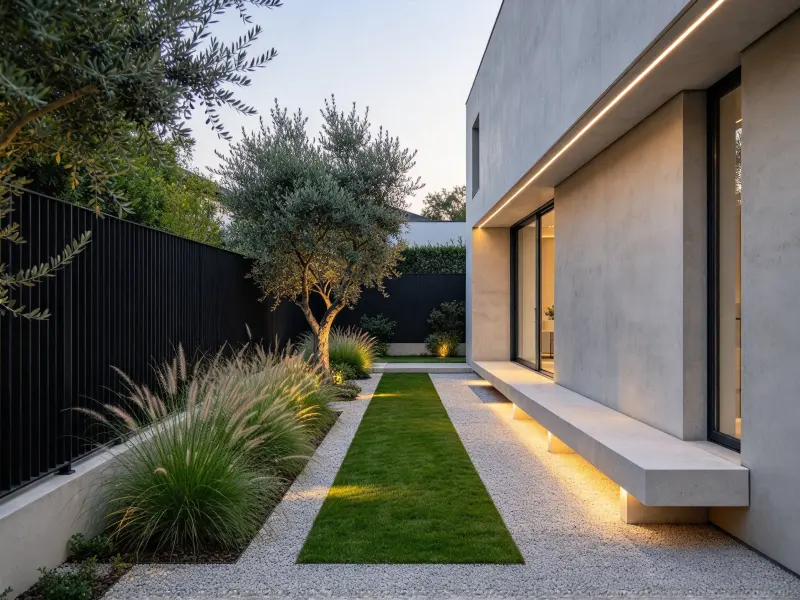
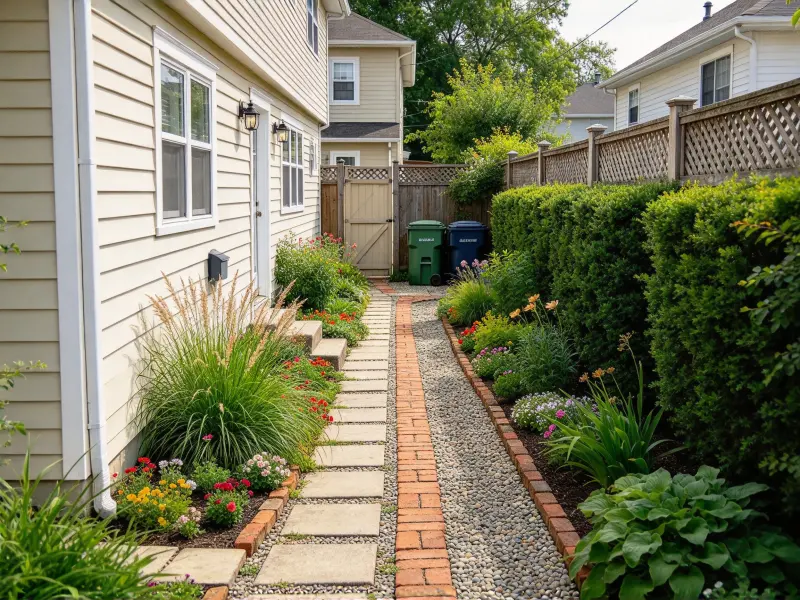
Narrow side yard walkway with pavers and planting

Narrow Side Yard Walkway

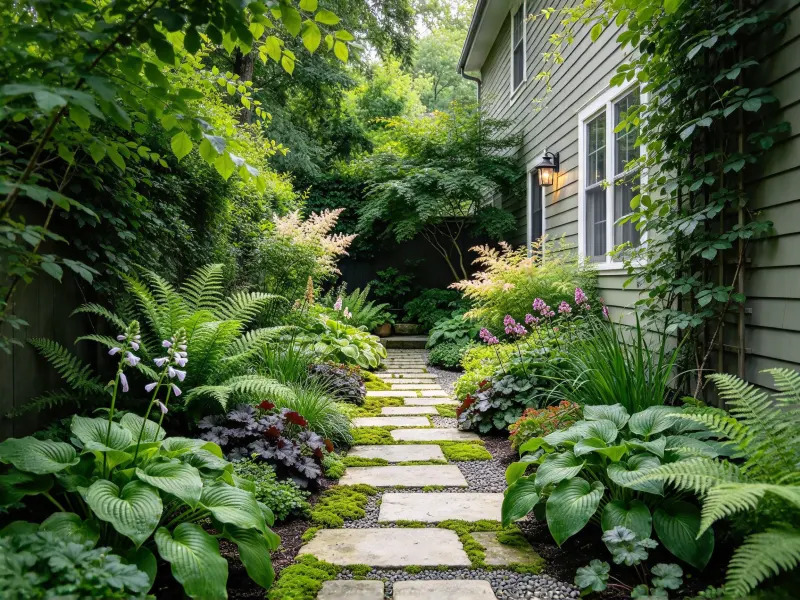
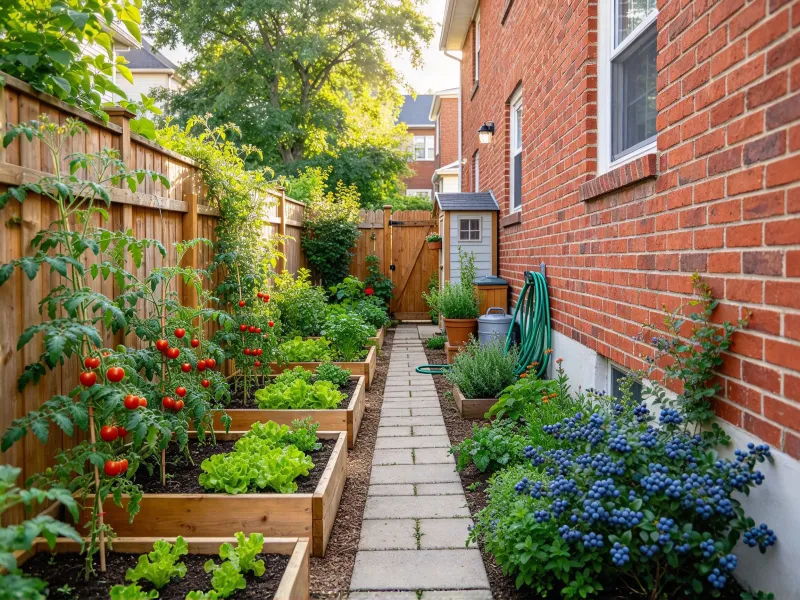
Give a narrow side yard one legible route with pavers, brick, stabilized gravel, or stepping stones set into planting. The right side yard walkway keeps gates, bins, and service doors usable while making a forgotten strip feel deliberate.
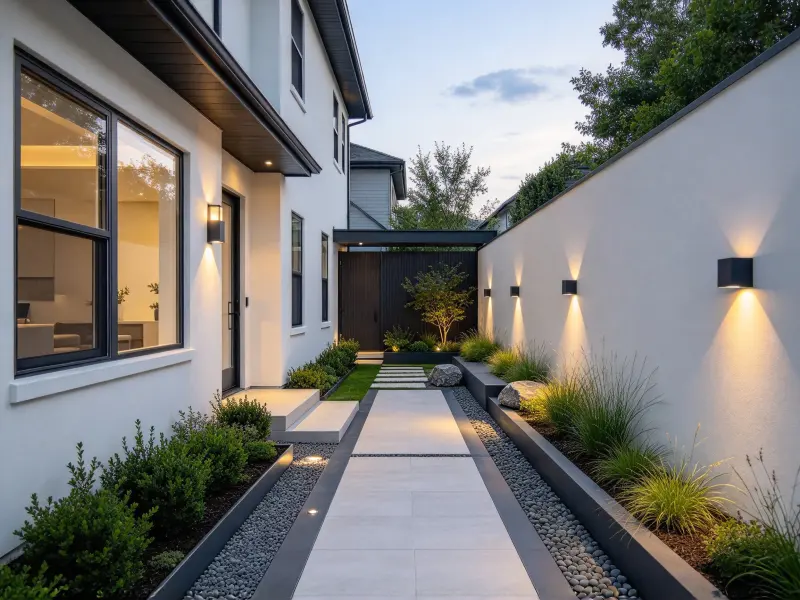
Choose a Side Yard Layout That Fits Your Space

AI side yard design helps you make early decisions that have the greatest effect on access, comfort, upkeep, and cost before the plan becomes difficult to revise.

Shape a More Secluded Side Passage

Shape a More Secluded Side Passage

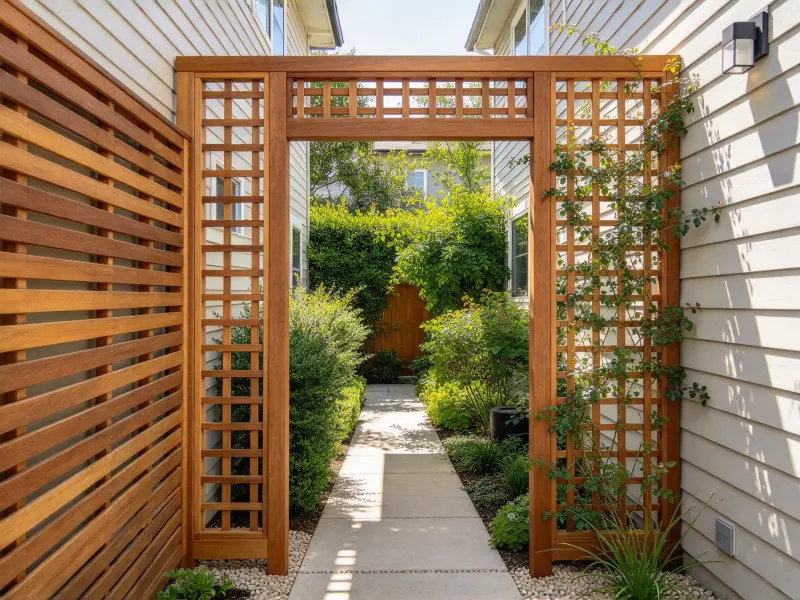
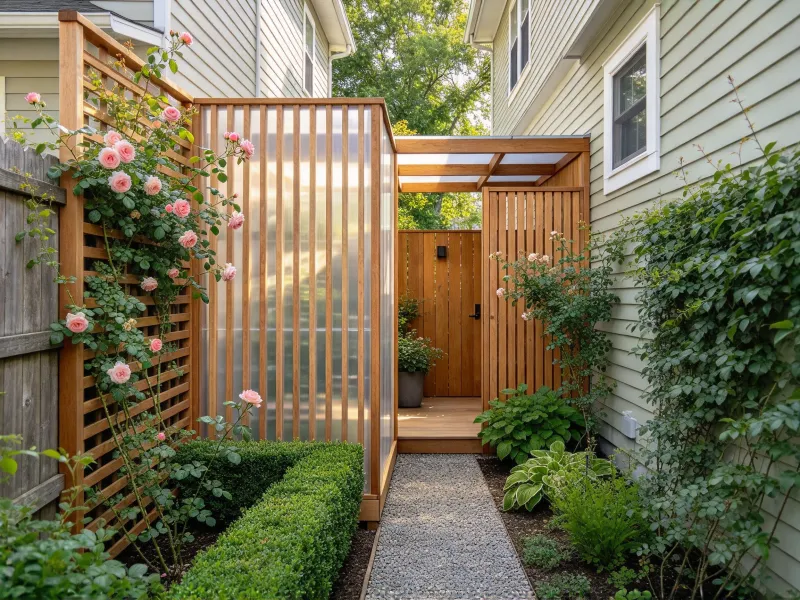
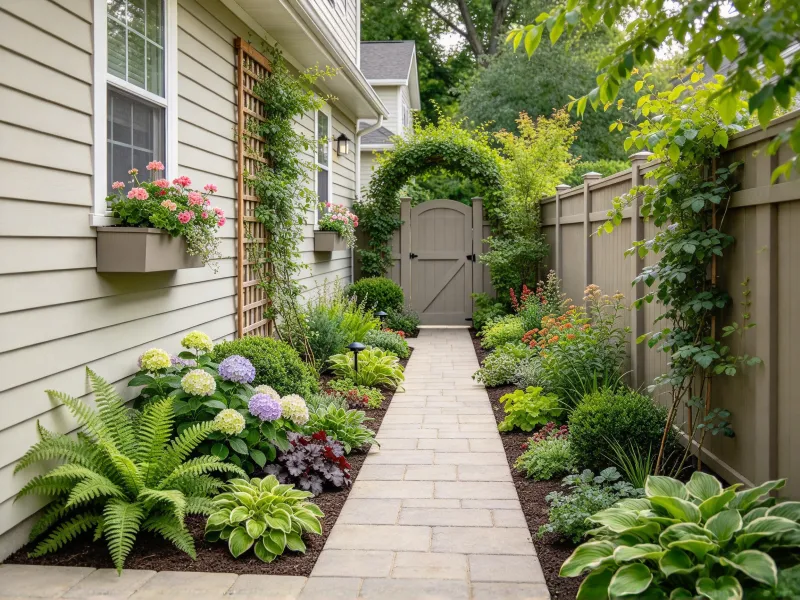
Turn an exposed route into a more sheltered edge with a side yard privacy screen, climbing plants, and light-filtering materials. Use AI side yard design to compare screen heights and planting density while keeping windows, gates, and airflow in view.

Build a Clear Route for Daily Use

Build a Clear Route for Daily Use

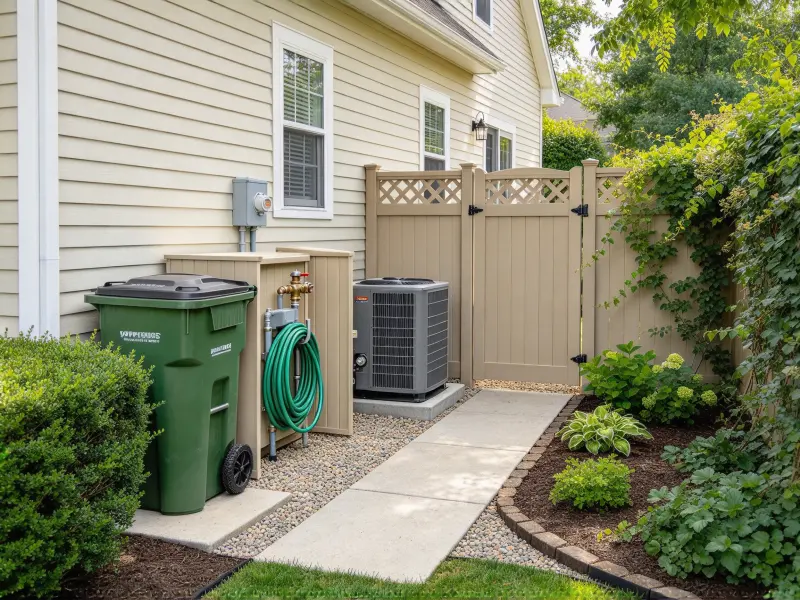
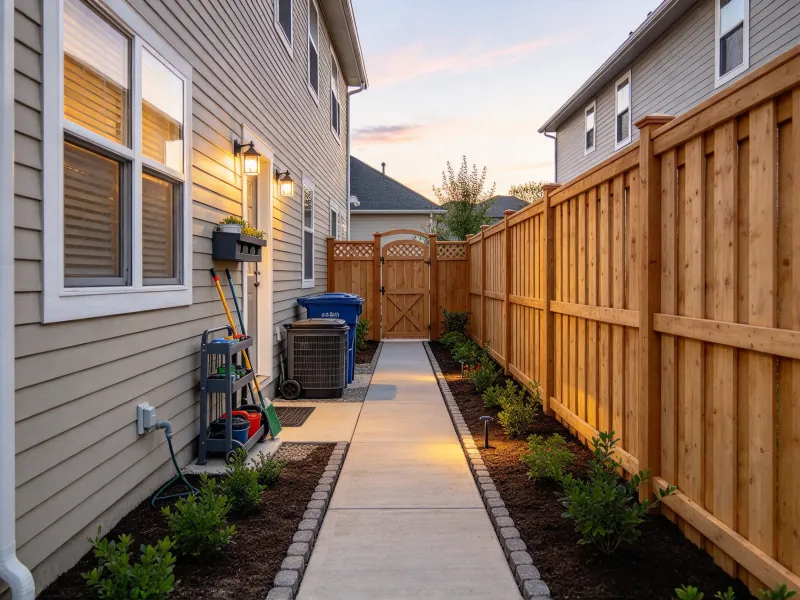
Design around the movement that actually happens: bins to the curb, tools to the backyard, a mower through the gate, or a quick walk after dark. An AI side yard design generator helps you test a side yard walkway that remains clear around door swings, corners, and equipment.

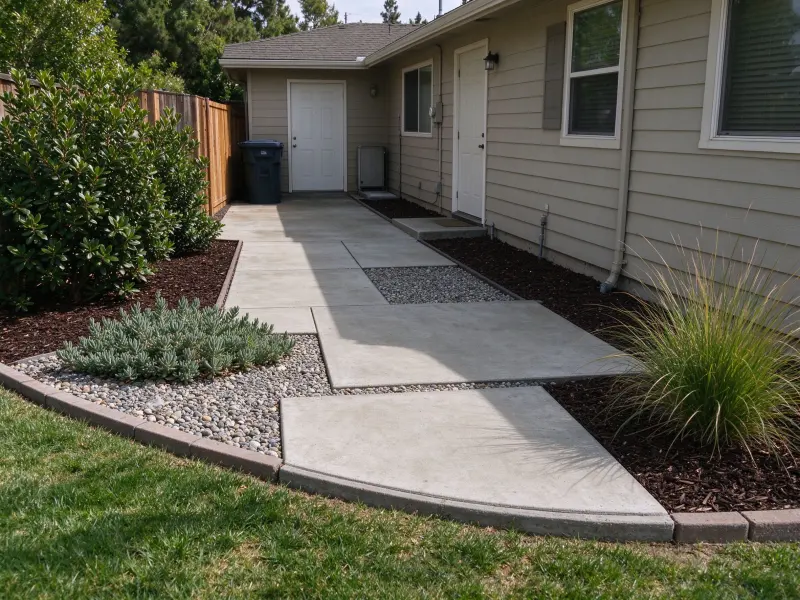
Find the Right Finish Underfoot

Find the Right Finish Underfoot

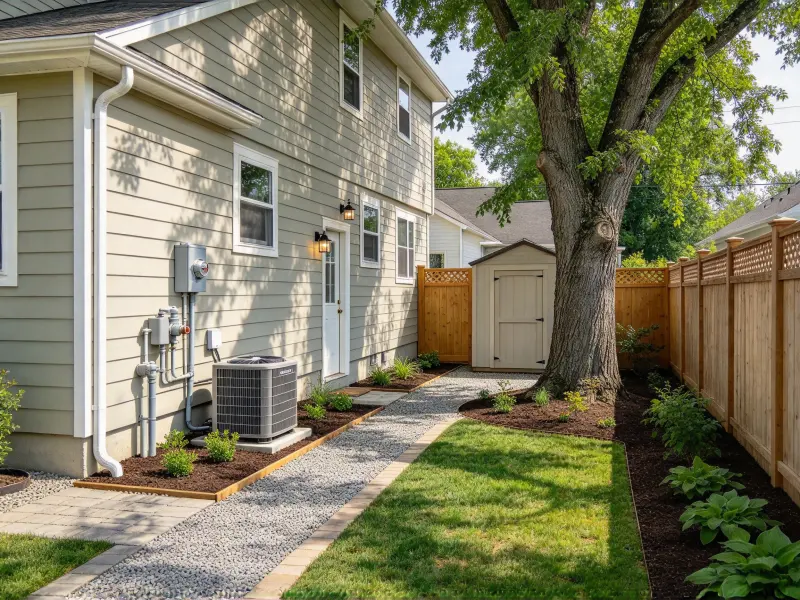
Compare gravel, brick, narrow pavers, concrete, mulch, or permeable surfaces in the real corridor beside your home. Test paving direction, border width, and planted edges in AI side yard design before confirming grading, drainage, and installation details with a qualified professional.

Introduce Planting Along the Edge

Introduce Planting Along the Edge

Use slim borders, wall planters, climbers, or shade-tolerant foliage to add softness without narrowing the route. AI side yard design helps you compare side yard landscaping ideas that bring in more planting while leaving enough room to walk, open a gate, and maintain the space.

Why Use AI for Side Yard Design?

Use AI side yard design to check the decisions that determine whether the space beside a house works in daily life, not just in an inspiration image.

See the Full Passage Before Spending

See the Full Passage Before Spending

Preview the side passage before ordering pavers, screens, or plants. AI side yard design compares walking room, storage, and planting together, so you can avoid costly revisions once work begins.

How People Use AI Side Yard Design?

Explore practical ways homeowners and renovation teams use AI to plan, visualize, and improve the space beside a house.

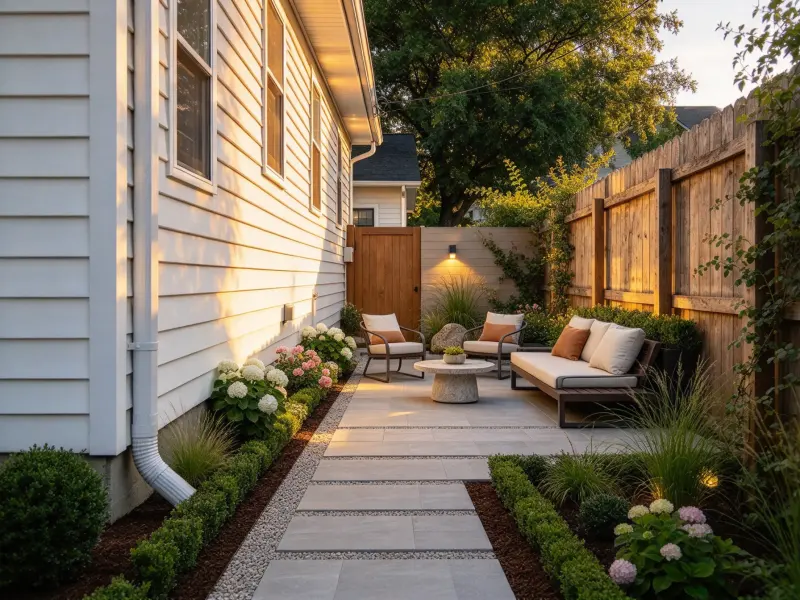
AI Side Yard Design Review by Homeowner - After Generation
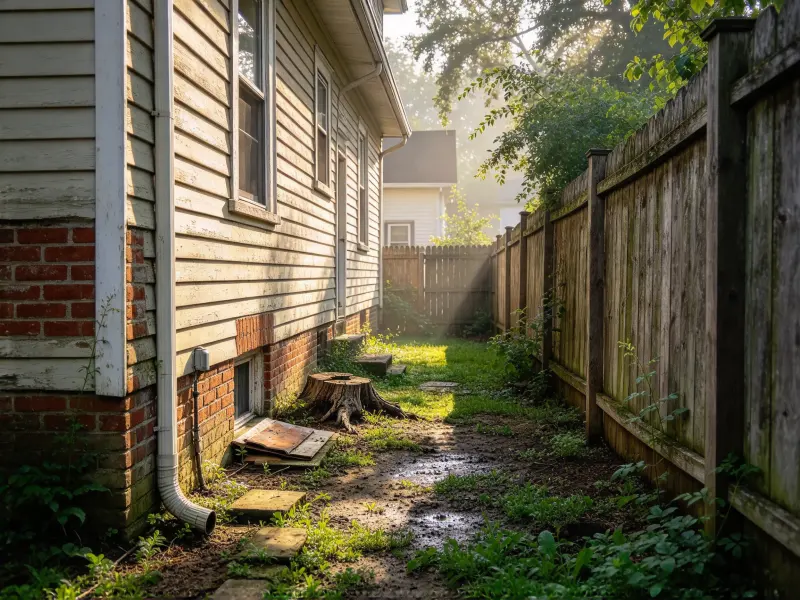
AI Side Yard Design Review by Homeowner - Before Generation
Before

“Seeing the path and bin screen in our own narrow side yard made the problem obvious: we needed a straighter route, not more pots. We changed the layout before asking for paving quotes.”

User Reviews of Landscape Design AI AI Side Yard Design by Homeowner

Olivia Martin

Homeowner

AI Side Yard Design Review by Renovation Consultant - After Generation
AI Side Yard Design Review by Renovation Consultant - Before Generation
Before

“We used two AI side yard design options to discuss slatted screening, plant depth, and access to the heat pump. The image gave our first landscape meeting a much clearer starting point.”

User Reviews of Landscape Design AI AI Side Yard Design by Renovation Consultant

Daniel Reed

Renovation Consultant

AI Side Yard Design Review by Garden Designer - After Generation
AI Side Yard Design Review by Garden Designer - Before Generation
Before

“Comparing a planted passage with a simpler gravel route helped us choose a low-maintenance side yard that still looks good from the kitchen window. It felt like a more realistic decision for our schedule.”

User Reviews of Landscape Design AI AI Side Yard Design by Garden Designer

Amelia Turner

Garden Designer

Frequently Asked Questions About AI Side Yard Design

Practical answers for using AI side yard design as an early-stage visual planning tool.

An AI side yard design generator turns a photo of the space beside your home and your preferences into visual design directions. Use it to compare a side yard walkway, privacy screening, planting, paving, and utility storage. The result is a concept, not a technical drawing or construction plan.
Use a daylight photo that shows as much context as possible: the house wall, fence, ground, gates, doors, drains, downpipes, trees, storage, and equipment. Avoid very dark images or extreme wide-angle distortion. Clear context gives AI side yard design a better basis for proportion and access.
Your uploaded photo gives the AI useful visual context, and you can specify what to retain, such as a gate, drain, AC unit, tree, wall, or fence. Generated images may simplify site conditions, so use AI side yard design as a discussion tool and verify the real setting before excavation or installation.
Yes. AI side yard design is especially helpful for a narrow side yard because it lets you compare visual directions around walls, gates, fences, and equipment that must remain accessible. Photograph the full passage and state which features cannot move before generating options.
Yes. Describe the goal in simple terms, such as “screen the neighbor window,” “keep a path to the rear gate,” “use shade planting,” or “add low-glare path lights.” AI side yard design can visualize those directions together, but fence rules, plant selection, lighting safety, and utility clearances still need local checking.
No. An AI side yard design is an early visual reference. Before building, confirm site measurements, property boundaries, drainage, underground services, equipment clearances, permits, codes, plant suitability, and any HOA or local requirements with qualified professionals.

Explore More Landscape Design AI Tools

Can't get enough? Try these free landscape AI tools to refine every corner of your outdoor plan.

Give the Space Beside Your Home a Better Job

Upload a current photo and see how your side yard could work as a clearer path, a more private edge, a planted corridor, or a tidier utility zone. Compare directions in minutes, then move forward with the option that best supports the way you use the space.

Give the Space Beside Your Home a Better Job