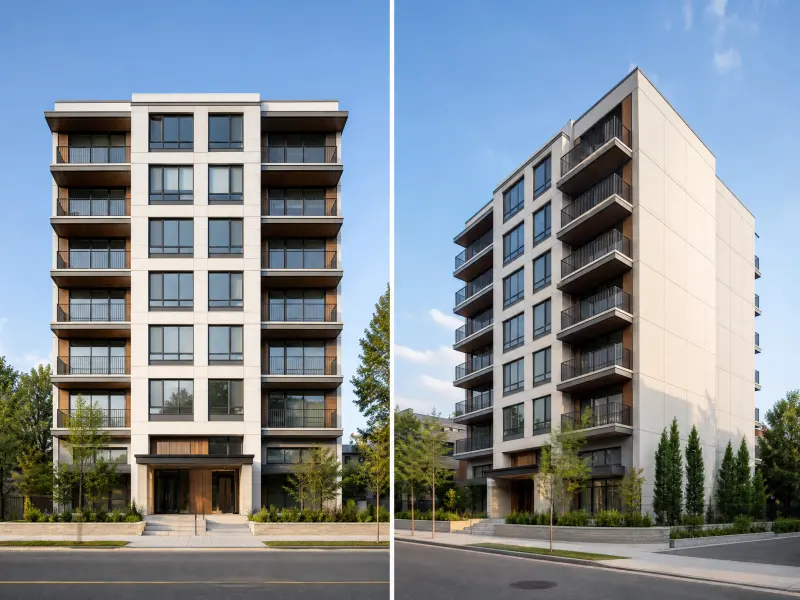
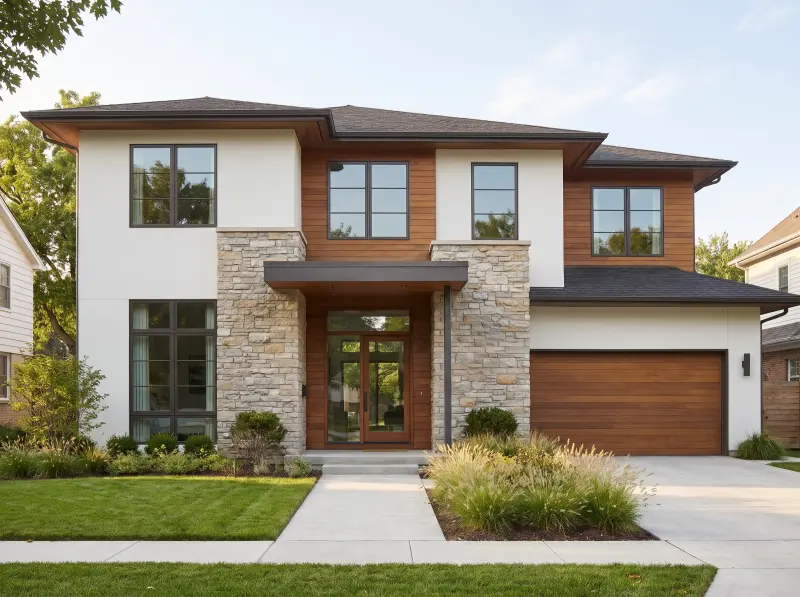
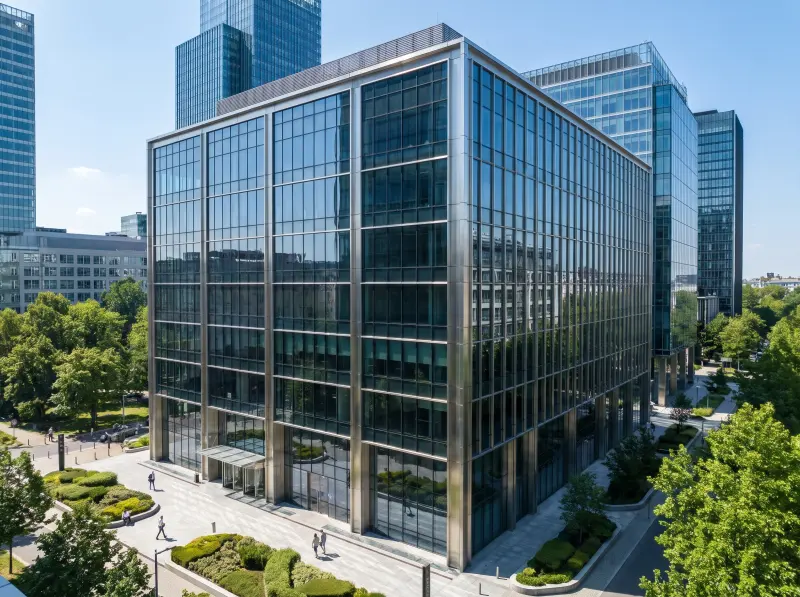
Generate Low-Angle Architectural Views
Lower the camera to emphasize building height, vertical lines, and presence. Low-angle views give commercial buildings, modern villas, and high-rises a stronger sense of scale and dramatic impact.
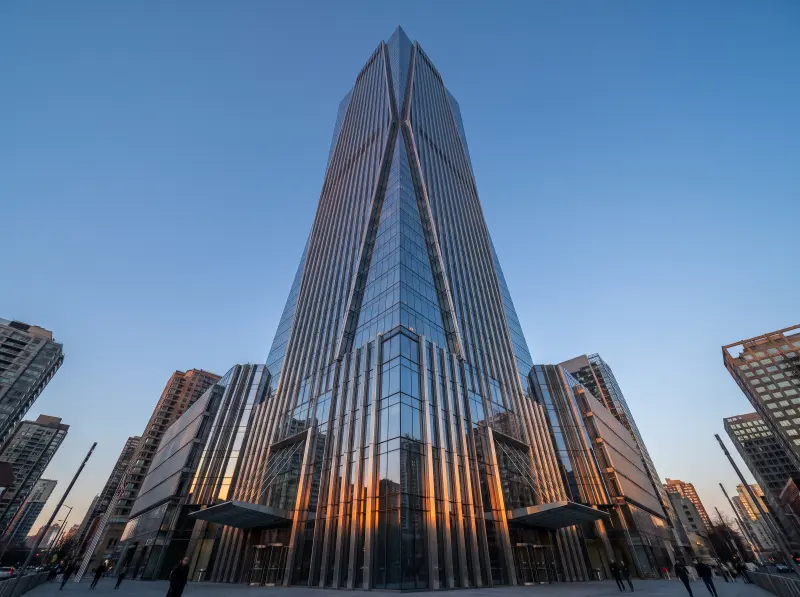

Upload a photo and change camera angle with AI, without rebuilding your 3D scene. Adjust direction, height, and lens distance for bird's-eye, eye-level, and angled views.
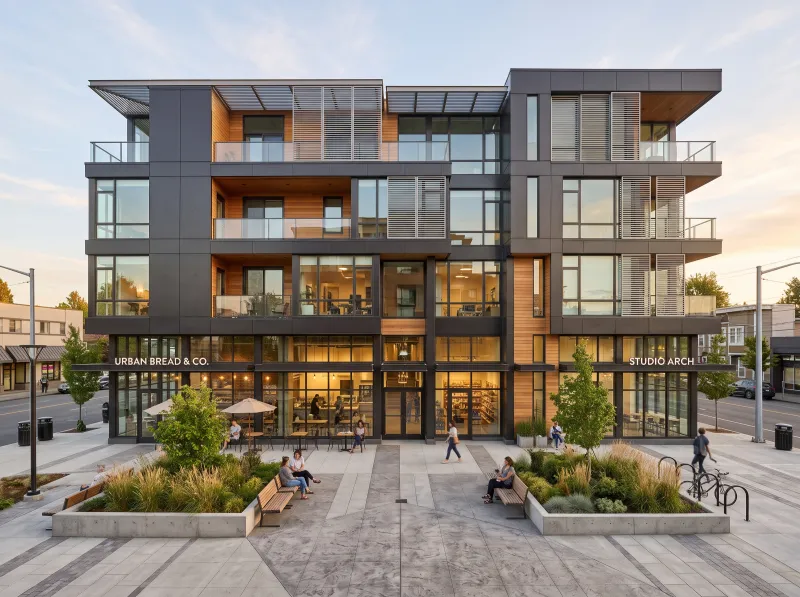 Before
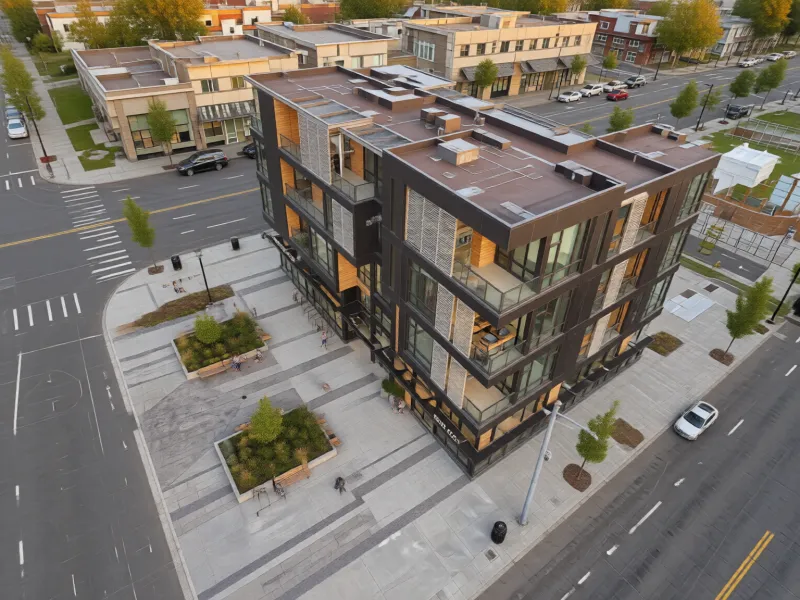 After
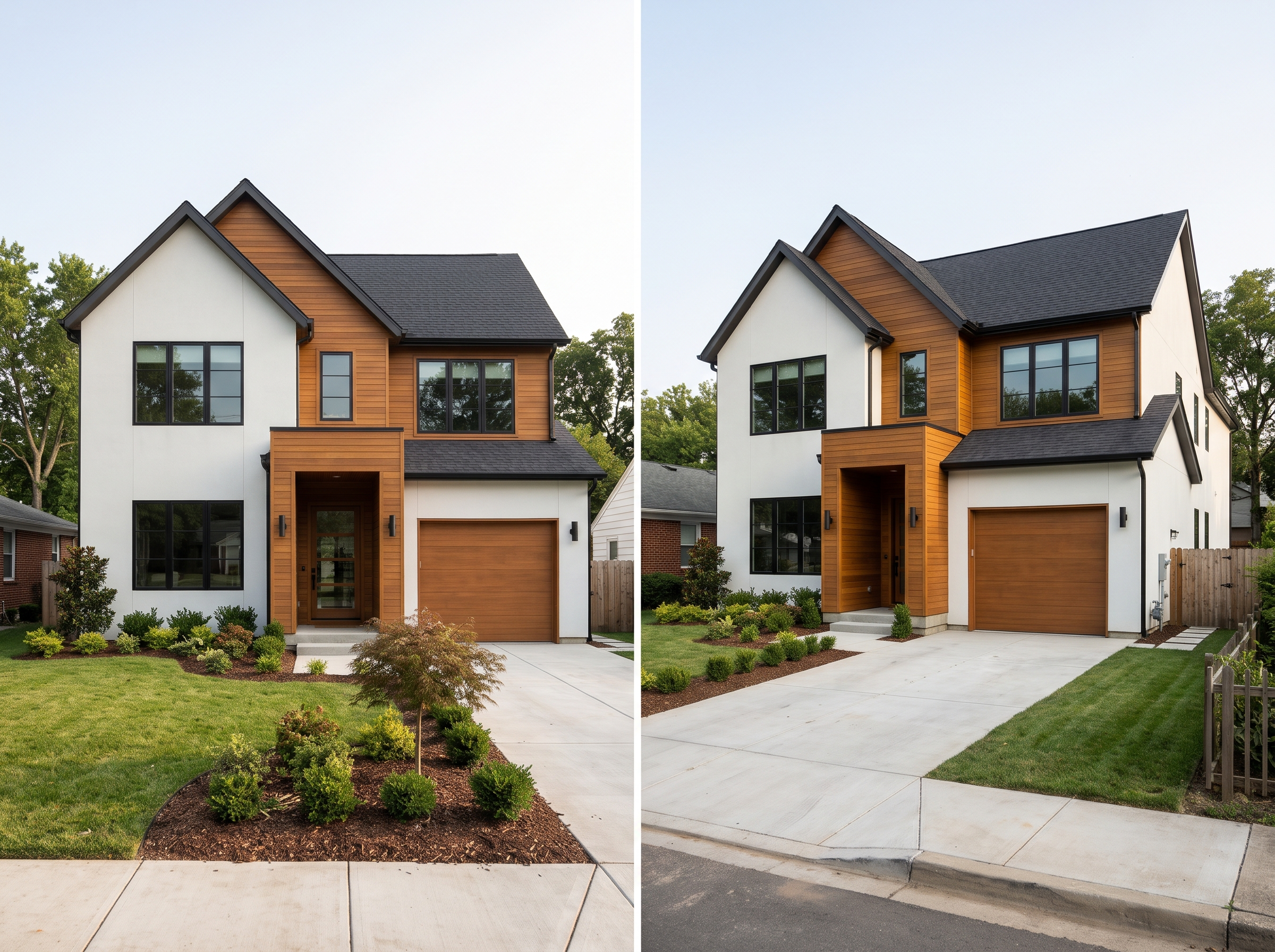
Our AI camera angle changer helps explore another view and use the controls to change camera angle as needed.
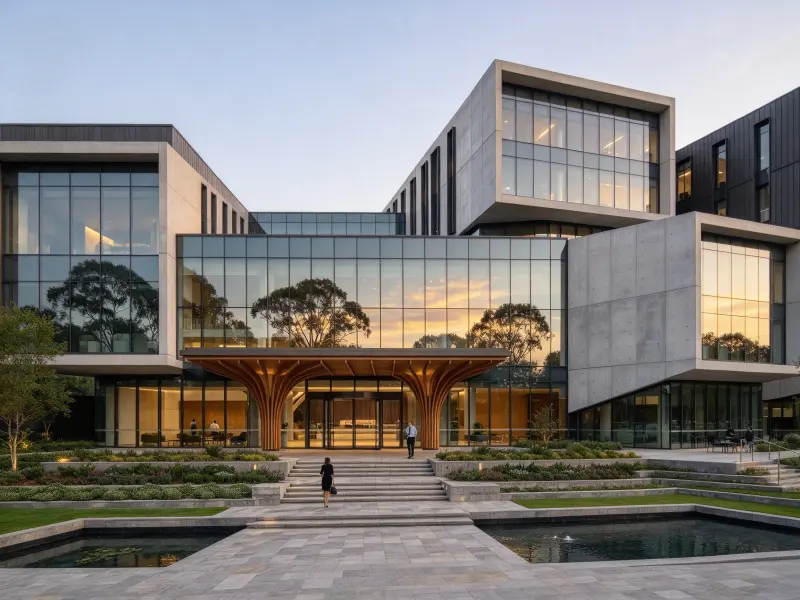
Upload a clear architectural rendering, exterior photo, or design image in a supported format. Keep the main subject visible. Your image will appear in the left preview panel.
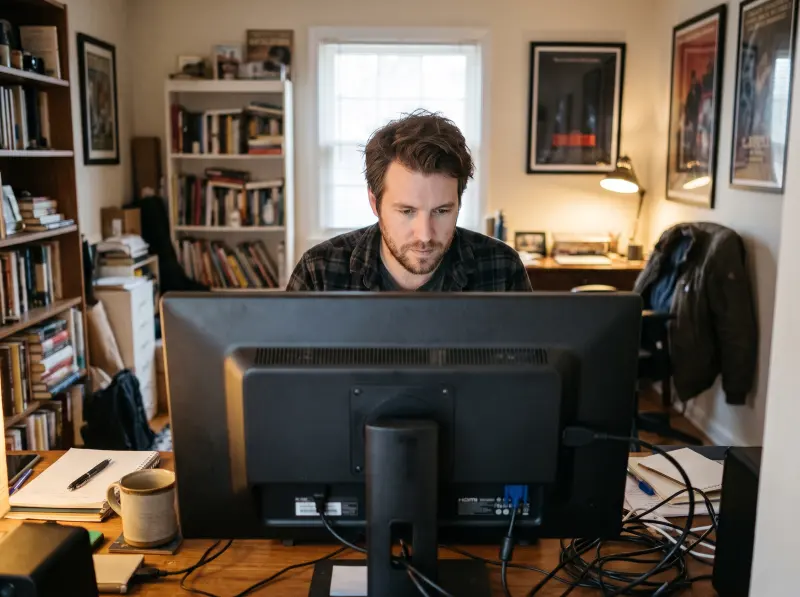
Use the sphere to change camera angle and direction. Adjust rotation, camera height, and lens distance separately, or choose a preset. Select Reset to start again.
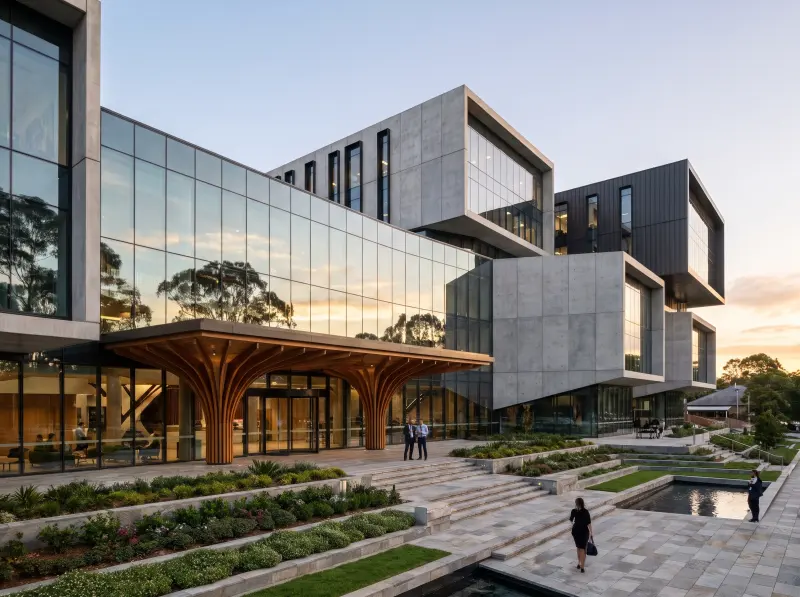
Select Generate Viewpoint to create a perspective from your image and settings. Review it in the left preview panel, refine the controls, and generate more views.
A different viewpoint can reveal details a single rendering may hide. The AI camera angle editor helps compare architectural views with greater clarity.
Raise the camera to reveal rooftops, building layouts, and nearby spaces. Bird's-eye views suit site planning, residential projects, and landscape design, showing how a structure fits its setting.
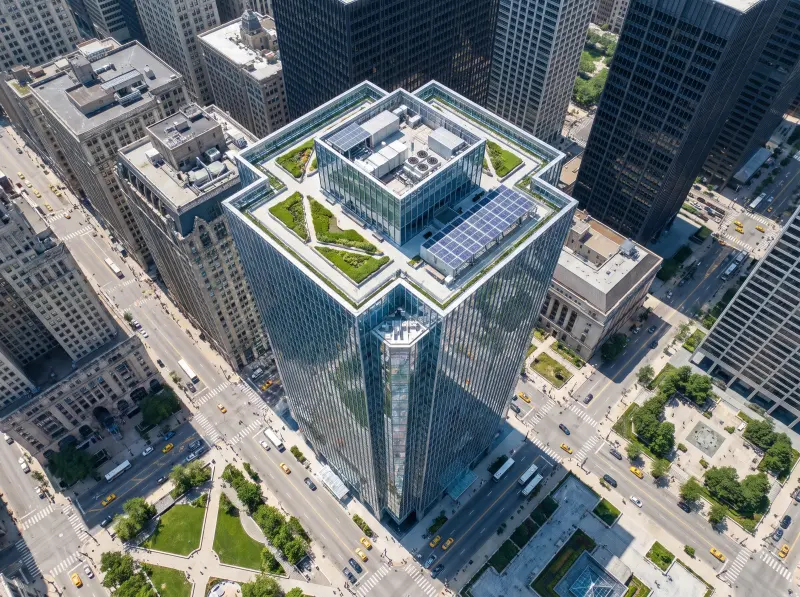
From early design exploration to client presentations, an AI camera angle changer helps prepare alternative viewpoints for each stage of an architectural project.
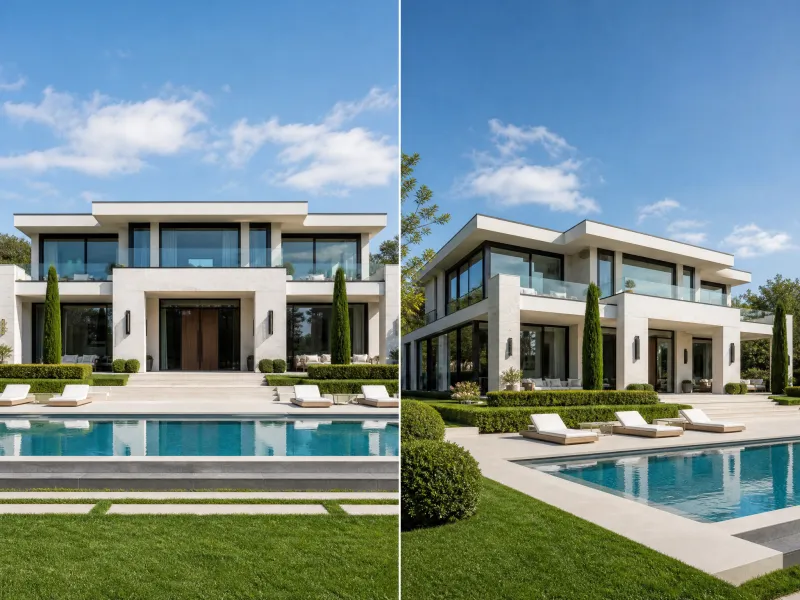
Explore homes, villas, and commercial buildings from different directions. A free AI camera angle converter tool creates front, side, and three-quarter views from existing renderings, helping communicate facade details, proportions, and massing during client reviews and project presentations.
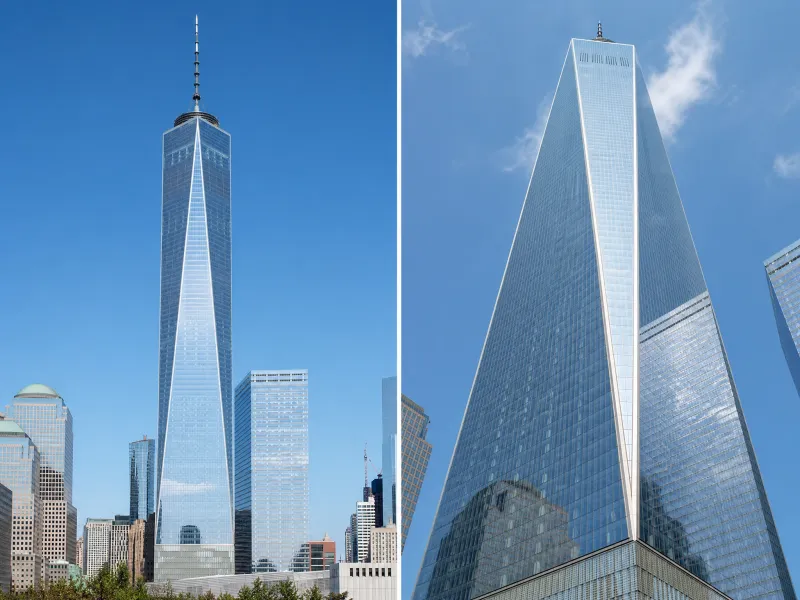
Present 3D models and early concepts from different directions without repeatedly repositioning cameras in your software. The AI camera angle changer helps compare front, side, diagonal, and elevated views, silhouettes, and spatial relationships during the concept design stage.
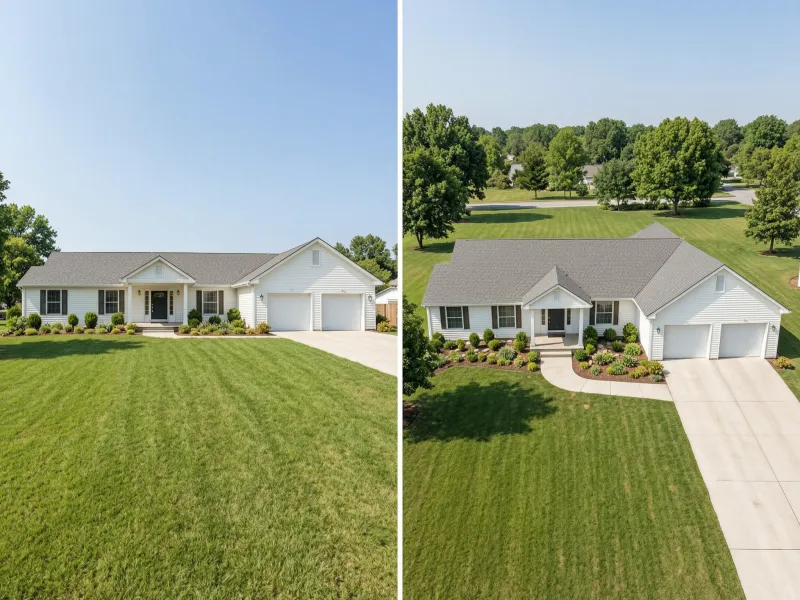
Show gardens, yards, and outdoor living areas from complementary viewpoints. Use a higher angle to explain circulation, planting zones, and layouts, then move to eye level for paving, vegetation, and furniture. Our AI camera angle changer helps clients understand the complete proposal.
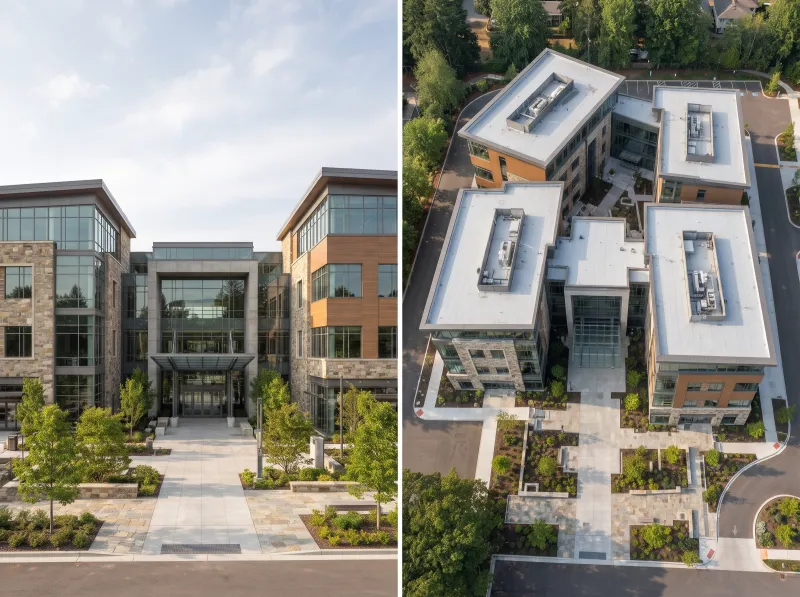
Create varied property visuals without relying on one exterior image. The AI camera angle changer helps explore alternative views of homes and commercial properties for listings, brochures, and online presentations, giving prospective buyers a clearer impression of the building and its setting.
A free AI camera angle converter online and AI camera angle changer offer more ways to review images you already have.
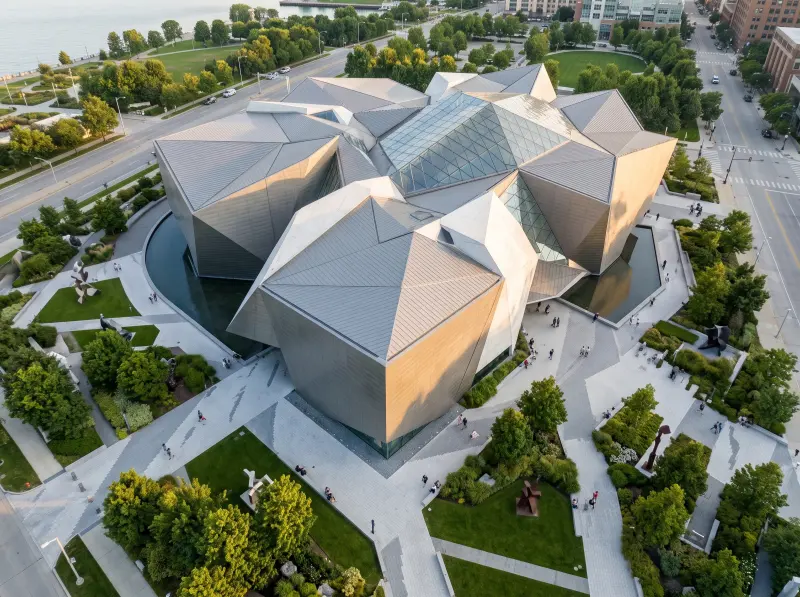
Skip reopening modeling software or repositioning cameras. Start with an existing image and use an AI camera angle editor to explore fresh perspectives without a full render.
The free AI camera angle converter online supports clearer reviews and more useful visual comparisons. An AI camera angle changer can support this process.
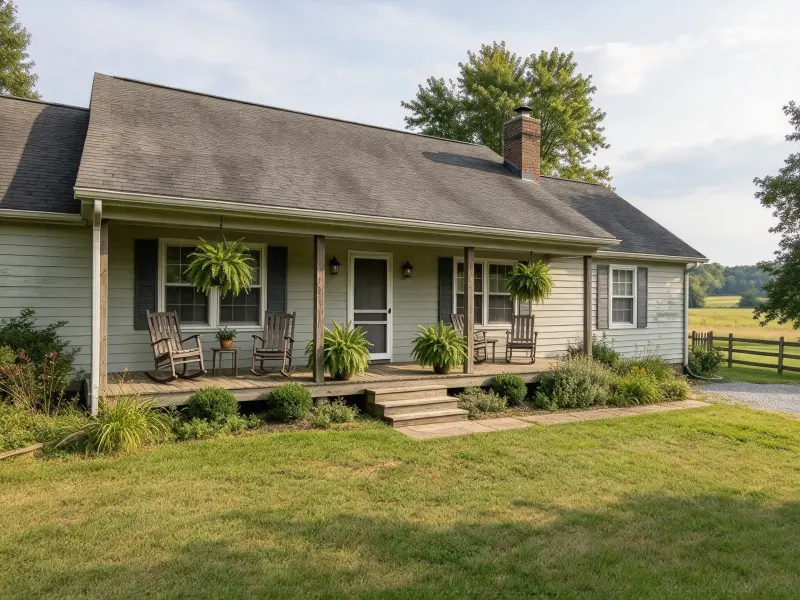
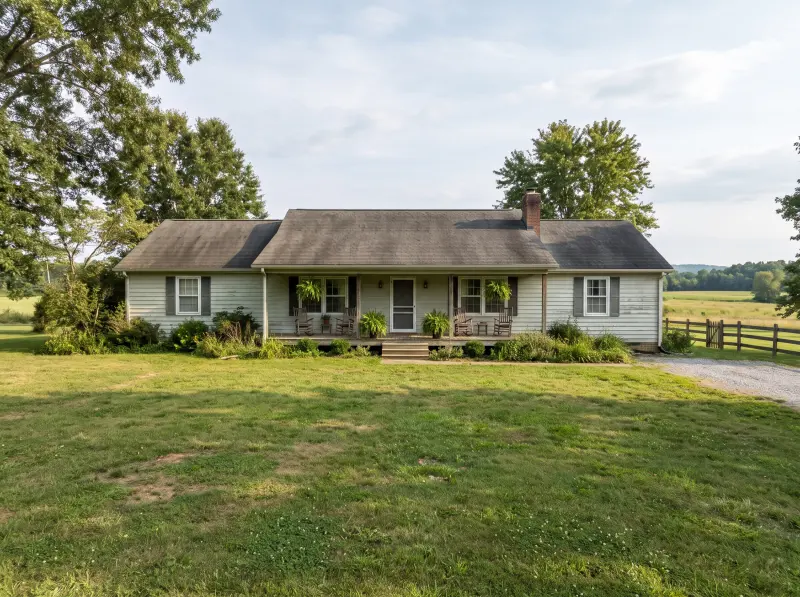
“I often need several views for a residential concept. This tool lets me explore front, side, and elevated perspectives without repeating the full camera setup for every design review.”

Michael Turner
Architectural Designer
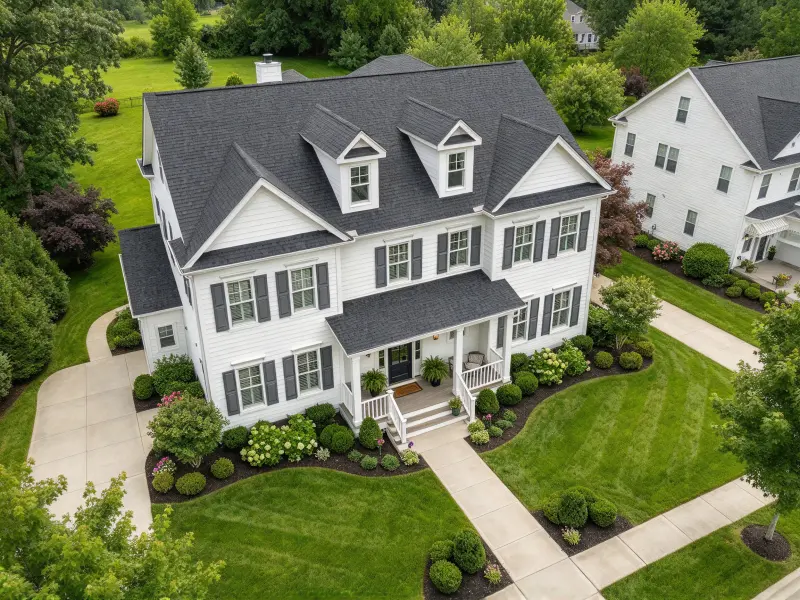
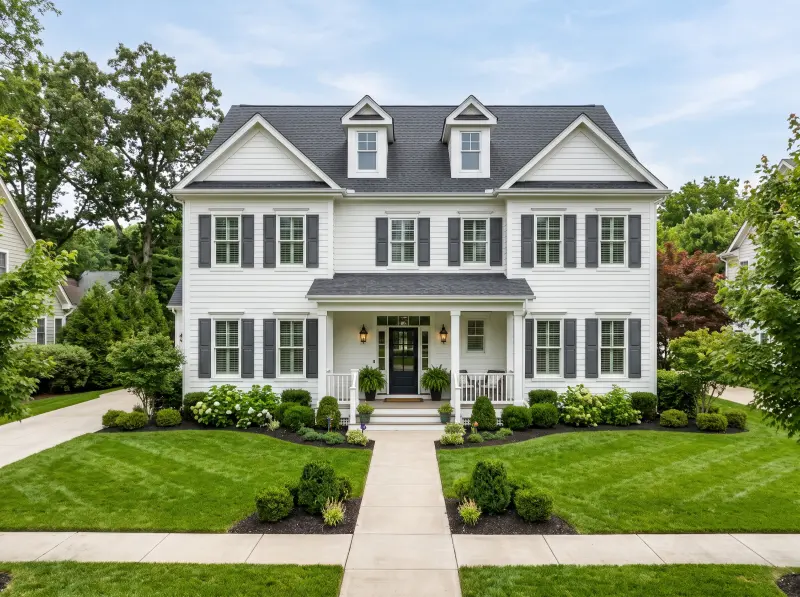
“Showing clients how a garden connects to the house is difficult in one image. A higher viewpoint helps me explain the layout, planting zones, and relationship between outdoor spaces.”

Lauren Davis
Landscape Architect
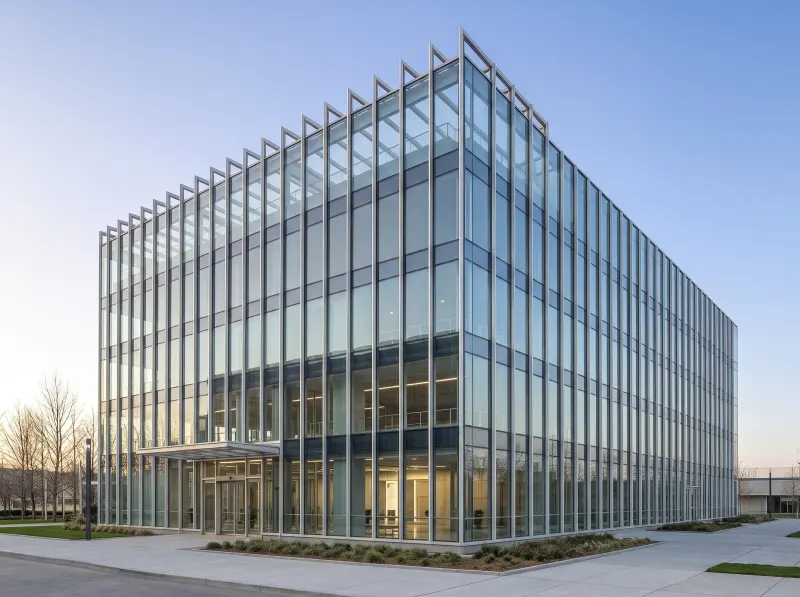
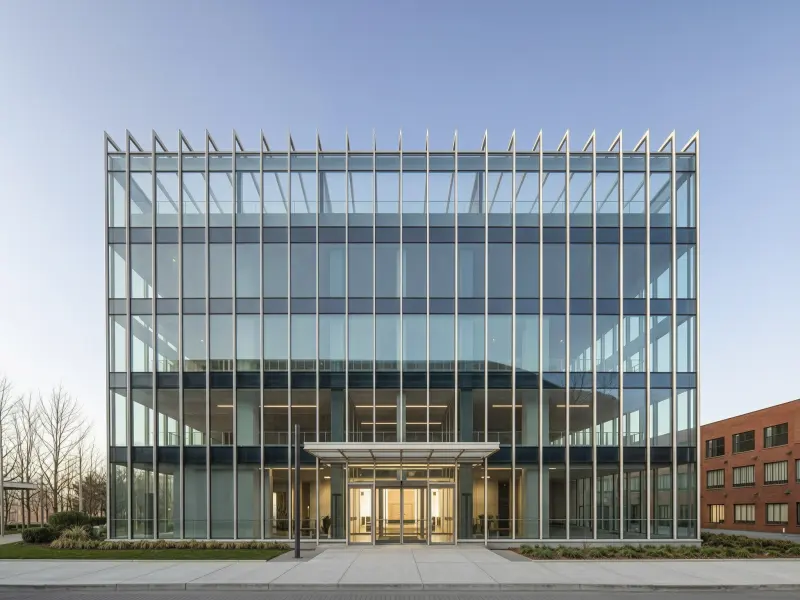
“I like testing alternative compositions from an existing render. The controls are simple, and I can explore perspectives before deciding which views need more detailed work in my 3D workflow.”

Ryan Mitchell
3D Visualization Artist
Find answers about using an AI camera angle editor or free AI camera angle converter tool in design workflows. See how our AI camera angle changer fits your workflow.
Can't get enough? Try these free landscape AI tools to refine every corner of your outdoor plan.
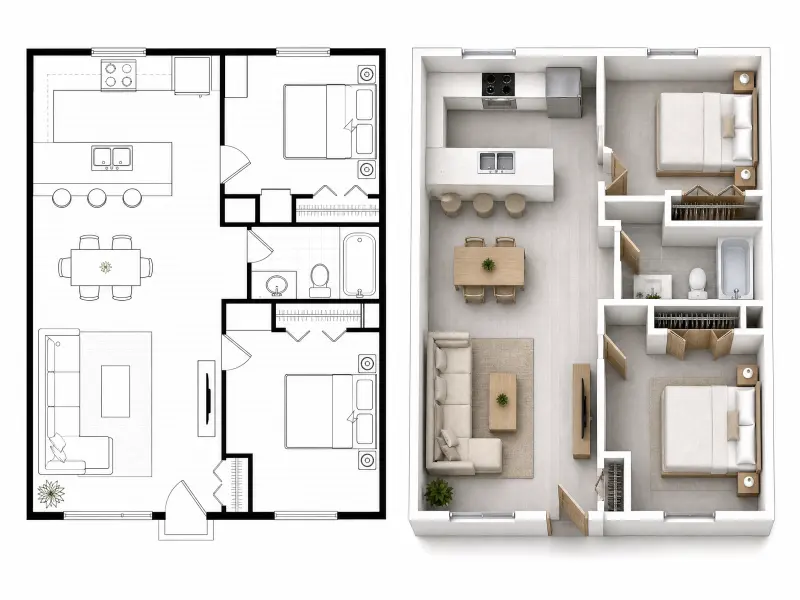
Turn 2D floor plans into realistic 3D visuals in seconds.
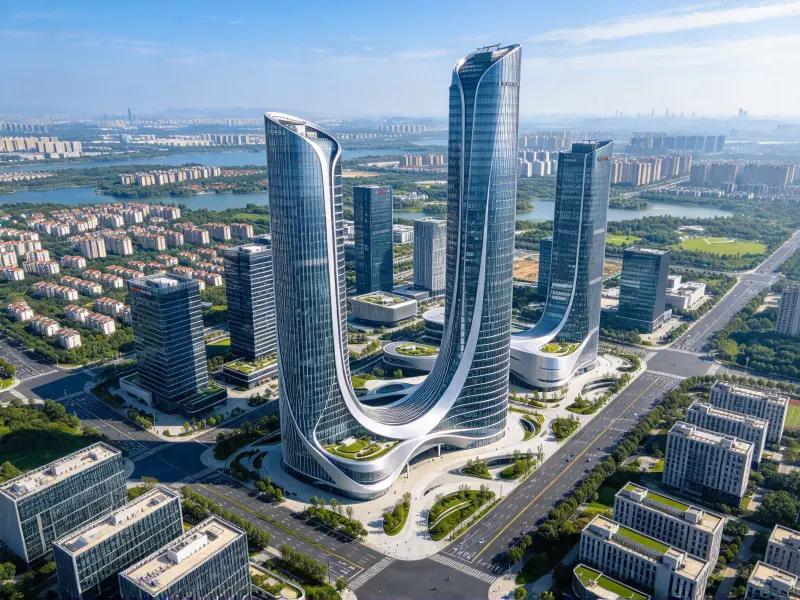
Place 3D models into real site photos with AI site context rendering.
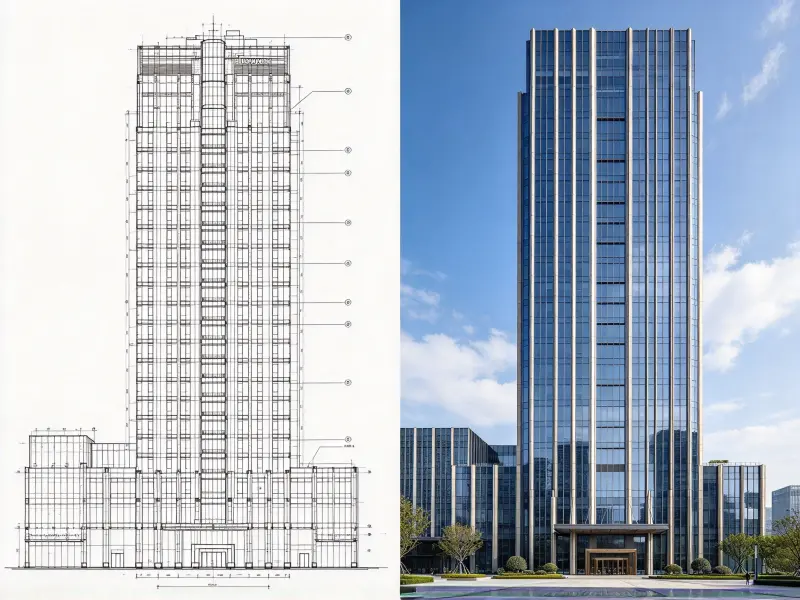
Convert 2D elevations to realistic 3D renders in seconds.
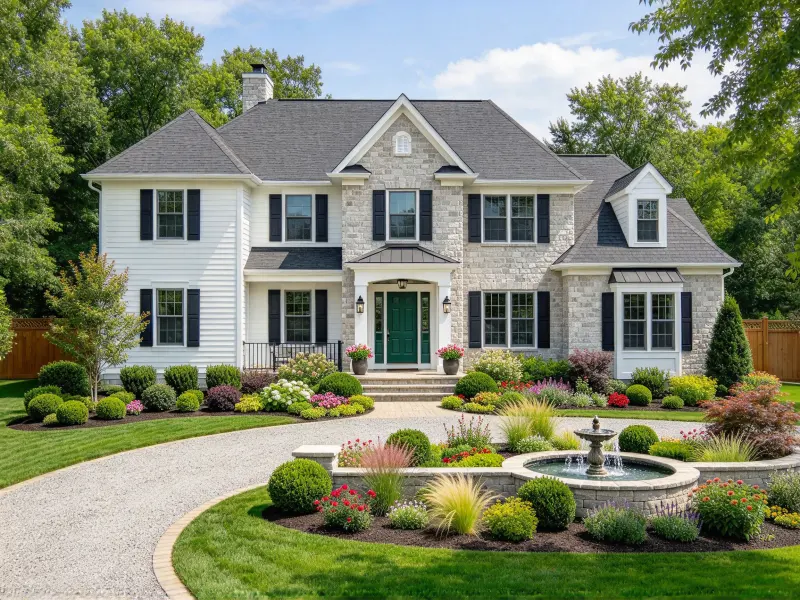
Visualize your home renovation with AI in seconds, for free.
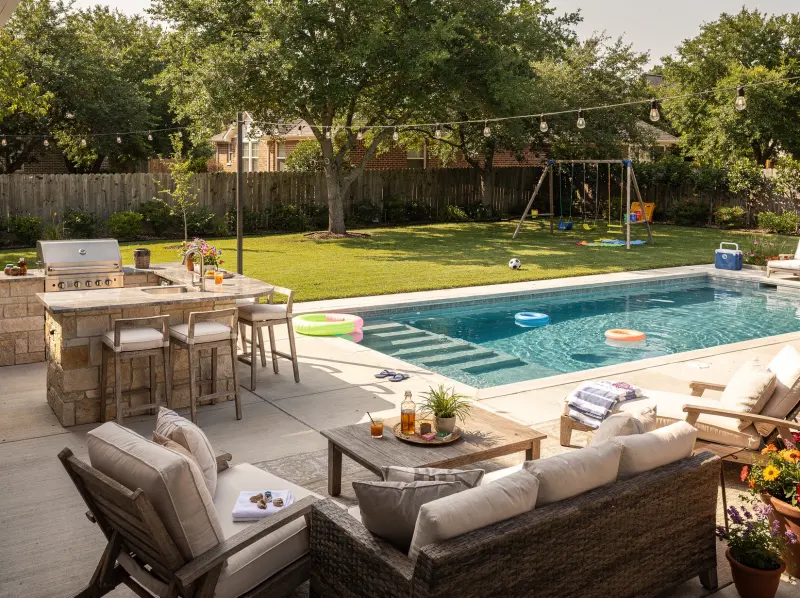
Reimagine your backyard with personalized AI-powered ideas.
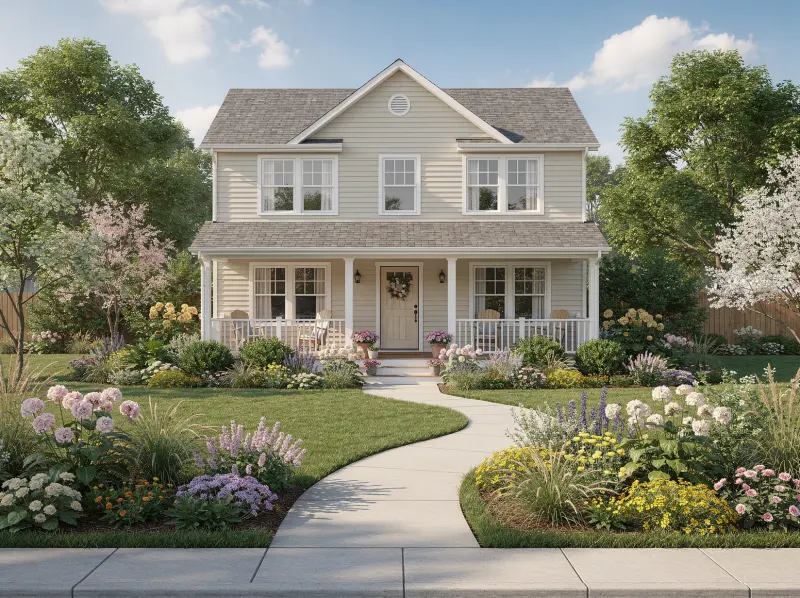
Create a welcoming front yard with AI-designed layouts.
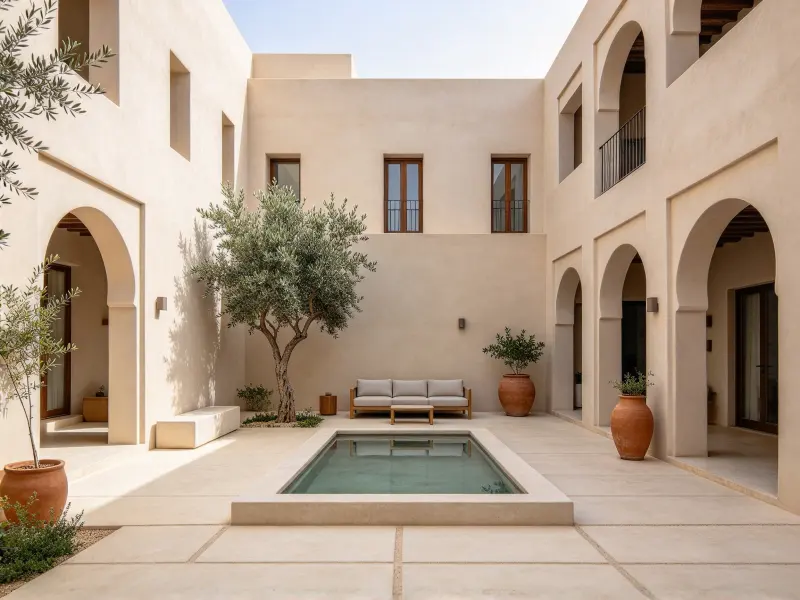
Design your courtyard with smart AI courtyard design.
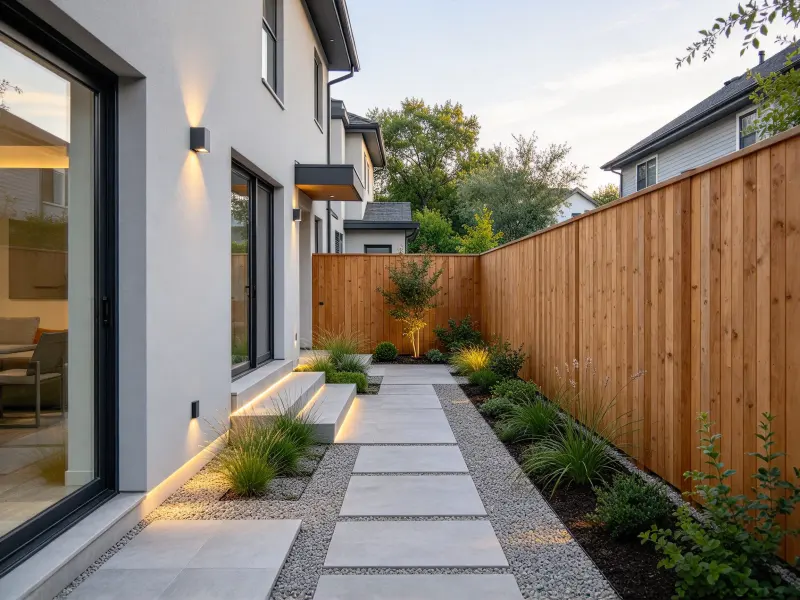
AI side yard design turns tight passages into useful spaces.
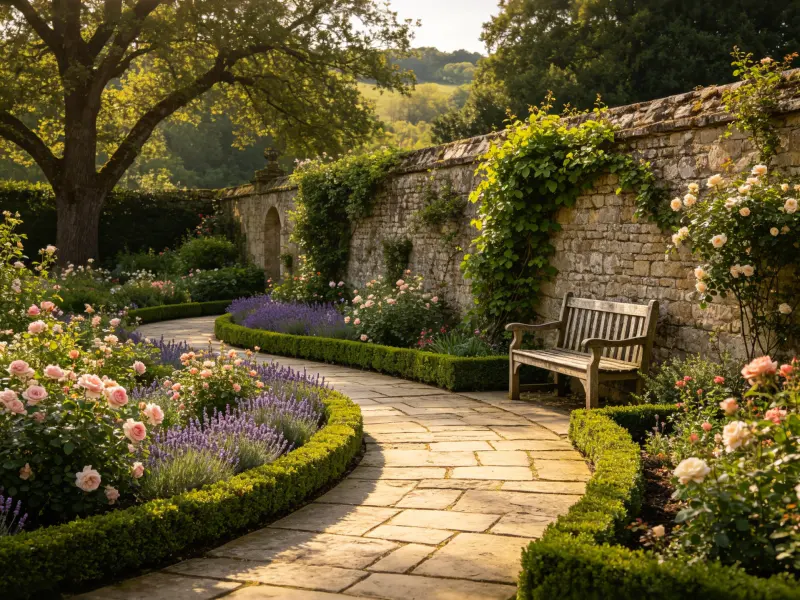
Reimagine your garden views with AI landscaping design free.
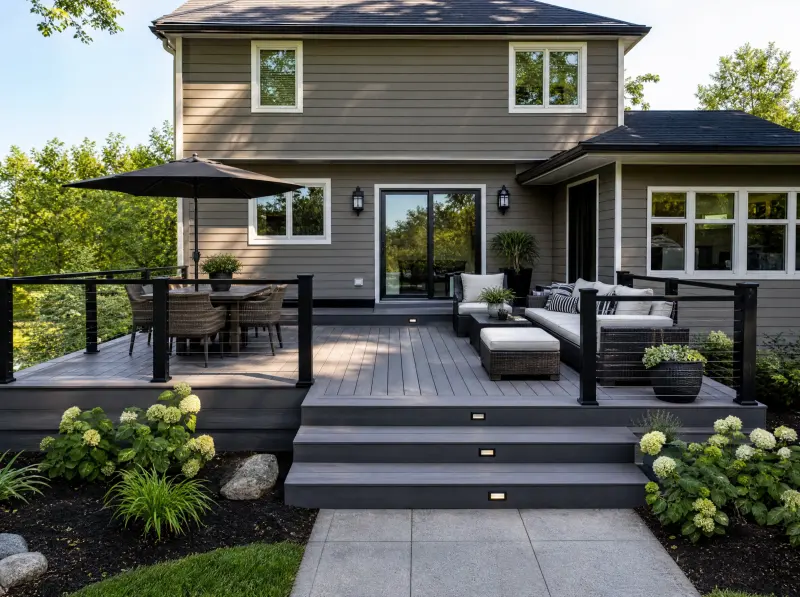
Design a beautiful deck with smart AI deck design generator.
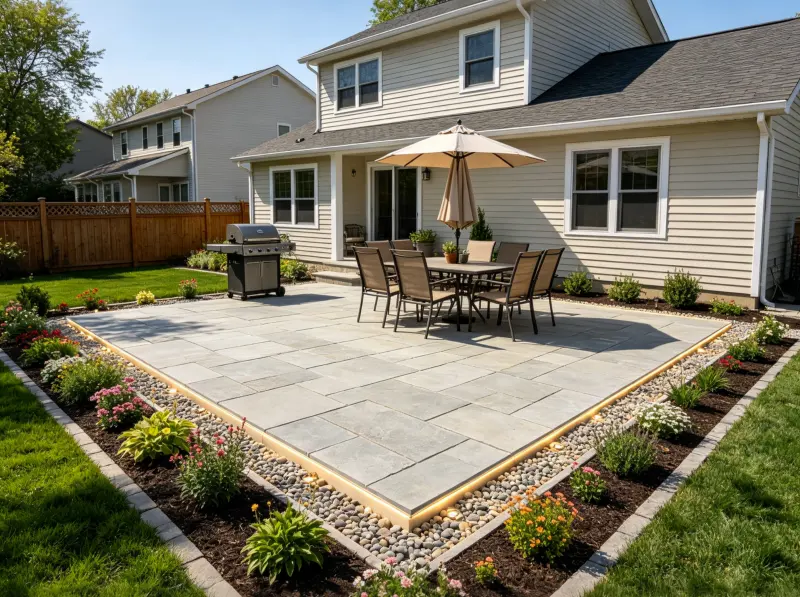
Transform your patio with smart AI patio design online.
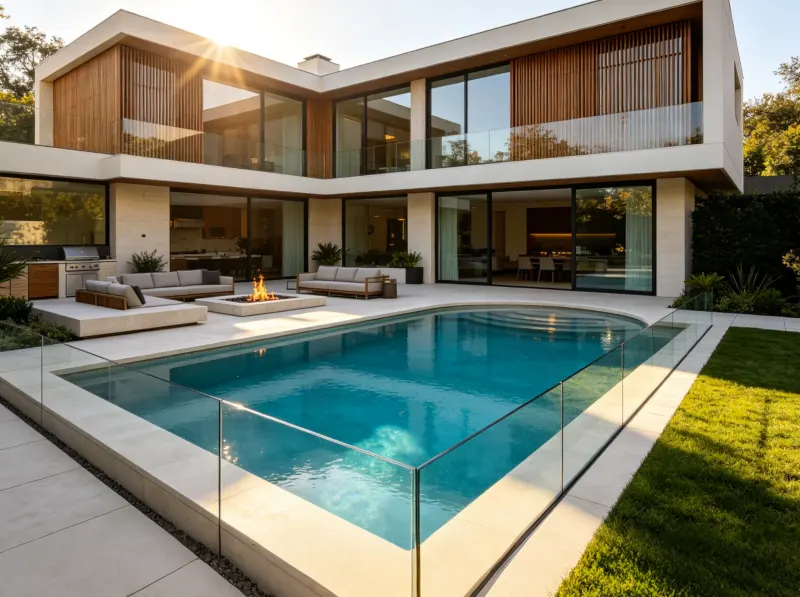
Visualize your dream pool with smart AI design ideas.
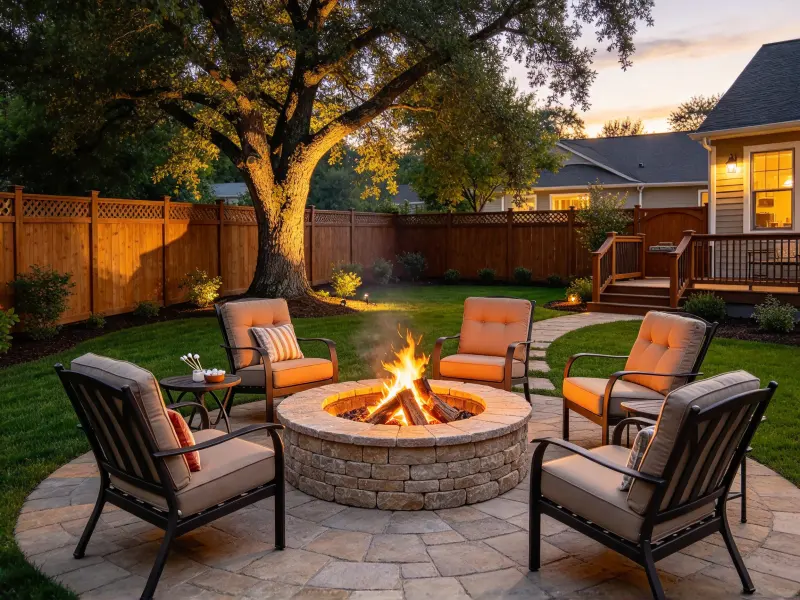
Generate various fire pit designs for outdoor spaces.
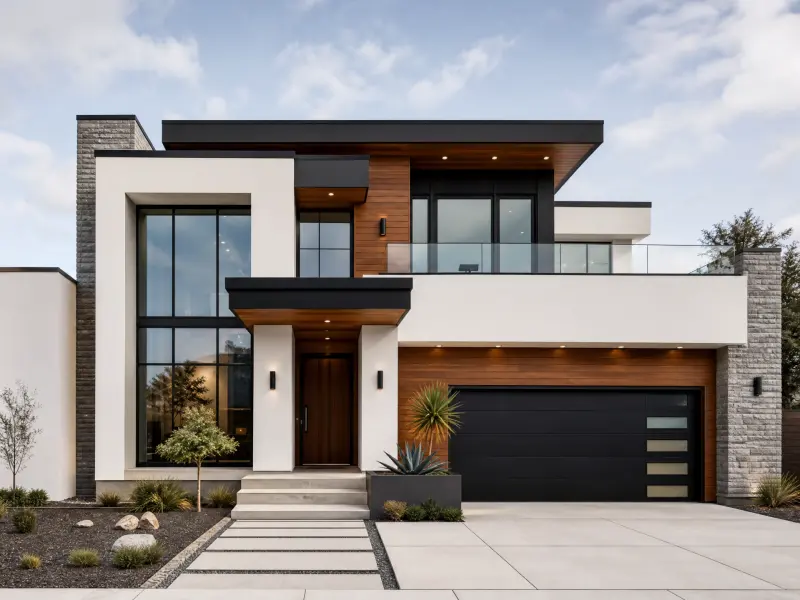
Design your home's exterior with AI exterior design for free.
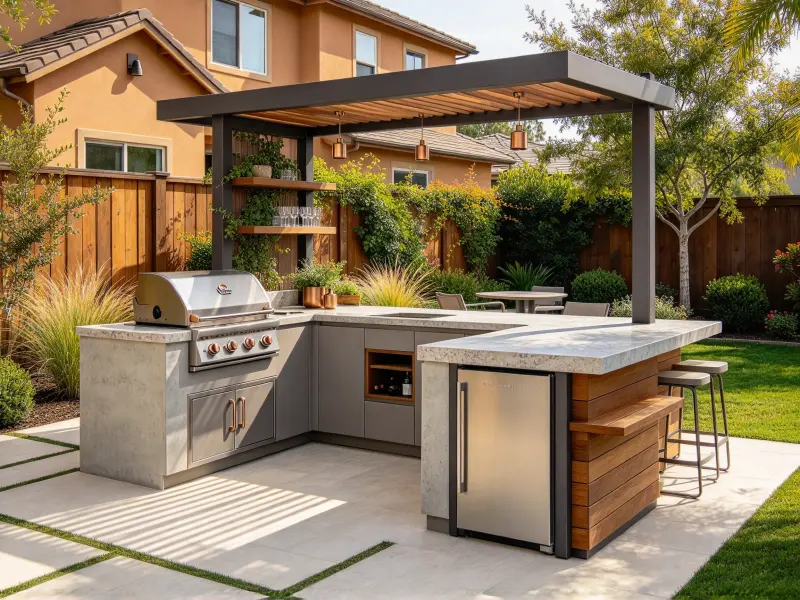
Explore diverse AI-generated outdoor kitchen design ideas.
Upload an architectural image, adjust camera direction, height, and distance, then explore perspectives in seconds. Present your design from another viewpoint, without restarting.