AI Site Context Rendering: Place Any Model Into Its Real Site
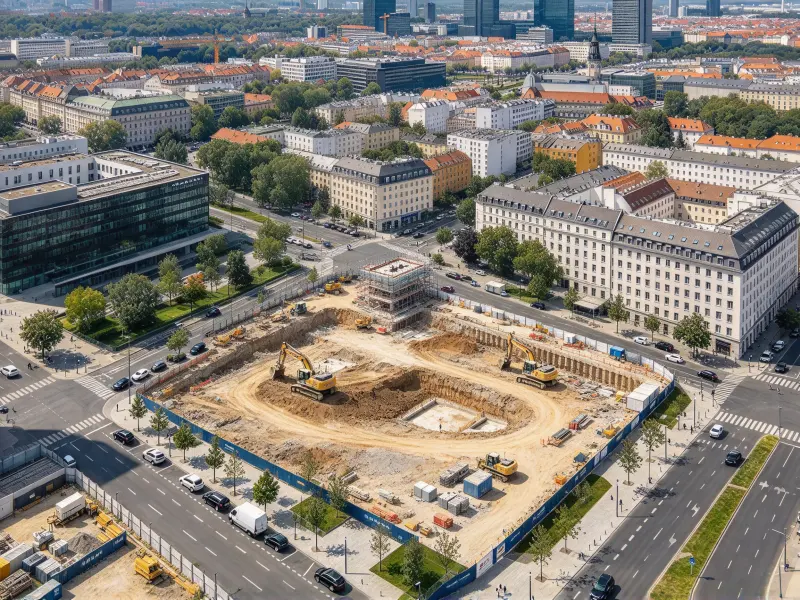
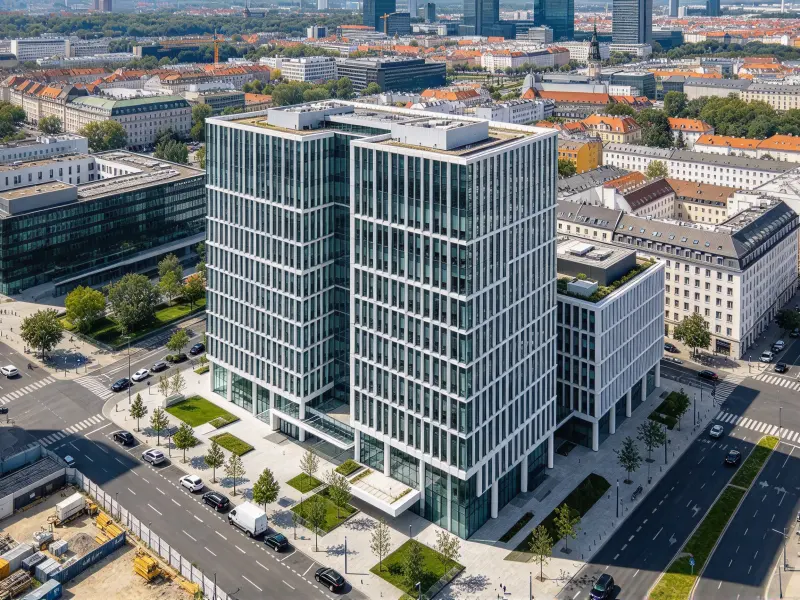
Use this AI site context rendering tool to blend a building model or design concept into a real site photo. AI helps align perspective, scale, and lighting so you can judge how the proposal fits its surroundings.
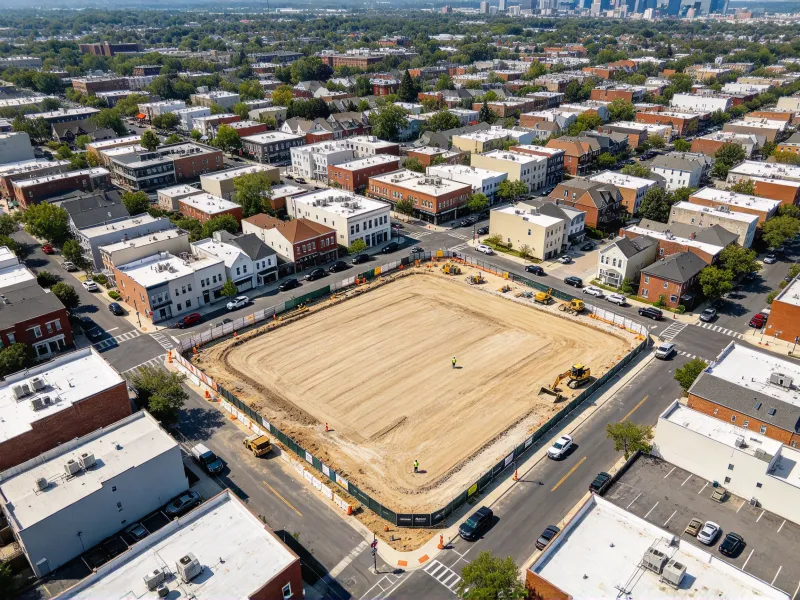
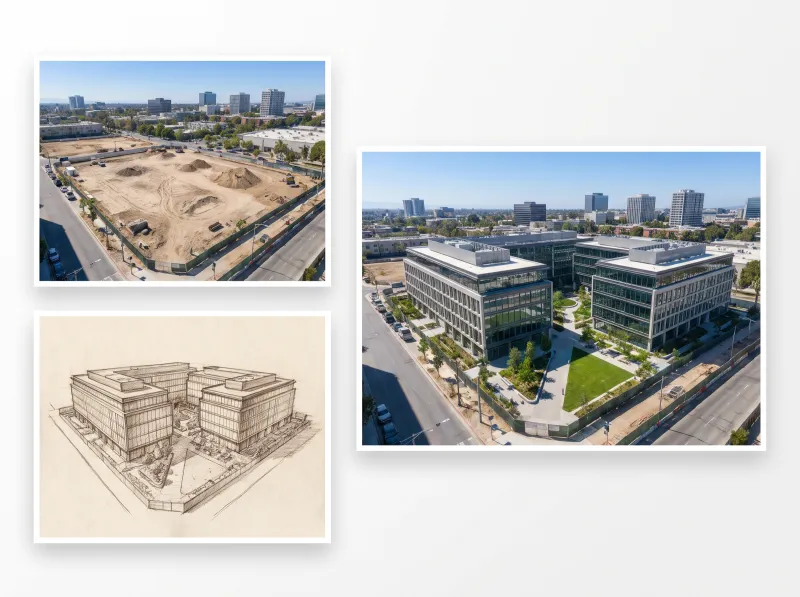
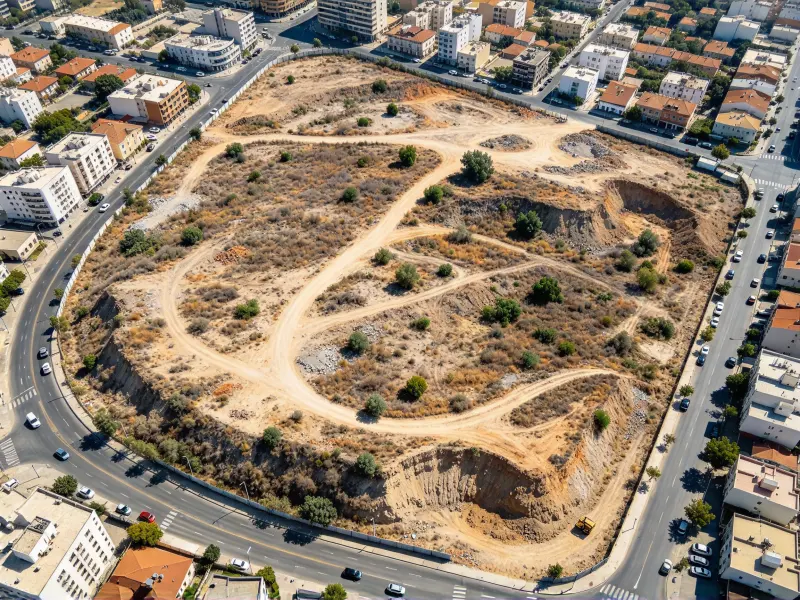
Before
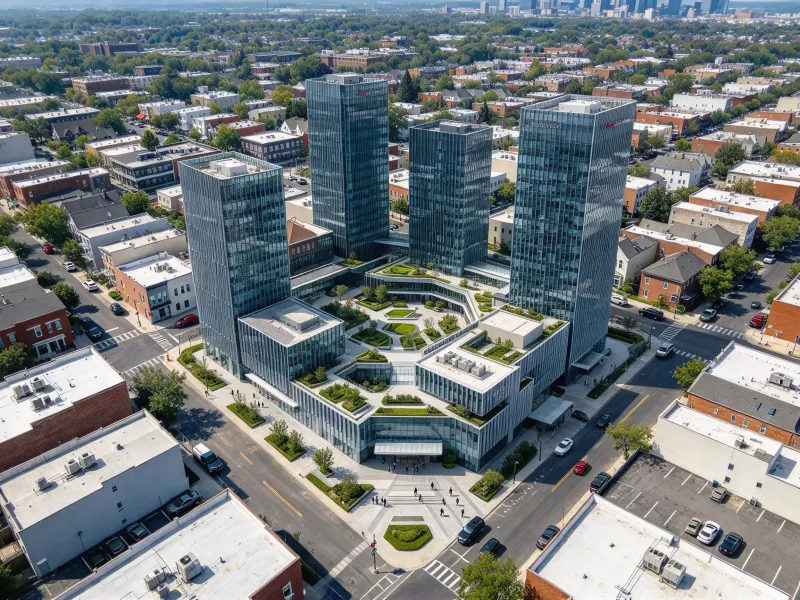
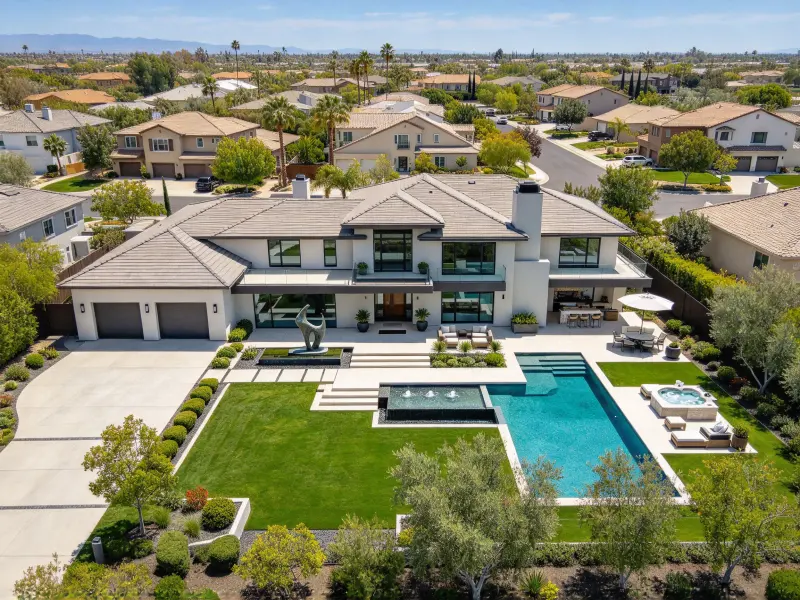
After
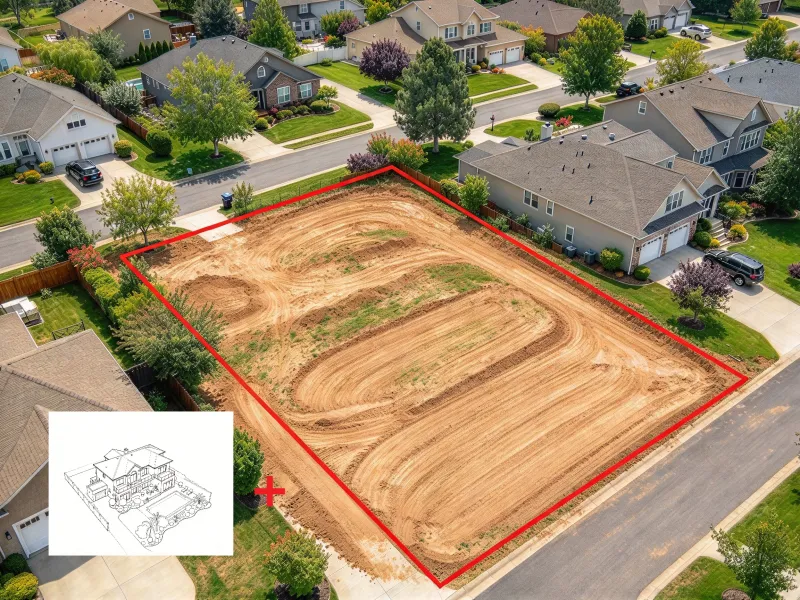
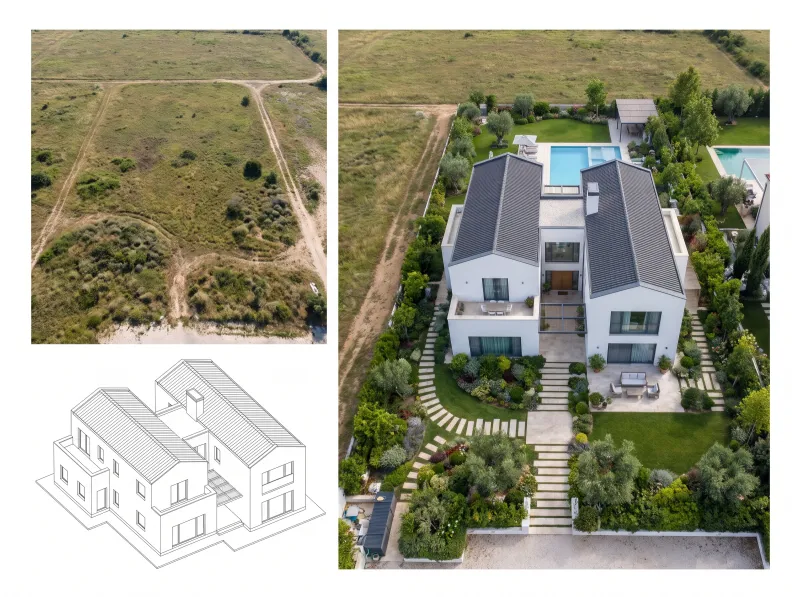
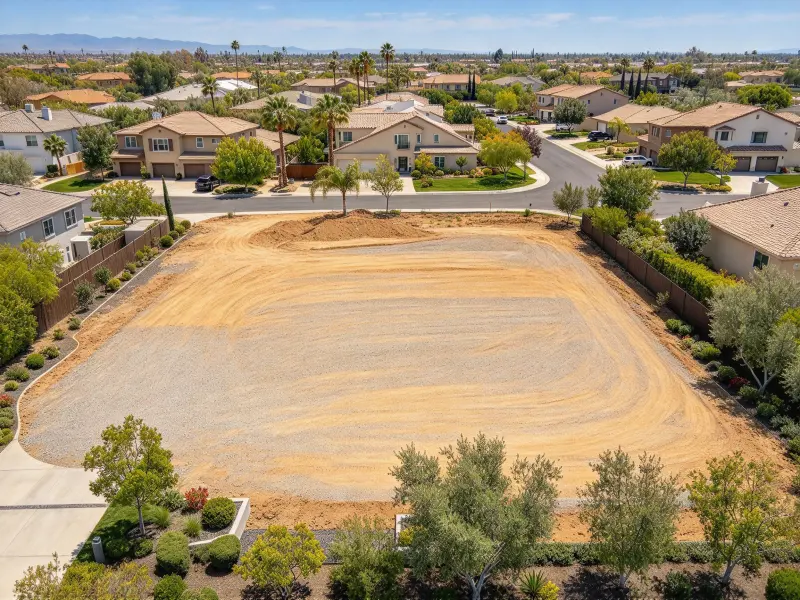
Before
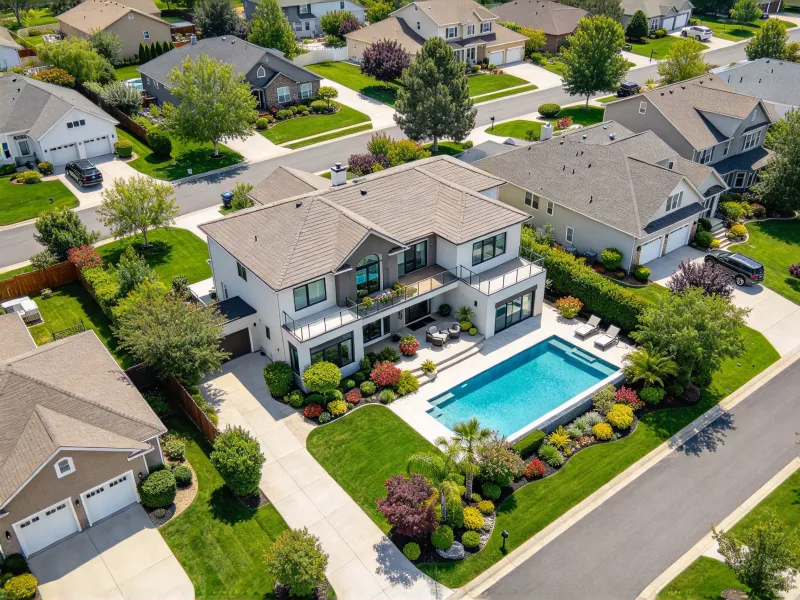
After
How to Put a 3D Model Into a Site Photo
Follow a simple workflow to combine your design reference with a real location and review how the proposal sits within its surroundings.
Step 1
Upload Your Site Photo
Start with a clear photo of the property, street, or landscape where your design will sit. A recognizable viewpoint gives the AI useful context for matching the scene and showing how the proposal relates to existing surroundings.
Step 2
Add Your Model or Describe It
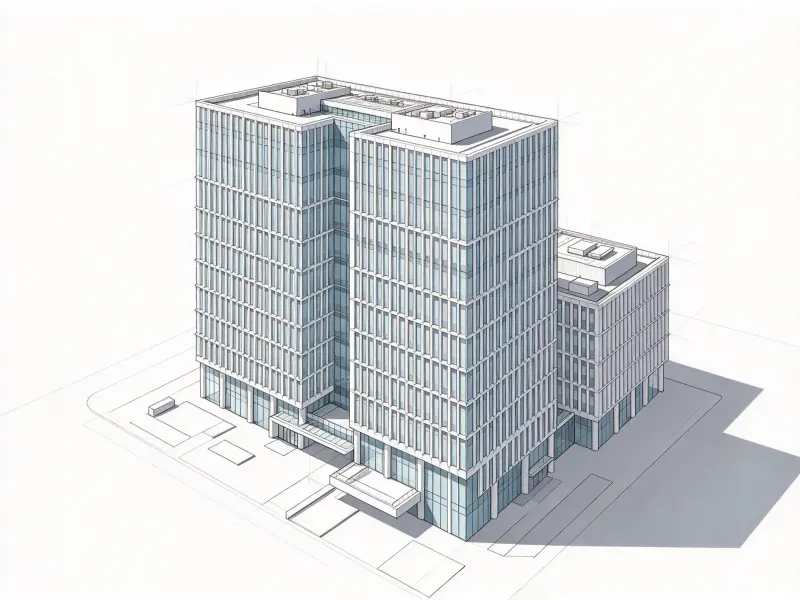
Provide your 3D model or describe the proposed design, including its form, materials, and intended position. This AI site context rendering workflow helps you put 3D model into site photo for early concept review.
Step 3
Fuse, Check, and Refine
Generate a contextual image and review how the design fits the photograph. Check perspective, apparent scale, lighting, and shadows, then refine your input if needed. This first pass can help put 3D model into site photo.
See AI Site Context Rendering in Real-World Scenarios
Explore examples of buildings, landscape features, master plans, and commercial improvements presented against real-world backgrounds.
From a single building to a wider development concept, contextual imagery makes design ideas easier to interpret, compare, and discuss.
Architectural Site Rendering for Buildings and Massing Studies
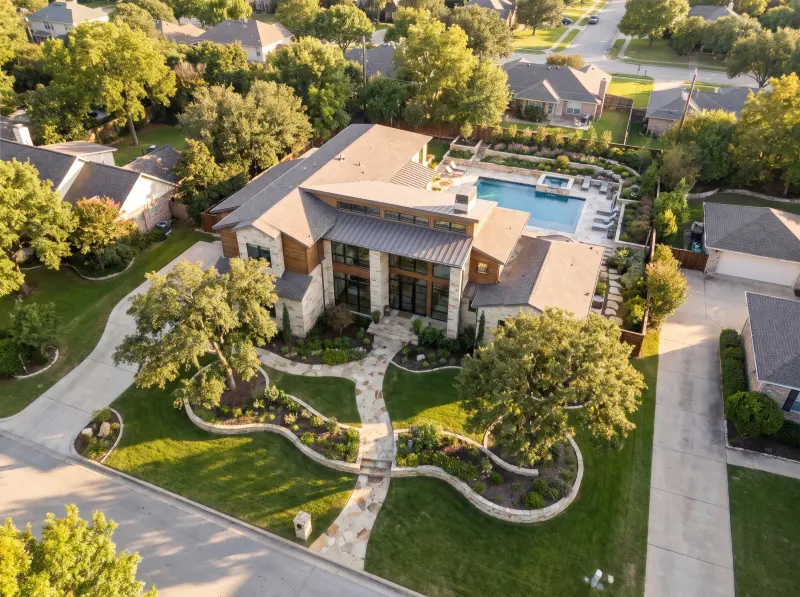
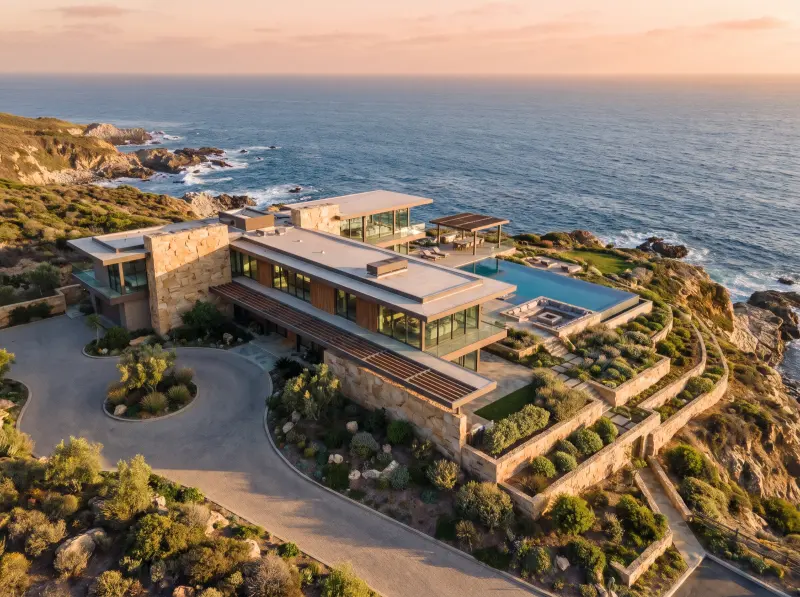
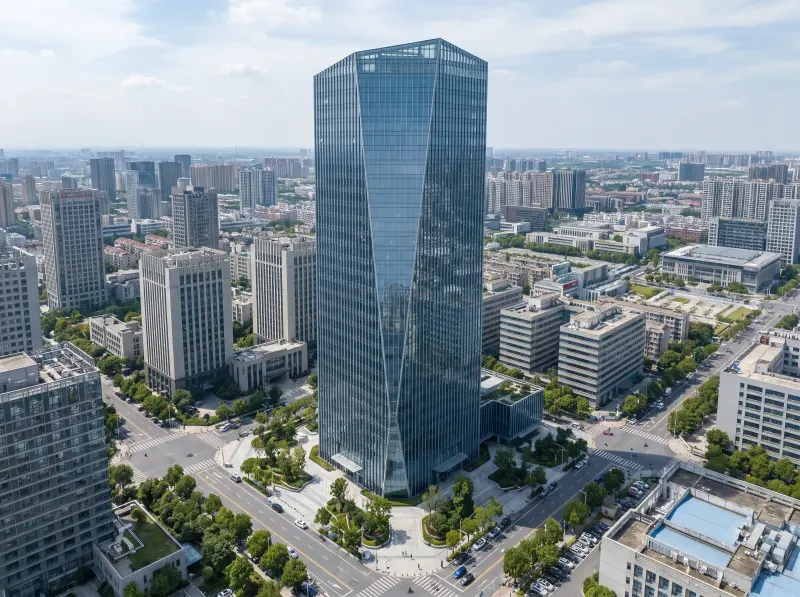
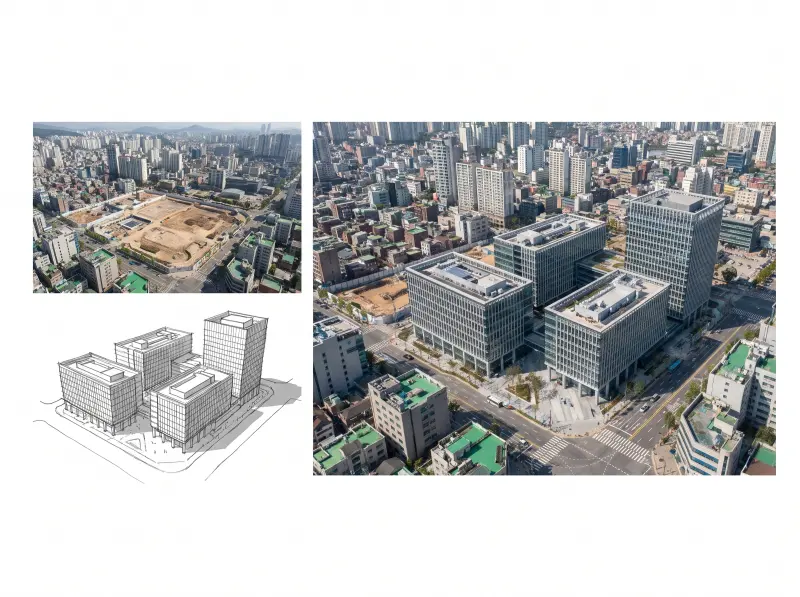
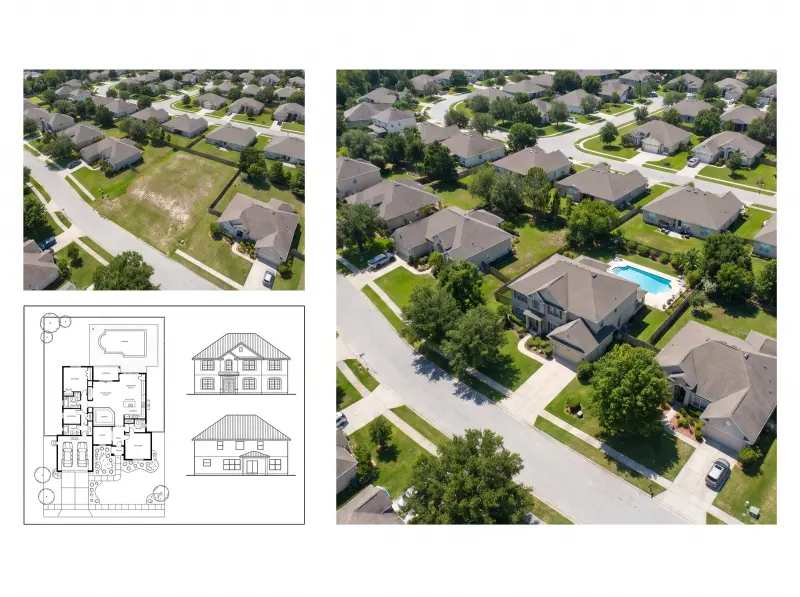
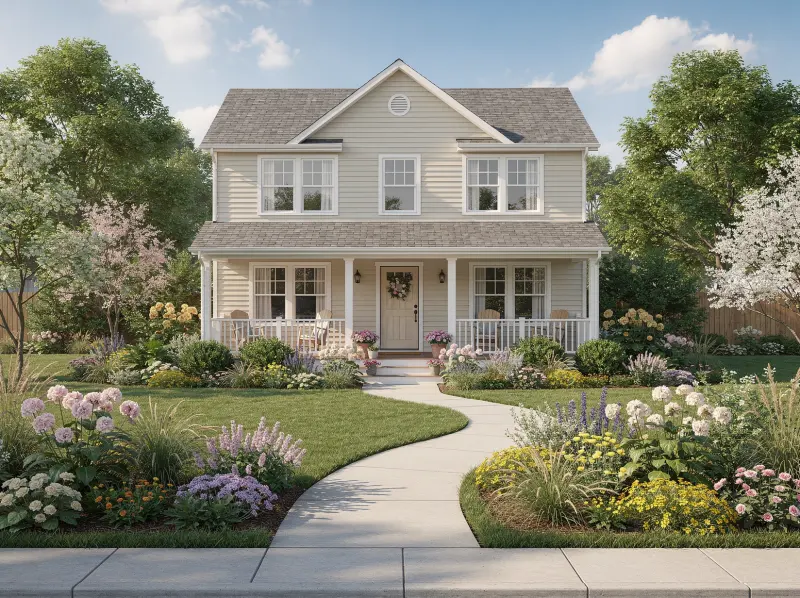
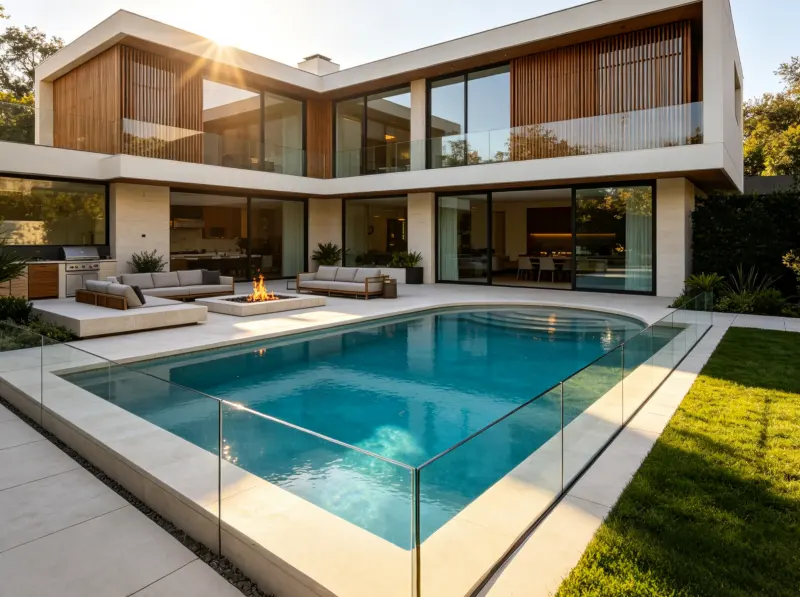
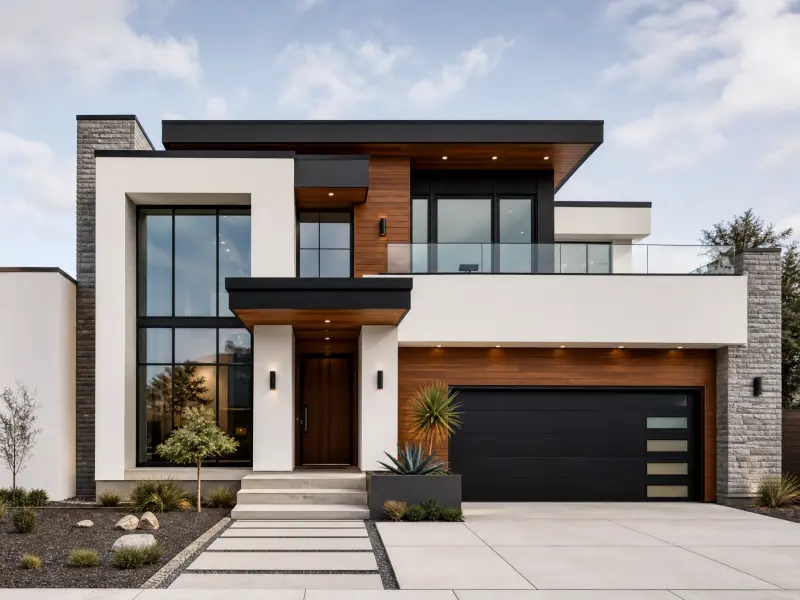
Use AI architectural site rendering to place a proposed home, commercial building, or massing study into a photo of its surroundings. See how the building silhouette, street frontage, neighboring structures, and apparent scale work together, rather than judging the design as an isolated model on a blank background.
Master Plan Visualization for Larger Sites
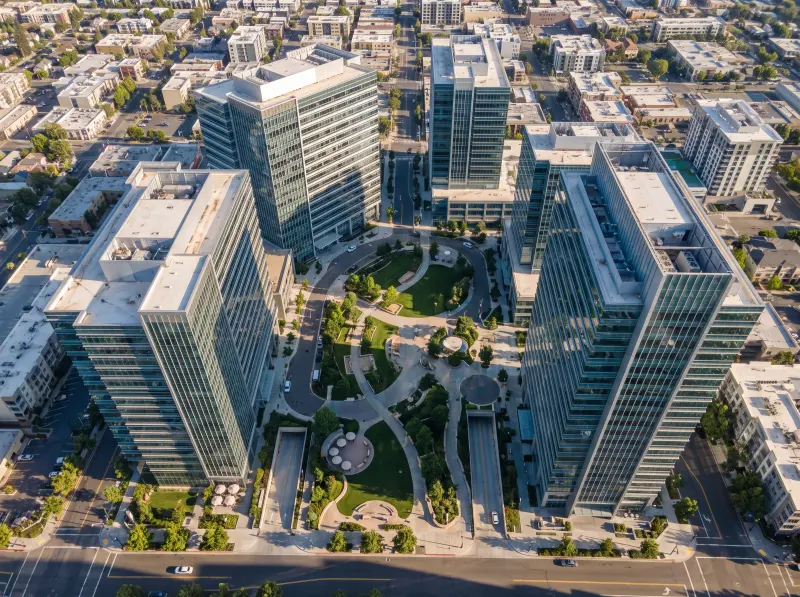
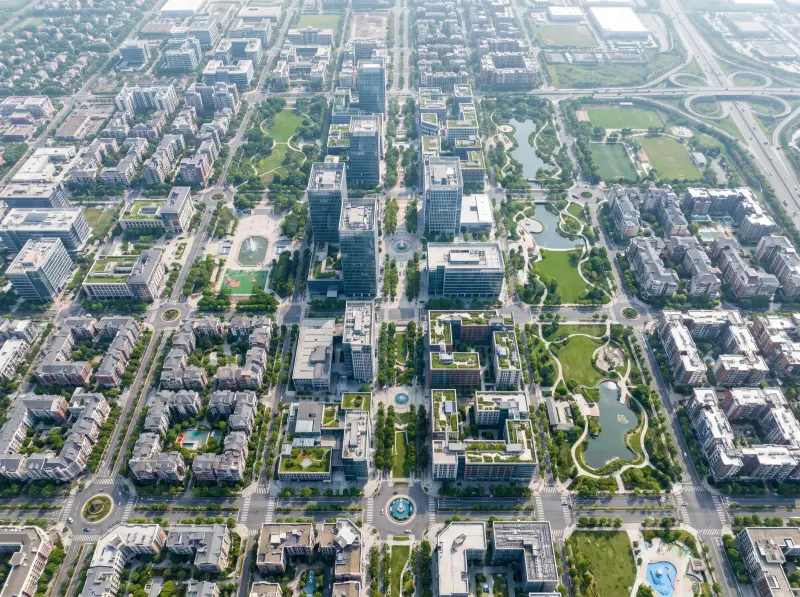
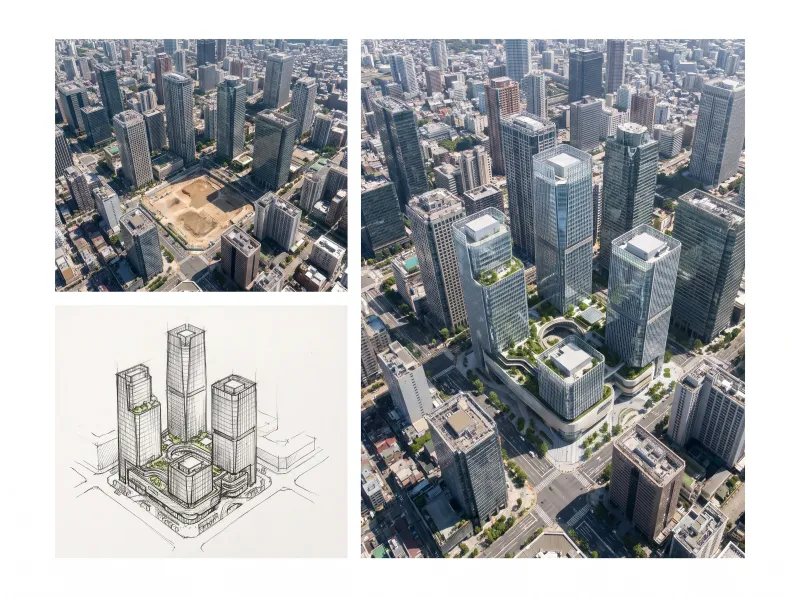
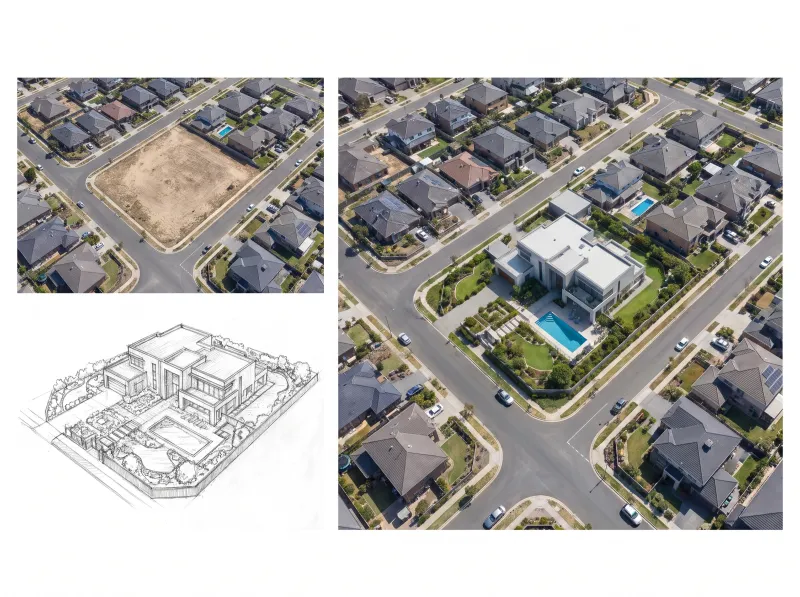
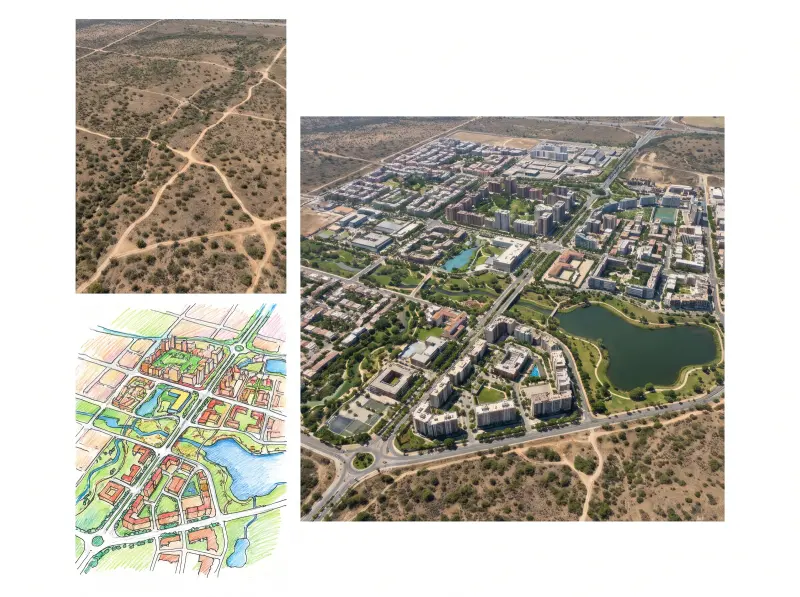
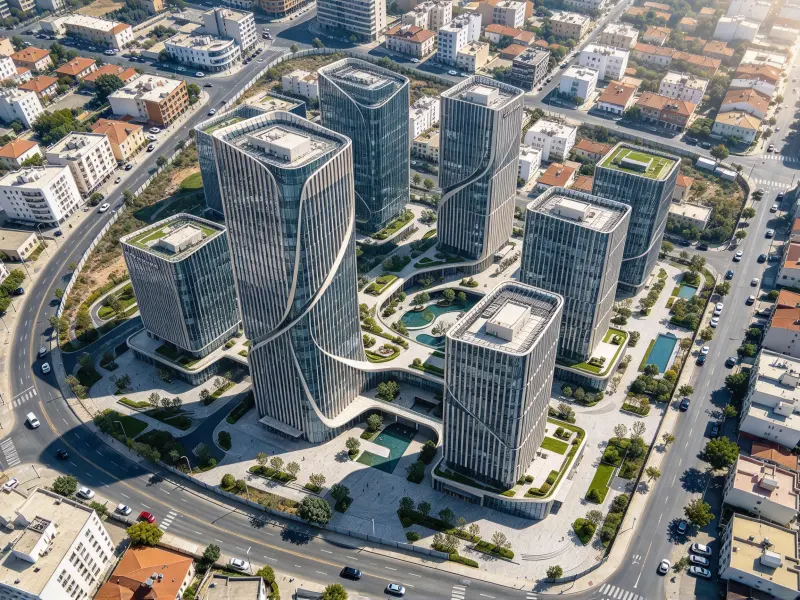
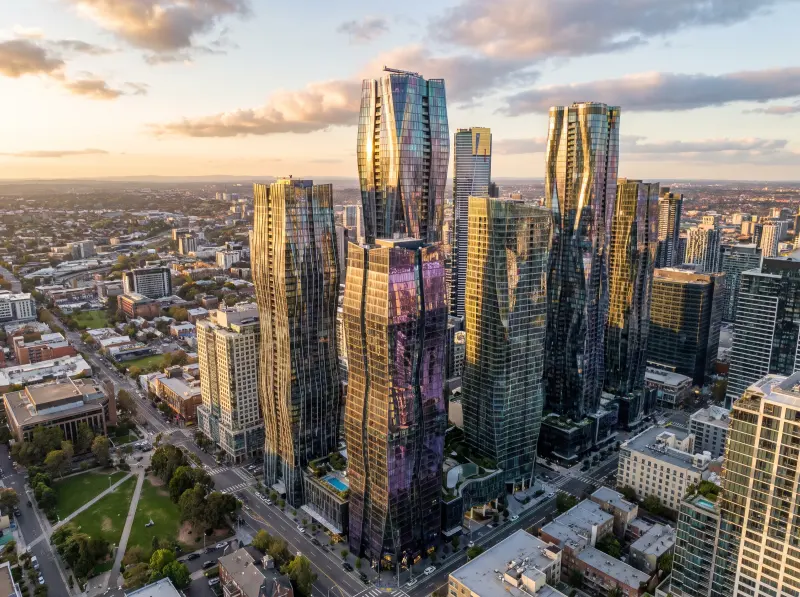
Use aerial imagery or elevated site photos to place a development concept within its wider setting. Master plan visualization helps show how building clusters relate to roads, open spaces, and surrounding land, giving stakeholders a clearer way to discuss the overall layout before detailed plans are ready.
Building and Landscape Integration
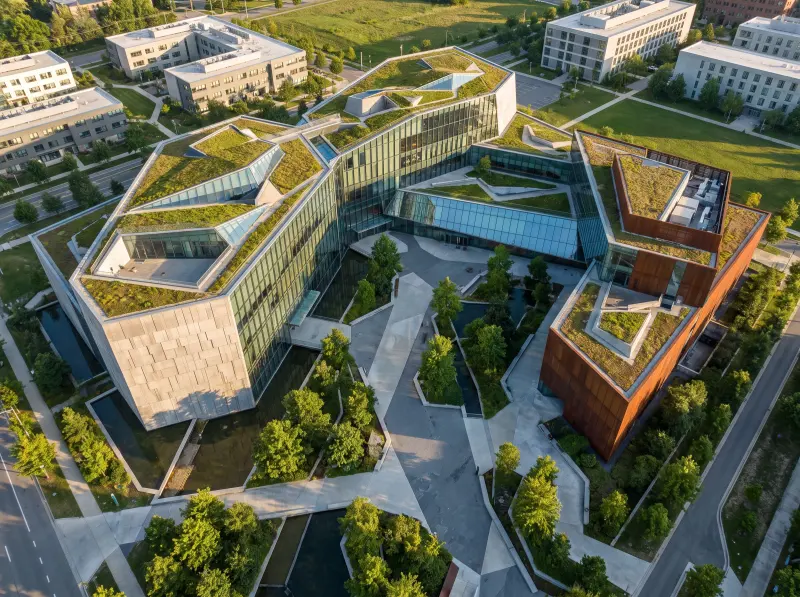
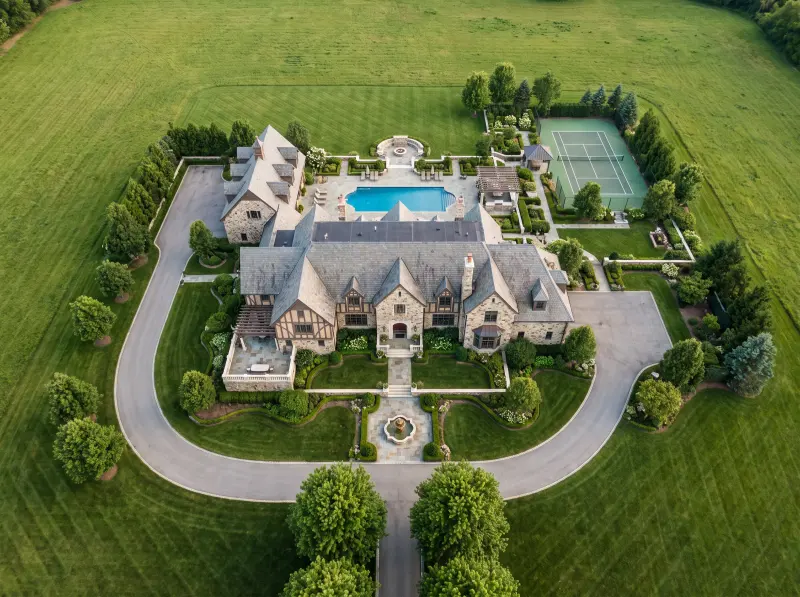
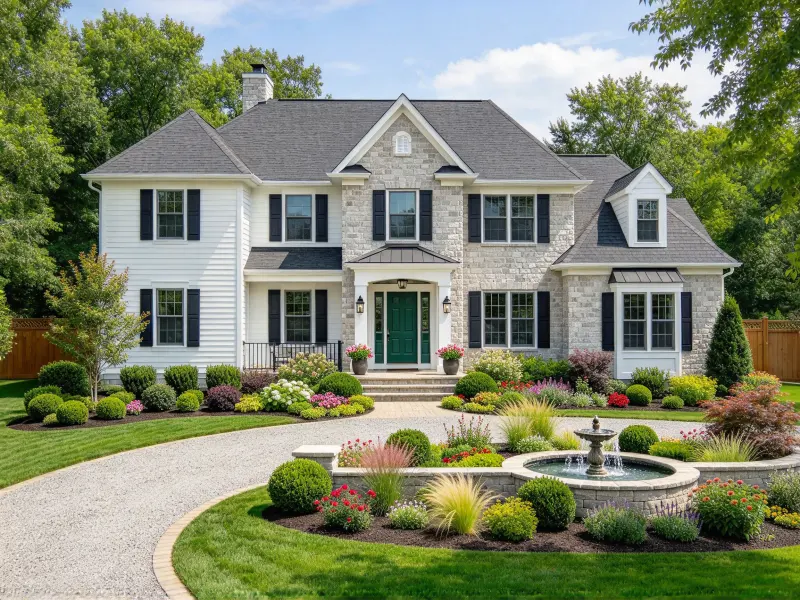
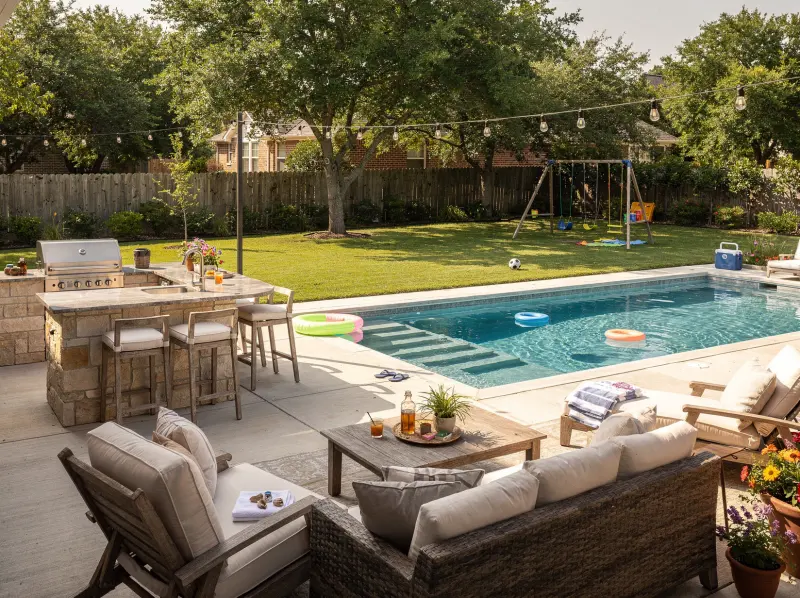
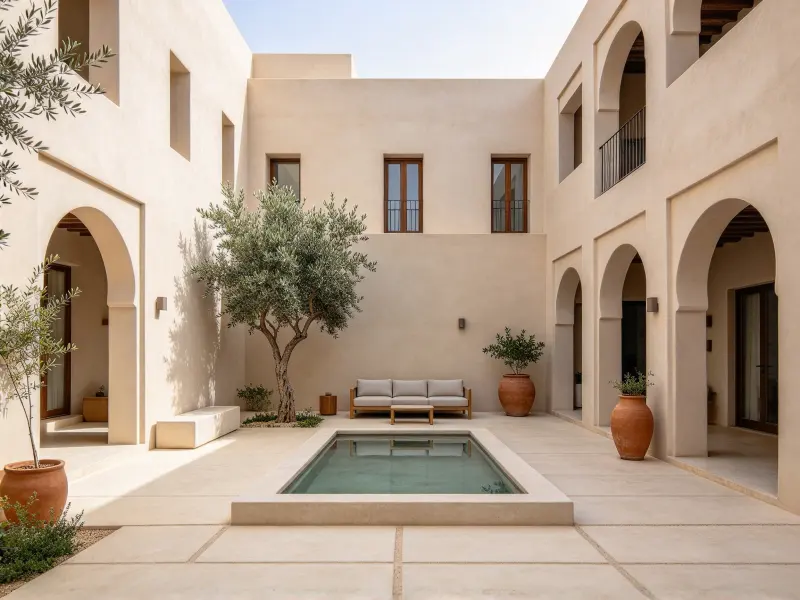
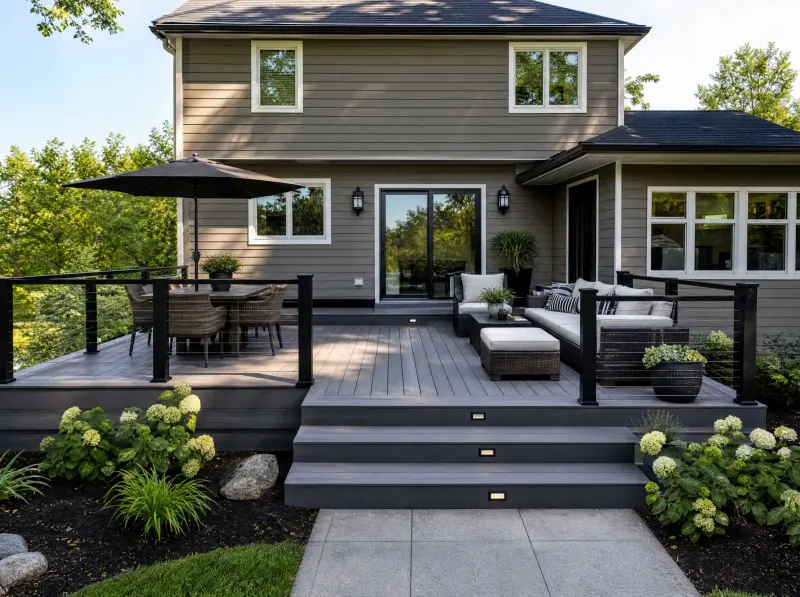
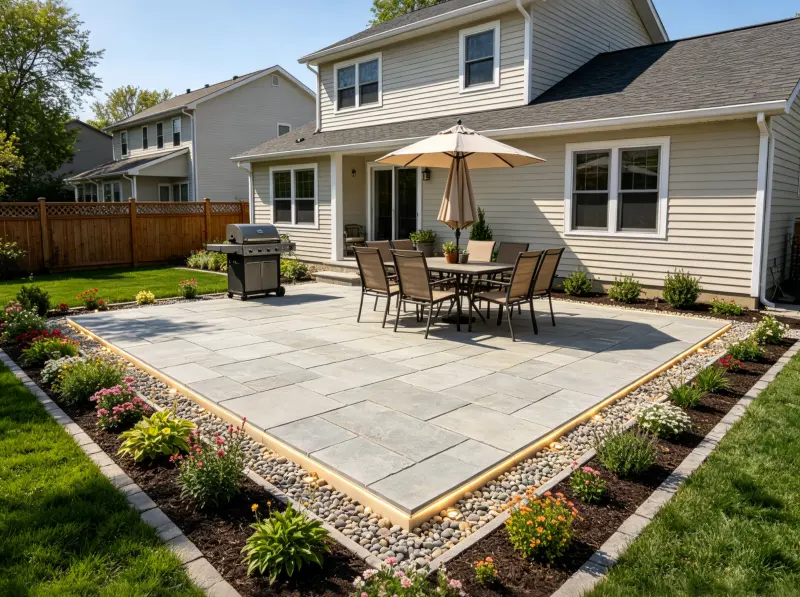
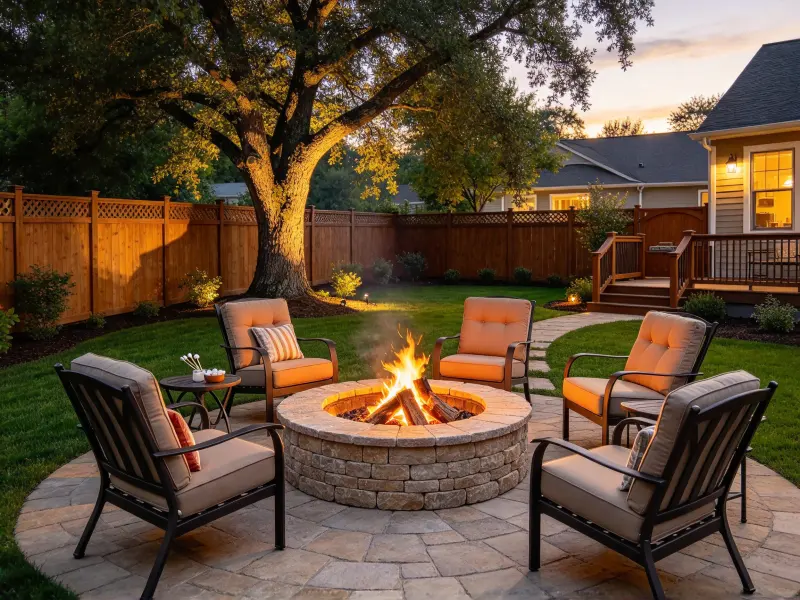
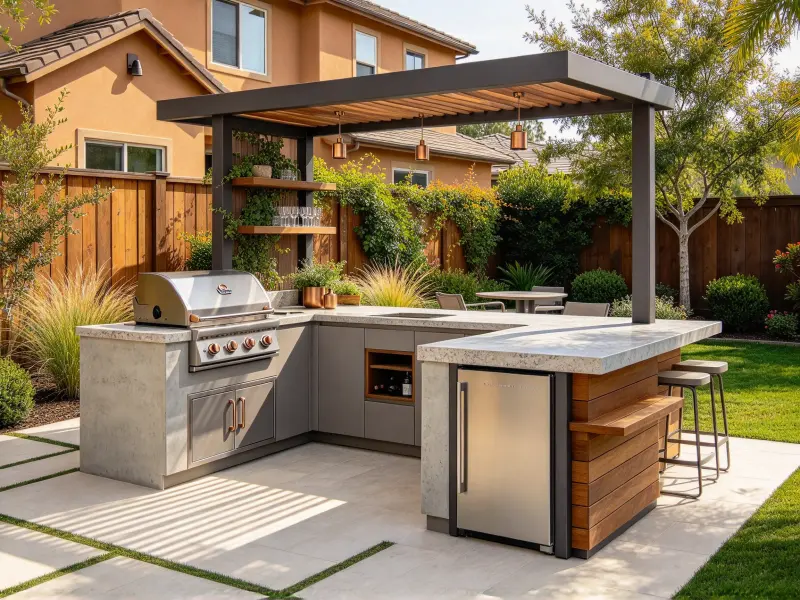
Preview a building alongside lawns, trees, planting beds, paved paths, and courtyard spaces. Building landscape integration helps you judge whether architecture and outdoor features feel balanced, while making circulation, planting choices, and the relationship between built and natural elements easier to discuss.
Landscape Structures in Their Surroundings
Preview pergolas, gazebos, shade structures, and small garden buildings within an existing outdoor setting. See how each structure relates to nearby paving, vegetation, boundaries, and available space, making its placement and apparent size easier to discuss before construction or further design work.
Storefront and Commercial Frontage Visualization
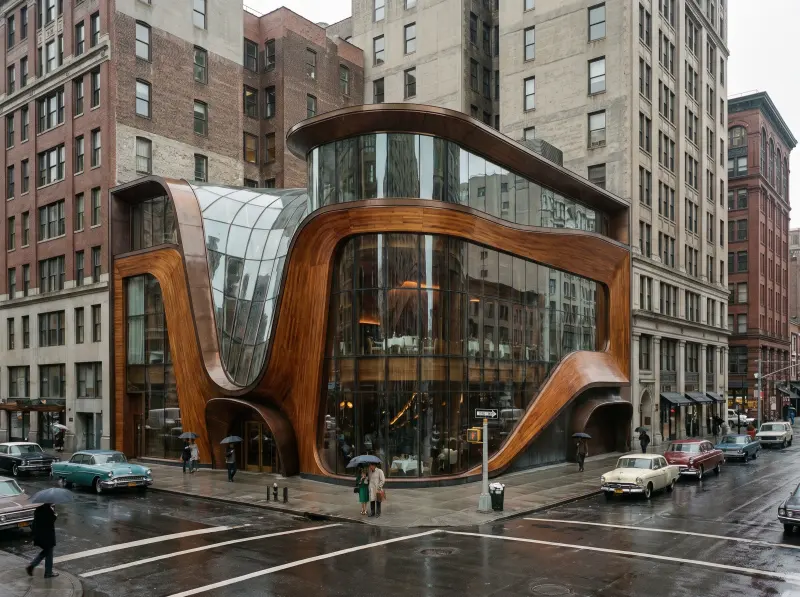
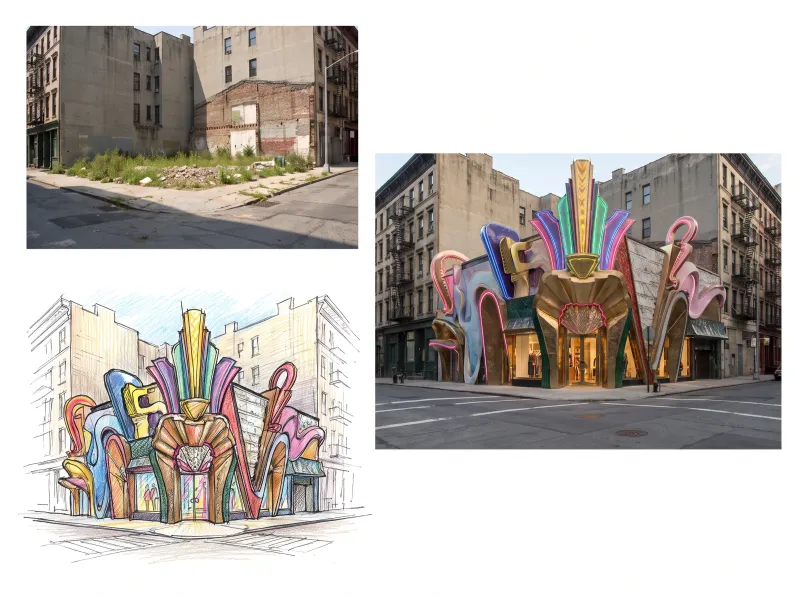
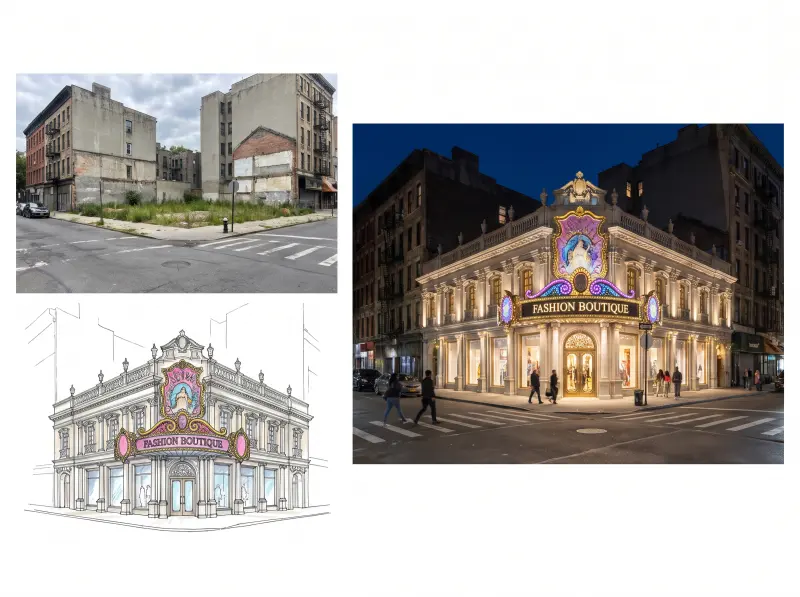
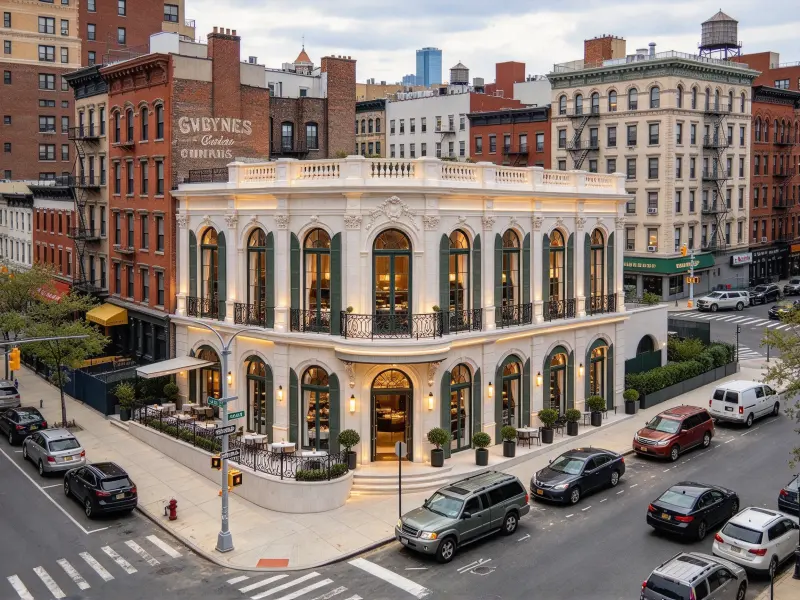
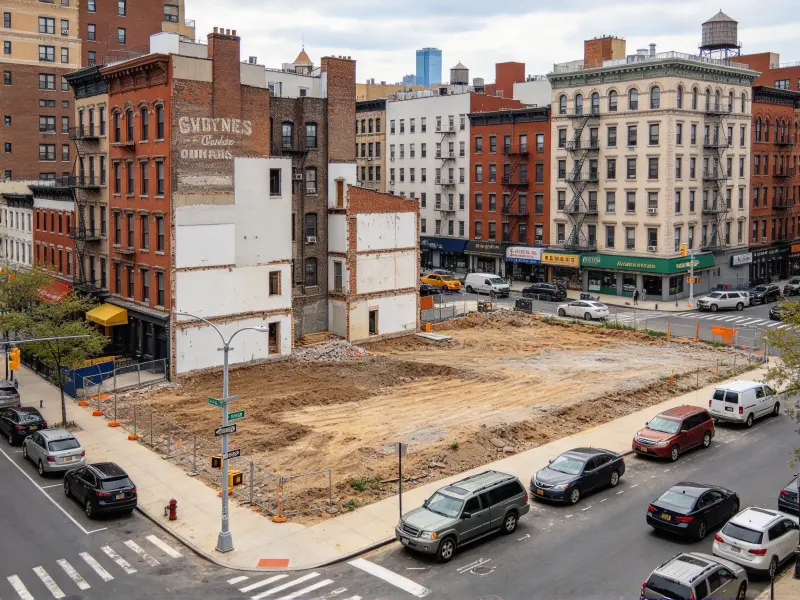
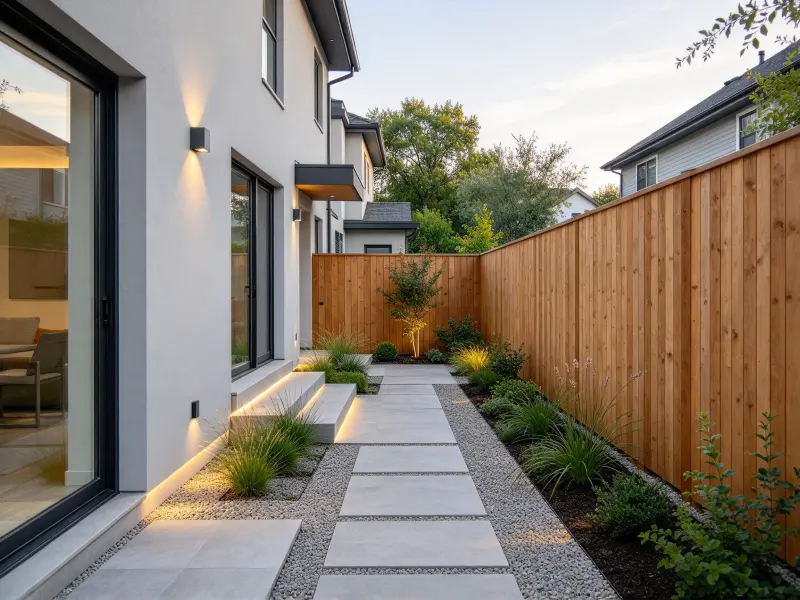
Place a proposed storefront, redesigned entrance, updated facade, or signage concept into its existing street scene. Architectural compositing helps you review the frontage alongside neighboring businesses, pedestrian access, and the wider streetscape before choosing a direction for the redesign work.
AI Architectural Compositing vs. Manual Photo Compositing
Compare AI-assisted workflows with manual editing to find the right balance between speed, visual consistency, and precise control.
Spend Less Time Aligning Perspective by Hand
Manual compositing requires careful work on vanishing points, horizon lines, and camera angles. AI helps create an initial match faster, though complex scenes may need manual correction.
Who Can Benefit From AI Site Context Visualization
Contextual images help design professionals and property owners explain proposed changes through familiar surroundings rather than abstract models alone.
Landscape and Storefront Designers: Explain Proposed Changes
Landscape and storefront designers can use architectural compositing to present planting layouts, outdoor structures, entrances, and facade updates within their actual surroundings. These contextual images help clients compare concepts and discuss proposed changes before committing to a direction.
Architects: Present Building Concepts in Context
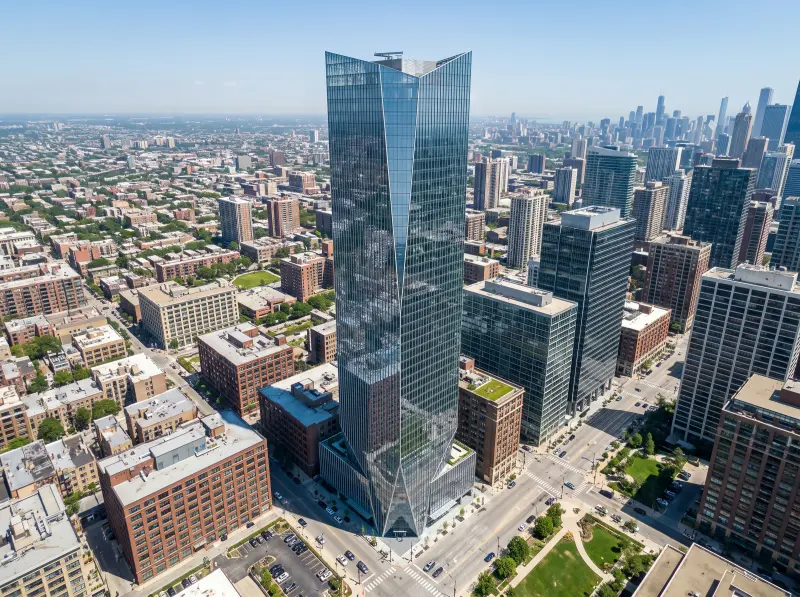
Architects can use AI site context visualization to place massing studies and facade proposals into site photographs, showing how a design relates to existing buildings, street edges, and surrounding spaces. This AI site context visualization workflow supports early reviews. These visuals support design reviews and early client discussions.
Urban Planners: Communicate Master Plan Ideas
Urban planners can use master plan visualization to illustrate proposed building clusters, roads, and public spaces against aerial photographs or elevated site views. Master plan visualization can clarify how the pieces fit together. Context makes planning concepts easier for community members and other non-specialist audiences to understand.
Homeowners: See How a Design Could Look on Your Property
Homeowners planning a new house, exterior update, pergola, or garden structure can use AI site context rendering to preview an idea against their existing property. This is another way to assess building landscape integration before work begins. Seeing the proposal in place makes it easier to discuss location, proportions, and style.
Landscape and Storefront Designers: Explain Proposed Changes
Landscape and storefront designers can use architectural compositing to present planting layouts, outdoor structures, entrances, and facade updates within their actual surroundings. These contextual images help clients compare concepts and discuss proposed changes before committing to a direction.
Architects: Present Building Concepts in Context
Architects can use AI site context visualization to place massing studies and facade proposals into site photographs, showing how a design relates to existing buildings, street edges, and surrounding spaces. This AI site context visualization workflow supports early reviews. These visuals support design reviews and early client discussions.
What Users Say About AI Site Context Rendering
Contextual images can make early design ideas easier to explain, especially when the audience needs to understand a proposal in its existing environment.
Before
“Seeing a proposed building against the actual site makes the concept easier to explain. It gives clients a familiar reference for discussing the facade, surrounding structures, and overall visual fit.”
Daniel Foster
Architect
Before
“An aerial context image helps people follow the relationship between proposed buildings, roads, and open spaces. It makes an early master plan easier to discuss without relying entirely on technical drawings.”
Nicole Carter
Urban Planner
Before
“I find it easier to picture a design when it appears in a photo of my own property. The surrounding house and garden provide a useful reference for discussing location and proportions.”
Kim Bennett
Homeowner
Frequently Asked Questions About AI Site Context Rendering
Learn how contextual rendering works, what you need to get started, and where AI-generated imagery fits into a design workflow.
AI site context rendering places a proposed building, structure, or design concept into a real site photograph. It helps visualize the proposal alongside existing buildings, terrain, vegetation, and streets before the design is built.
The goal of AI architectural site rendering is to combine a model or design reference with a site photograph to create a contextual image. AI architectural site rendering can make an early proposal easier to discuss. The available workflow determines which model formats are supported, and complex geometry may need preparation.
Choose a clear photograph with a recognizable viewpoint, visible site boundaries, and enough surrounding detail to establish scale and perspective. Good references make AI site context visualization easier to assess. When you put 3D model into site photo, consistent camera position is especially helpful.
Yes. Aerial and elevated site images can help communicate proposed building groups, roads, open spaces, and landscape connections. This approach to master plan visualization supports concept presentation, but it is not a surveyed or dimensionally verified plan.
AI can help align the inserted design with the photograph, including apparent scale, perspective, and lighting. AI site context visualization provides a useful first visual reference. Results depend on input quality and scene complexity, so verify important dimensions and refine visible inconsistencies when needed. If you put 3D model into site photo for a formal presentation, review the composite carefully.
No. Architectural compositing is useful for rapid concept exploration, while professional editing and 3D tools offer more precise control. Teams often use architectural compositing for a first visual draft. Detailed visualization, technical verification, and final production may still require those tools.
Explore More Landscape Design AI Tools
Can't get enough? Try these free landscape AI tools to refine every corner of your outdoor plan.
A real site photo gives your concept a meaningful point of reference. Show how a building, landscape feature, or planning idea relates to its surroundings and make design discussions easier to follow.