
Landscape Design AI
2D Floor Plan to 3D Converter

Floor Plan to 3D Render in Seconds

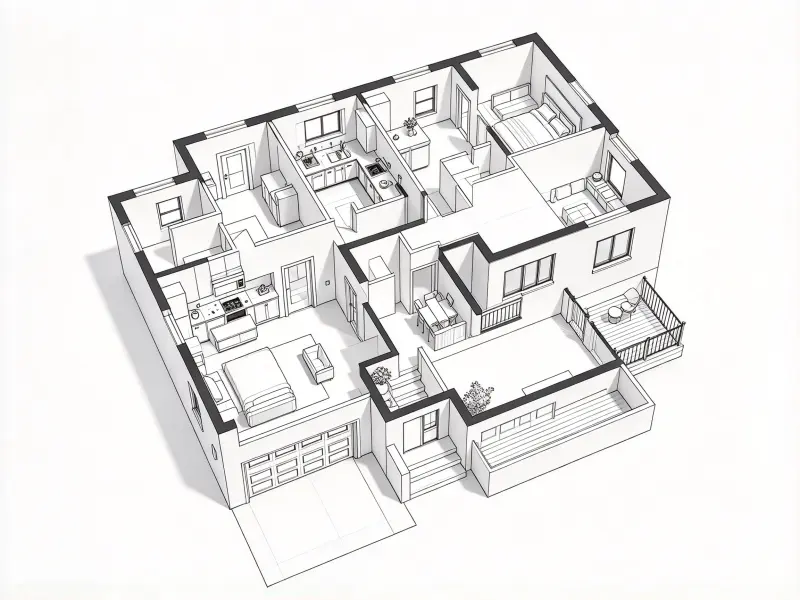
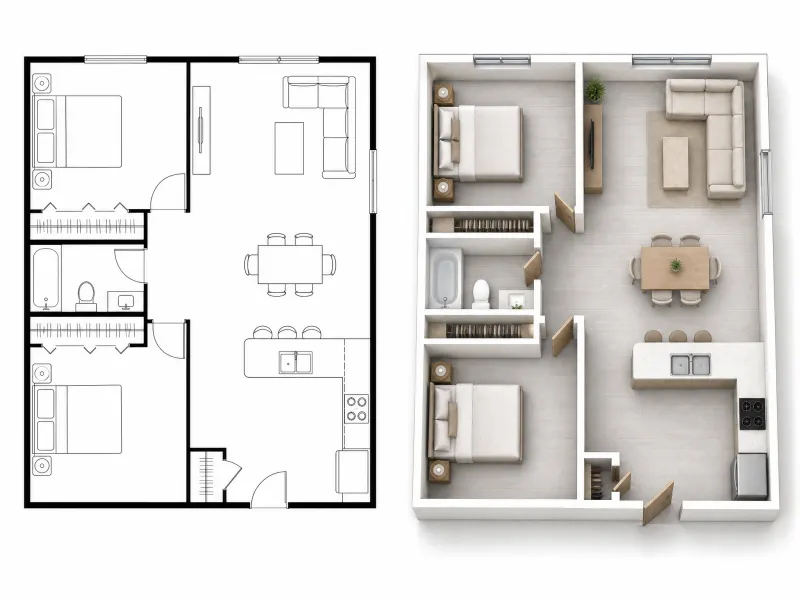
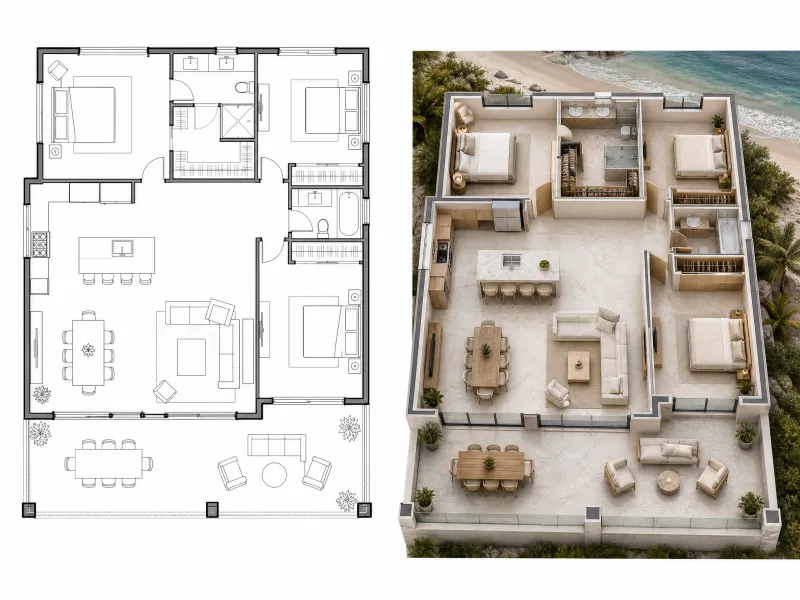
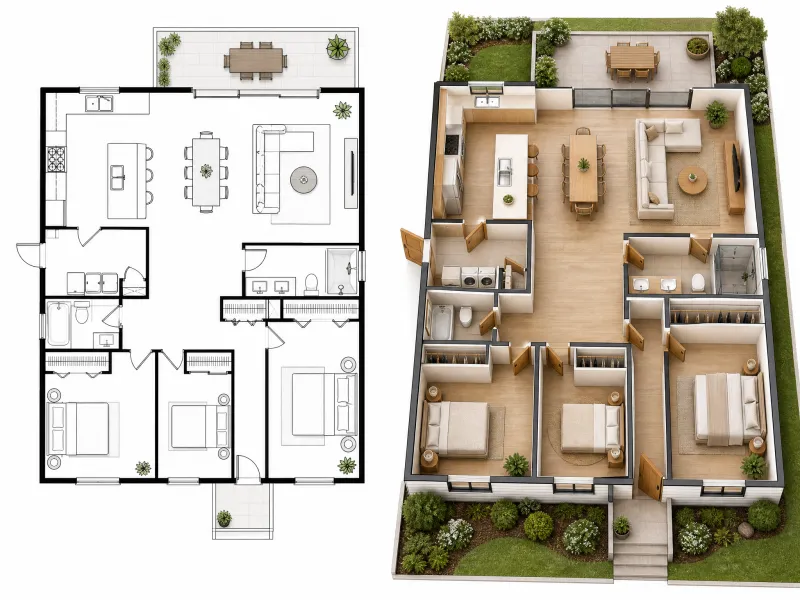
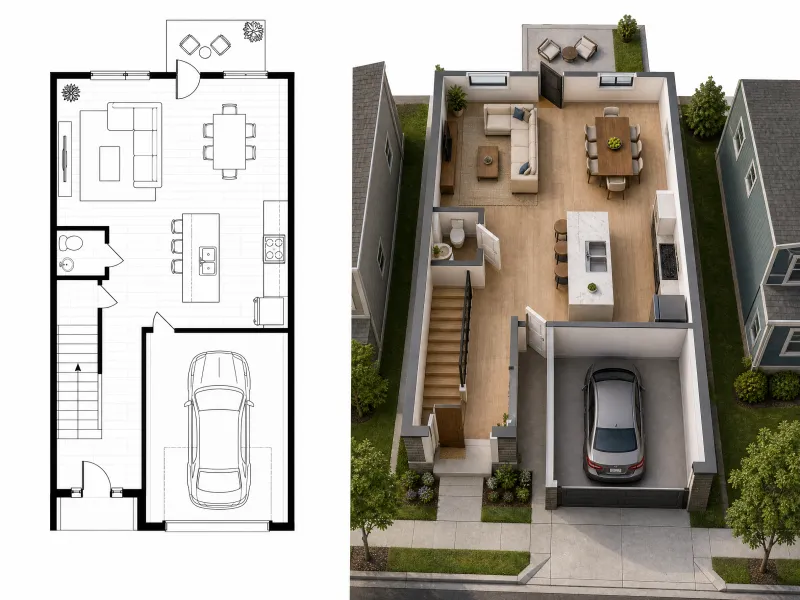
Convert your floor plan to 3D without manual modeling. Create dimensional visuals from a 2D layout, choose your rendering style, viewing angle, and background, and explore your design in a fresh perspective.

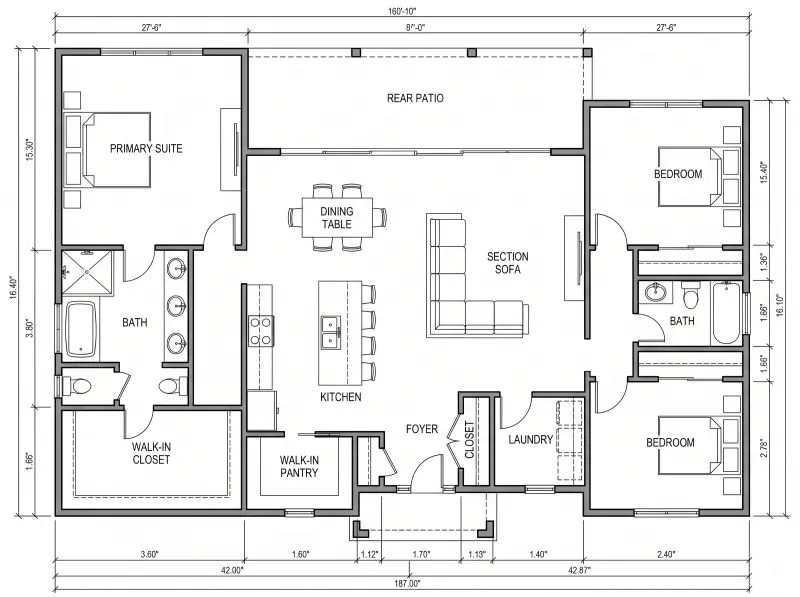
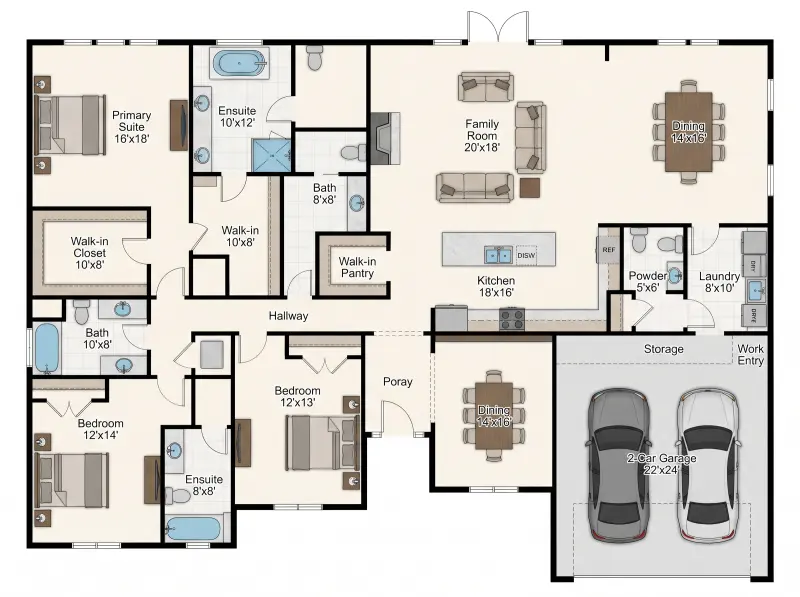
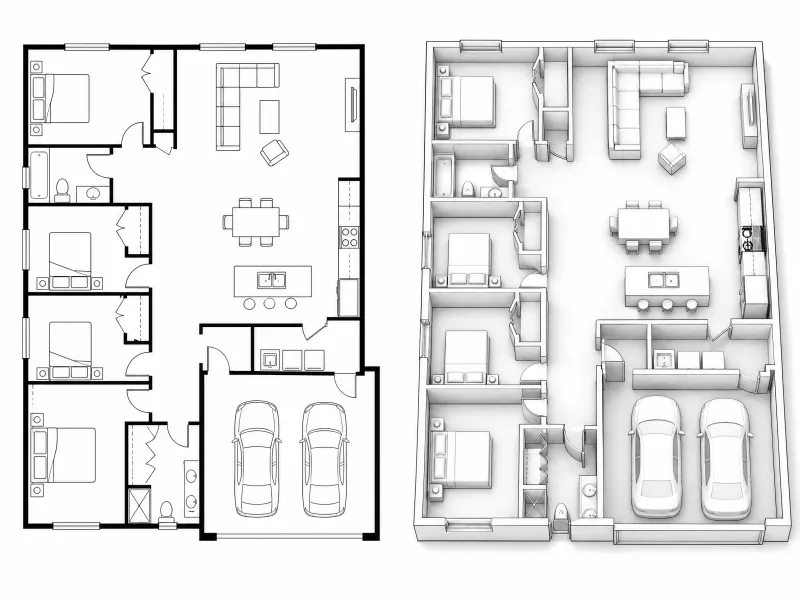
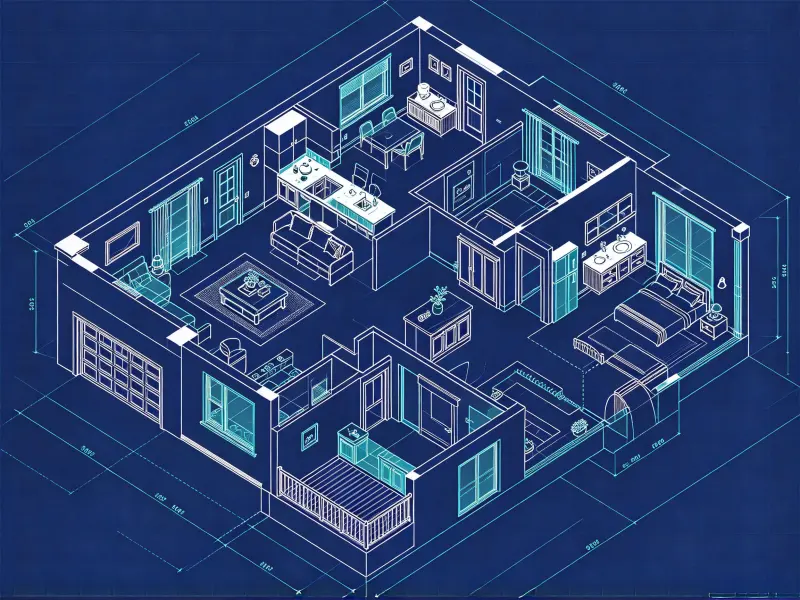
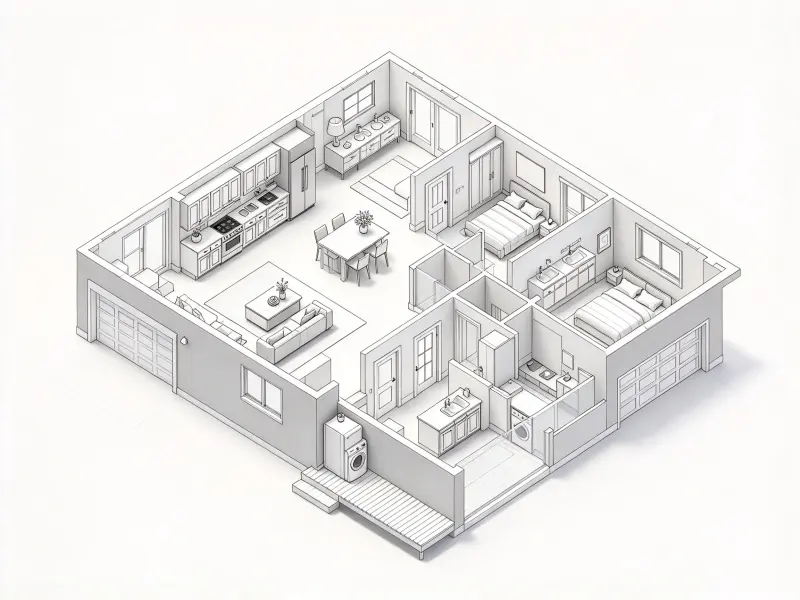
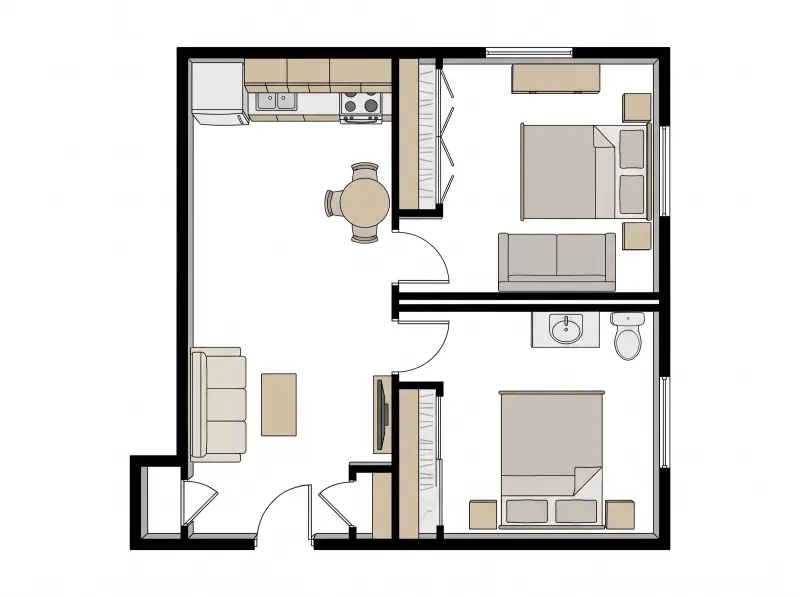
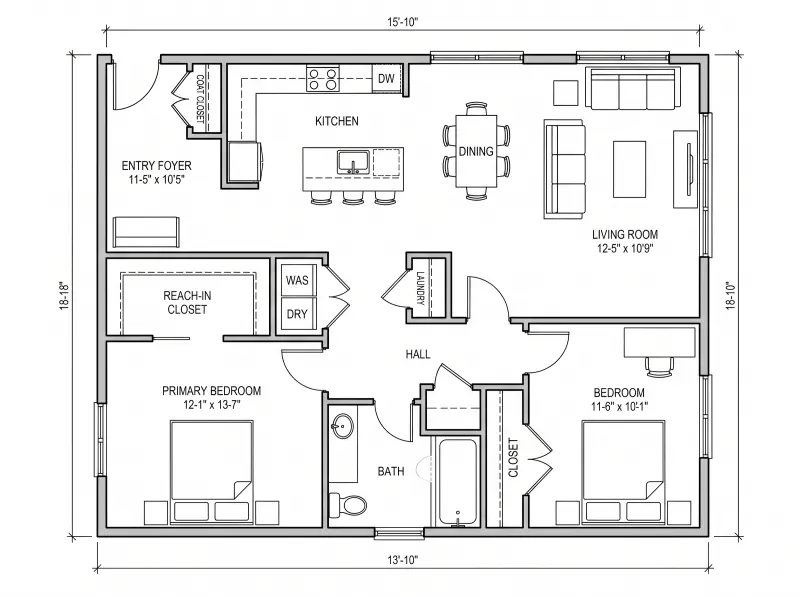
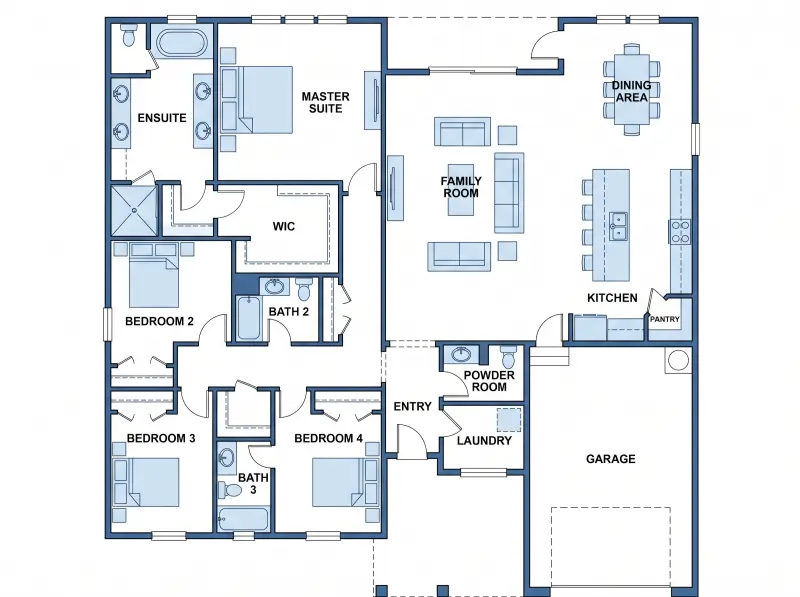
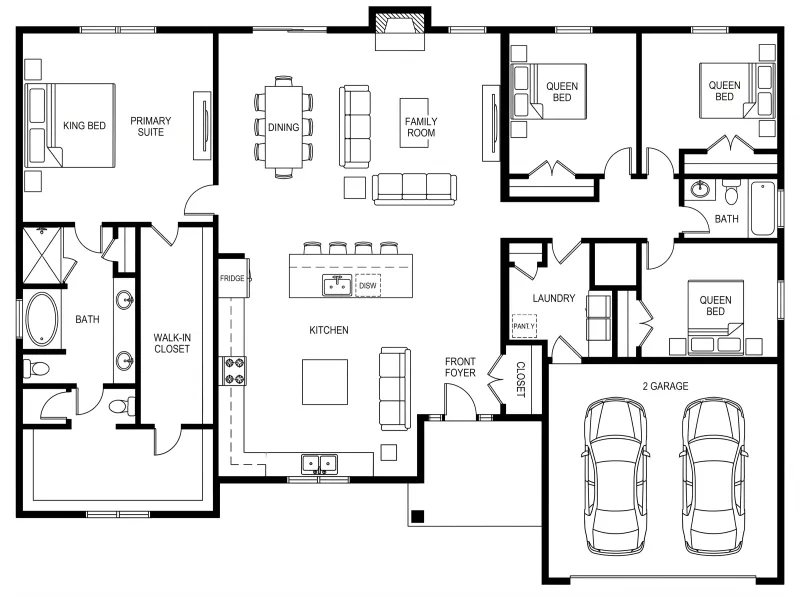
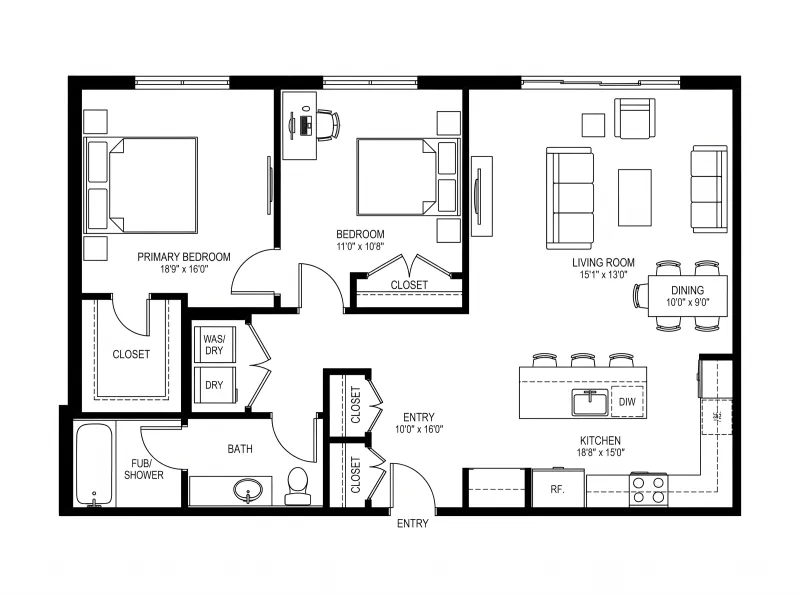
2D floor plan before conversion to 3DBefore
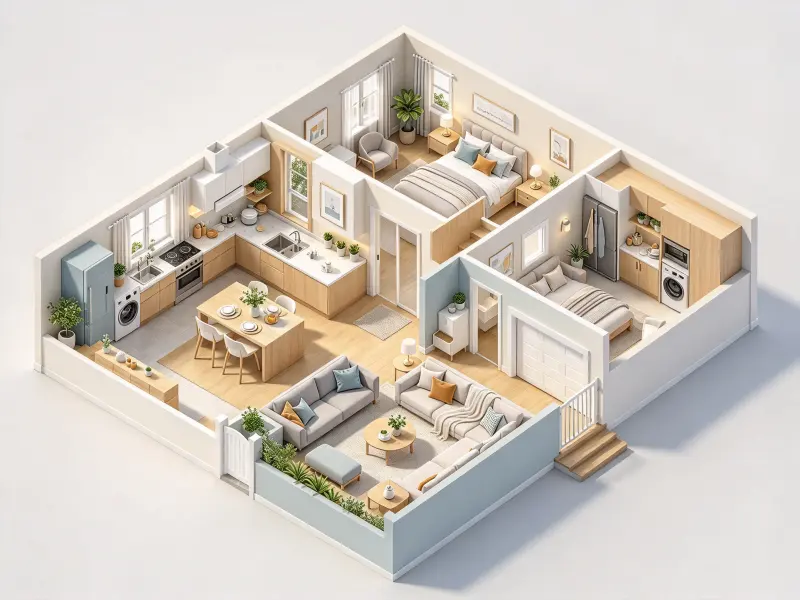
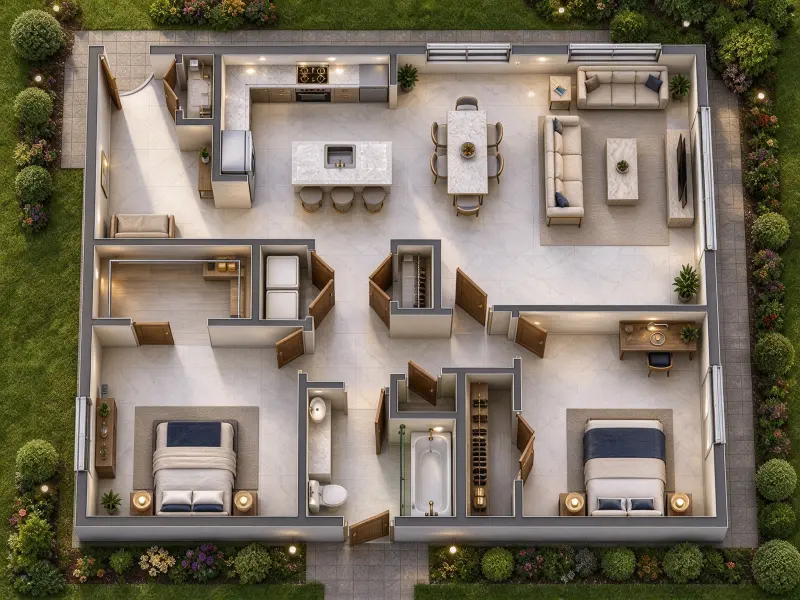
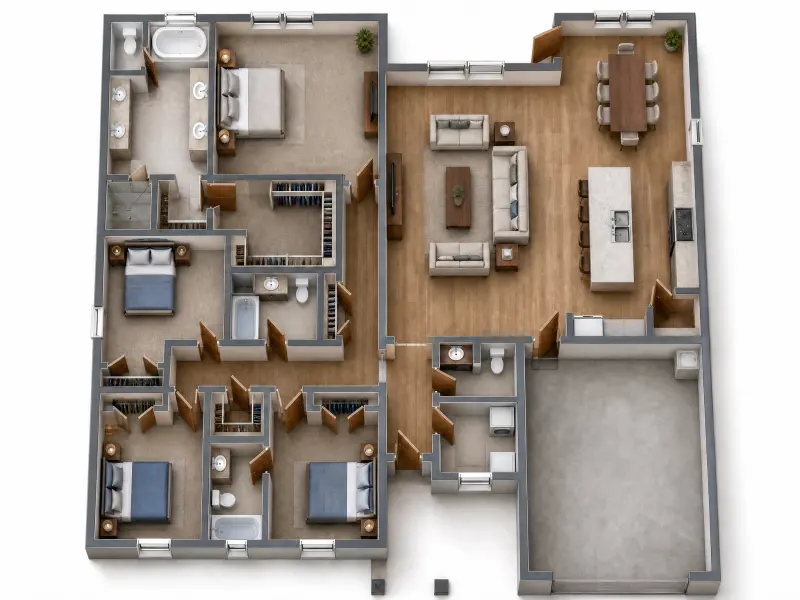
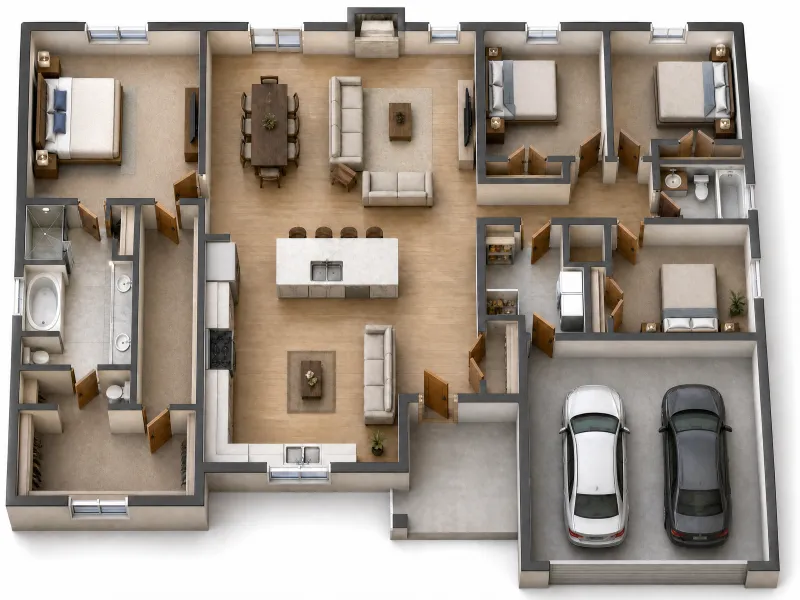
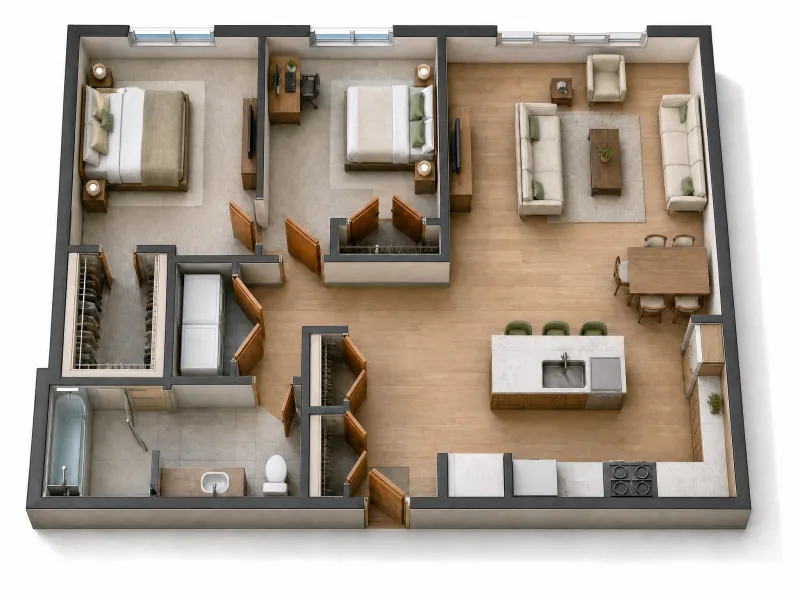
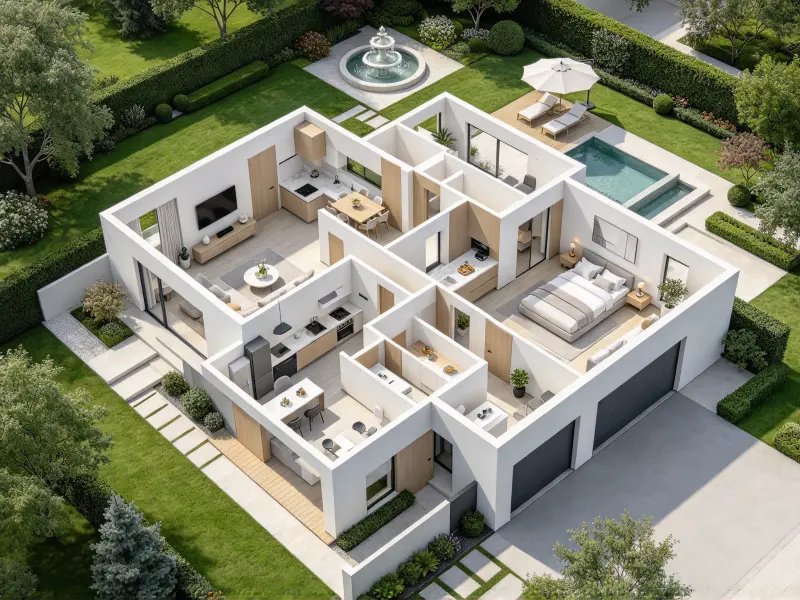
Floor plan converted into a 3D renderAfter

How to Convert a Floor Plan to 3D

Turn a flat drawing into a three-dimensional concept in three simple steps, with flexible visual settings for different design goals.

  1. Upload Your 2D Floor Plan
    Step 1

    Upload Your 2D Floor Plan

    Upload a clear image from your computer or device to start your 2D floor plan to 3D conversion. Keep walls, room boundaries, doorways, and key spaces visible so the image provides a useful reference for the generated layout.

  2. Choose Your Rendering Preferences
    Step 2

    Choose Your Rendering Preferences

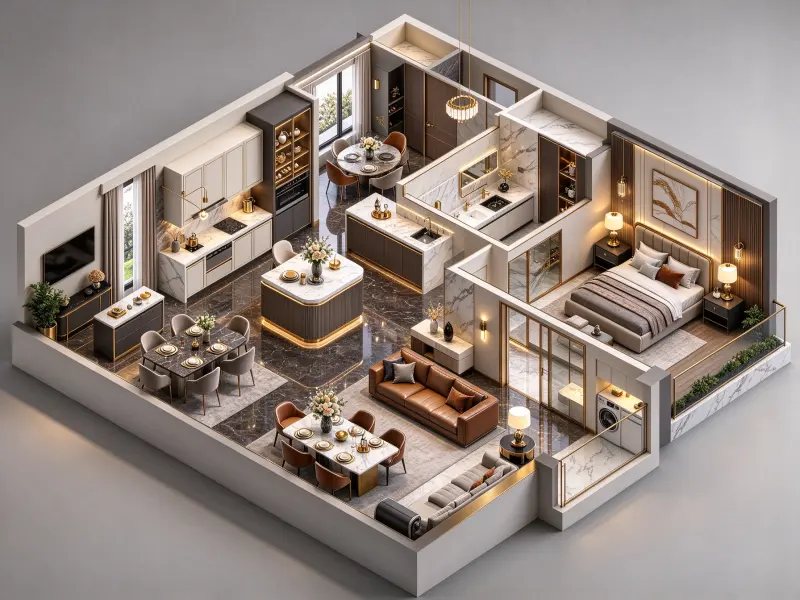
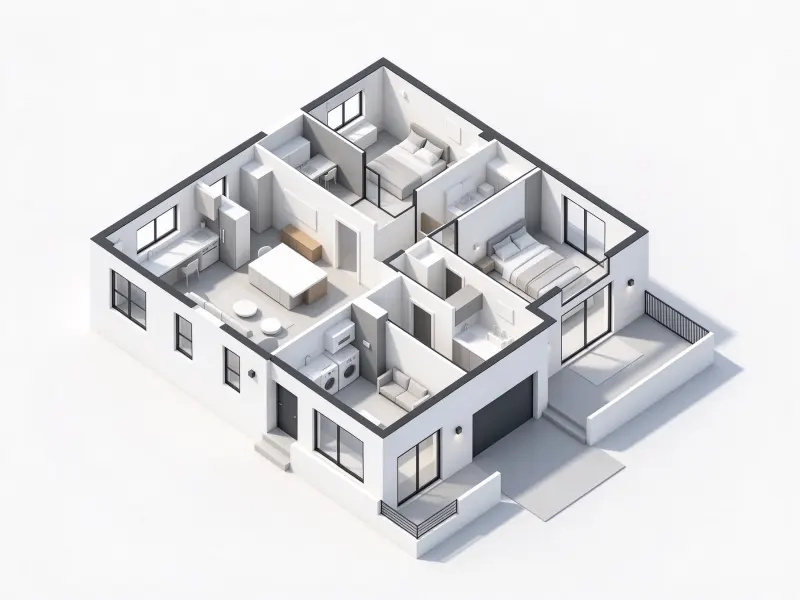
    Choose Realistic, Luxury, Minimal, or Scandinavian styling, then select Top-Down, Isometric, or Bird's Eye View. Set a White, Neighborhood, Garden, or Seaside background to tailor your floor plan visualization to the intended presentation.

  3. Generate and Review Your 3D Render
    Step 3

    Generate and Review Your 3D Render

    Generate a 3D interpretation of your plan, then review room relationships, furniture placement, and spatial depth. Adjust the visual settings to compare alternatives and explore another direction with your floor plan to 3D workflow.

Tips for Getting Better 3D Floor Plan Results

A clear source image, readable details, and appropriate visual settings help make your generated floor plan more useful.

Start with a Clear and Complete Floor Plan

Upload a sharp, high-resolution image with the entire layout visible. Keep wall boundaries, room divisions, doors, and other important features unobstructed. A complete reference gives your floor plan to 3D generator more useful visual information for interpreting the intended arrangement.

Clear and complete floor plan reference

What Can You Use a 3D Floor Plan For

Explore practical ways to present spatial concepts to homeowners, property buyers, design clients, and project teams.

Interior Design and Space Planning

Interior Design and Space Planning

Use a floor plan to 3D workflow to explore how living rooms, bedrooms, kitchens, and connected areas work together visually. AI floor plan rendering helps communicate furniture relationships, circulation, and the overall atmosphere before detailed design decisions are finalized. Share the concept with clients to discuss possible directions and identify questions for further planning.

Real Estate Listings and Property Marketing

Real Estate Listings and Property Marketing

Convert a conventional layout into an engaging visual that helps prospective buyers and renters understand how rooms connect. A photorealistic 3D floor plan can complement listing photos, brochures, and property presentations, giving viewers another way to imagine the space. Use the generated image alongside accurate property details and verified photographs.

Architecture and Client Presentations

Architecture and Client Presentations

Architects and designers can use floor plan visualization to explain early concepts to clients who find technical drawings difficult to interpret. A 3D floor plan generator offers a shared visual reference for discussing room relationships, spatial hierarchy, and presentation style before detailed modeling and technical documentation begin.

Home Renovation and Remodeling Concepts

Home Renovation and Remodeling Concepts

Explore a proposed layout before committing to a renovation direction. Convert floor plan to 3D visuals to discuss furniture arrangements, room connections, and potential design approaches with family members or contractors. AI floor plan rendering supports early conversations, while measurements, structural conditions, and building requirements still need independent verification.

Residential Development and Property Proposals

Residential Development and Property Proposals

Development teams can use a floor plan to 3D converter to make preliminary residential concepts easier for investors, clients, and nontechnical stakeholders to understand. Visual layouts support proposal decks and internal reviews, helping teams explain spatial organization while distinguishing AI-generated concepts from approved plans and confirmed specifications.

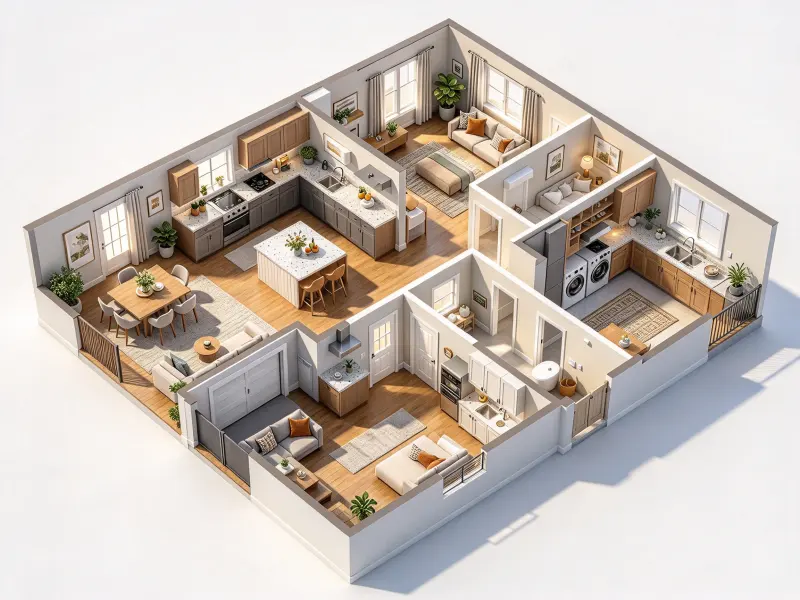
Explore Different 3D Floor Plan Rendering Styles

Choose a rendering style that matches your concept, from lifelike interior details to simplified structural views for layout discussions.

Realistic 3D floor plan rendering style

Realistic

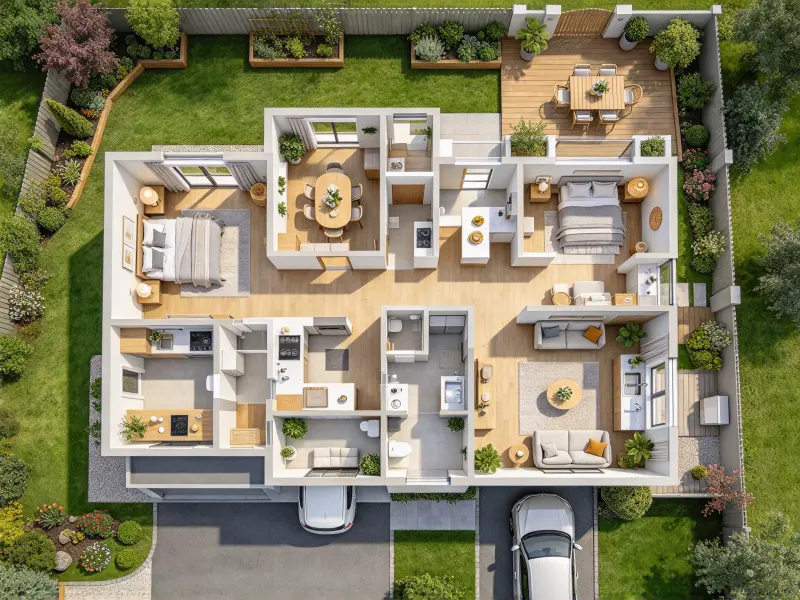
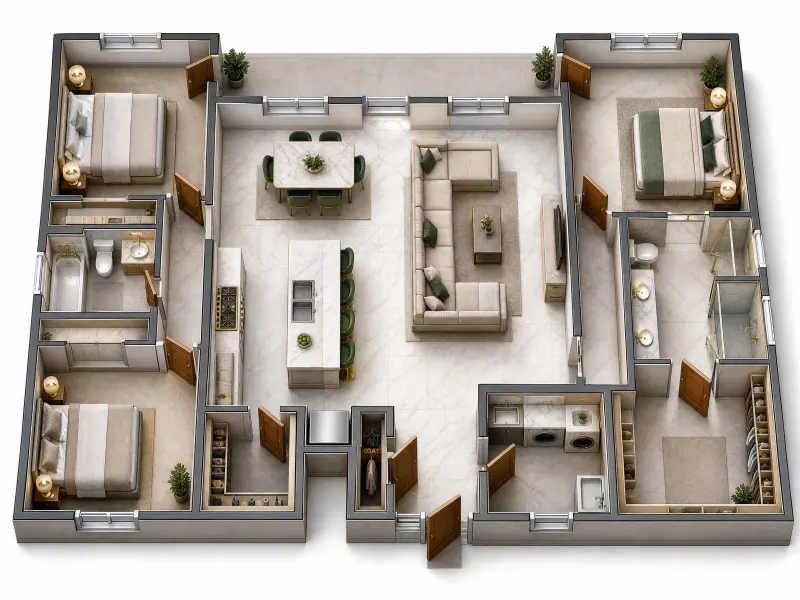
Create a photorealistic 3D floor plan with lifelike materials, furniture, soft shadows, and convincing spatial depth. This style helps communicate a room's overall atmosphere and makes a floor plan to 3D result easier to understand at a glance.

Why Use Our Floor Plan to 3D Converter

Explore different spatial concepts without making professional 3D modeling software a prerequisite for every early-stage design discussion.

No Manual 3D Modeling Required

No Manual 3D Modeling Required

Start with an existing plan and generate a 3D concept without building walls or furnishing rooms manually. Explore layouts without advanced modeling skills or specialized software.

Frequently Asked Questions About Floor Plan to 3D

Learn how the conversion works, which visual settings are available, and where AI-generated floor plan images fit into a design workflow.

Upload a clear plan image, choose a rendering style, select a viewing angle and background, and generate the result. This 2D floor plan to 3D process creates a three-dimensional visual interpretation without requiring you to model every room manually.
A floor plan to 3D converter uses an uploaded drawing as a visual reference to generate a three-dimensional scene. Depending on the input and settings, the result may include walls, furniture, materials, and spatial depth. It is intended for concept visualization, not verified construction documentation.
Yes. Select Realistic to generate a photorealistic 3D floor plan with lifelike materials, furniture, shadows, and lighting. Results depend on the source image and generation process, so review the image before using it in a client presentation, property listing, or other professional material.
A 3D floor plan generator provides a quick way to explore a visual concept from an existing drawing. Traditional modeling software offers more direct control over geometry, dimensions, and scene details. AI-generated visuals are useful for ideation but may require professional tools for precise technical work.
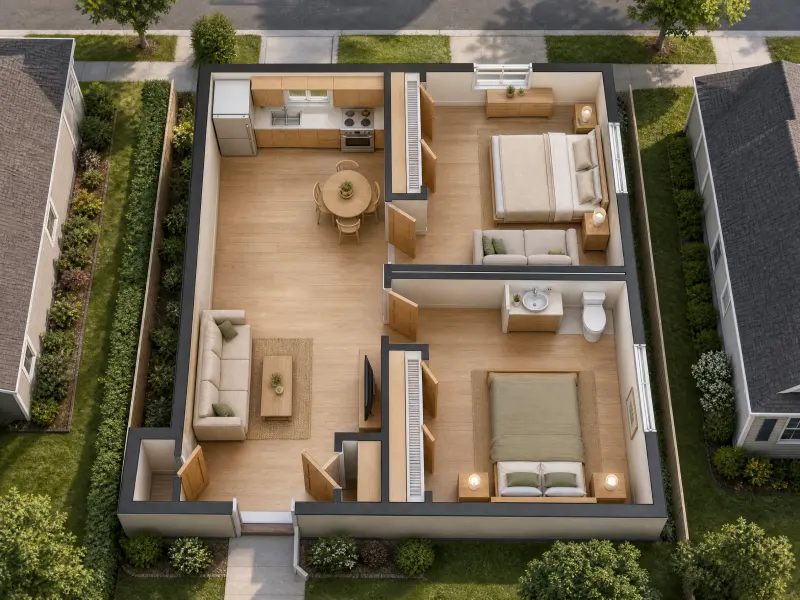
Top-Down is useful for inspecting room arrangements, Isometric shows walls and depth together, and Bird's Eye View offers an elevated overview. Choose according to your audience and whether you want to emphasize layout clarity, spatial depth, or the overall impression of the design.
AI floor plan rendering is best treated as a visual aid, not a source of verified dimensions or construction instructions. Generated scenes may interpret walls, openings, or furniture differently from the original drawing. Confirm measurements against the source plan and consult qualified professionals before construction or renovation.

What Users Say About the Floor Plan to 3D

Illustrative feedback showing how different professionals might use three-dimensional floor plan visuals in their workflows.
Floor plan to 3D review by an interior designer
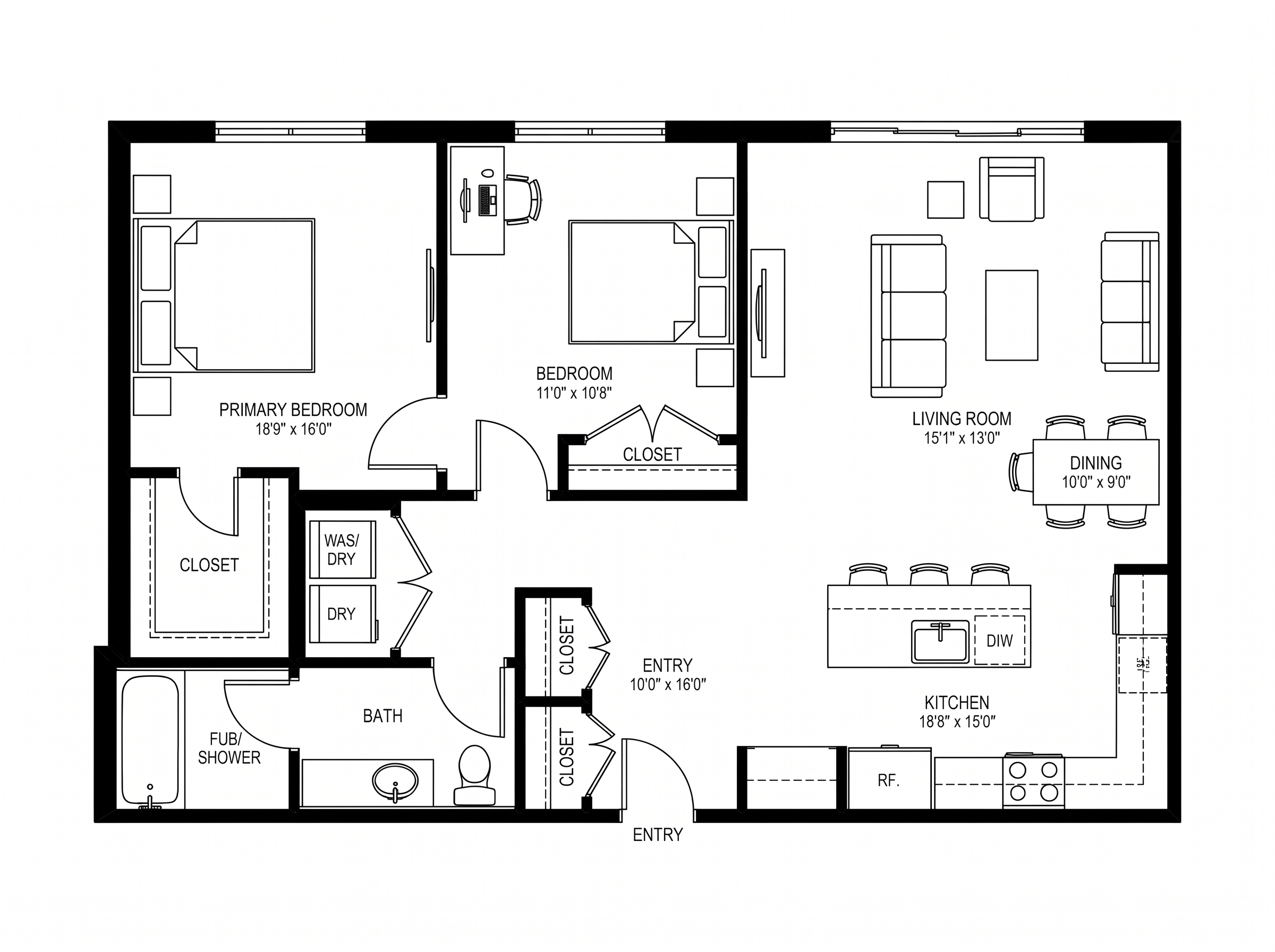
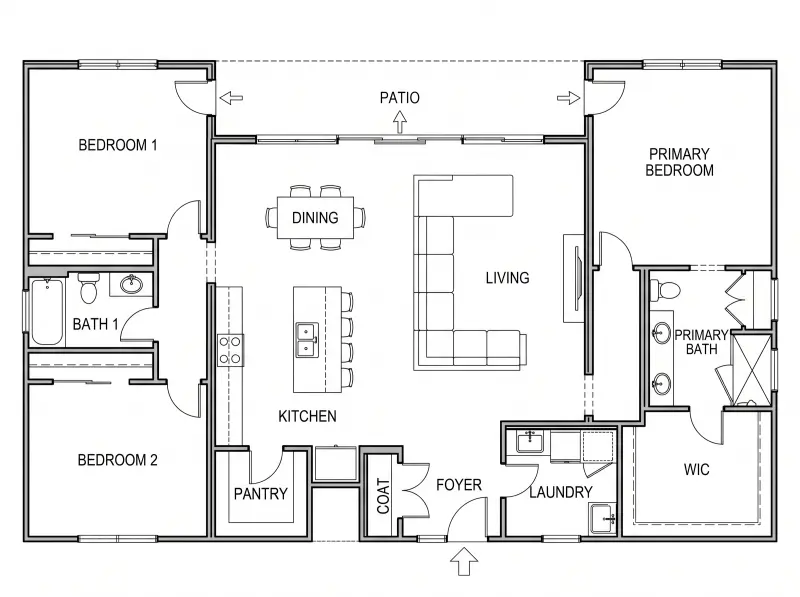
Interior designer floor plan before rendering
Before

“I needed a quicker way to show clients how a layout might feel beyond a flat drawing. The 3D view gives us a useful starting point for discussing room connections, furniture arrangements, and the overall visual direction.”
Mason Cooper

Mason Cooper

Interior Designer

Floor plan to 3D review by a real estate marketing specialist
Real estate floor plan before rendering
Before

“Some buyers struggle to picture a property from a conventional plan. A three-dimensional visual gives our presentations another way to explain how rooms connect and helps make early property discussions more accessible.”

Chloe Morgan

Chloe Morgan

Real Estate Marketing Specialist

Floor plan to 3D review by a residential design consultant
Residential floor plan before rendering
Before

“I like comparing different rendering styles without starting from scratch each time. It is particularly useful during early client conversations, when people are still deciding how they want a proposed space to look and feel.”

Benjamin Scott

Benjamin Scott

Residential Design Consultant

Explore More Landscape Design AI Tools

Can't get enough? Try these free landscape AI tools to refine every corner of your outdoor plan.

Bring Your Floor Plan to Life in 3D

Turn a flat drawing into a more engaging spatial concept. Explore different rendering styles, viewing angles, and backgrounds to communicate your design more clearly, without manual 3D modeling.

Bring Your Floor Plan to Life in 3D