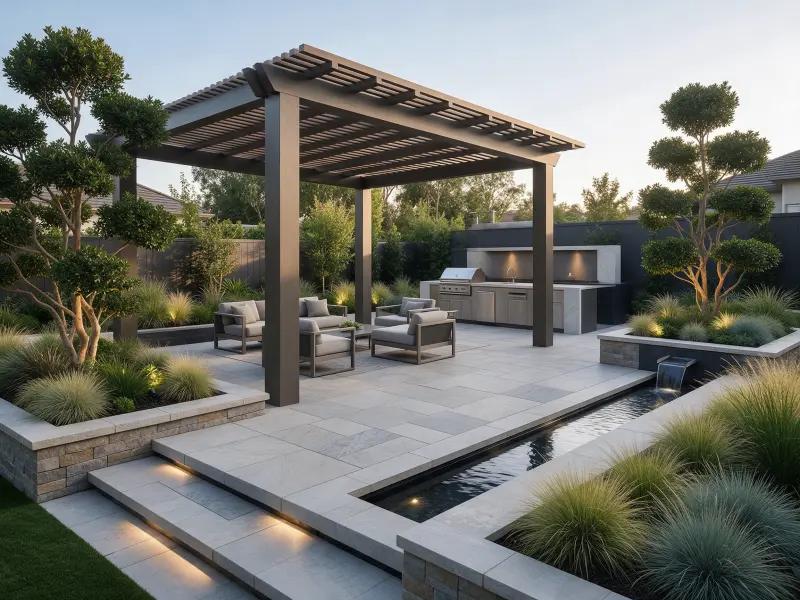
Best Landscape Design App: 5 Mobile Tools Compared
Find the best landscape design app for your phone. Compare five tools for AI yard ideas, planting layouts, mobile editing, and free access before choosing.

Jasmine Carter
Garden Designer
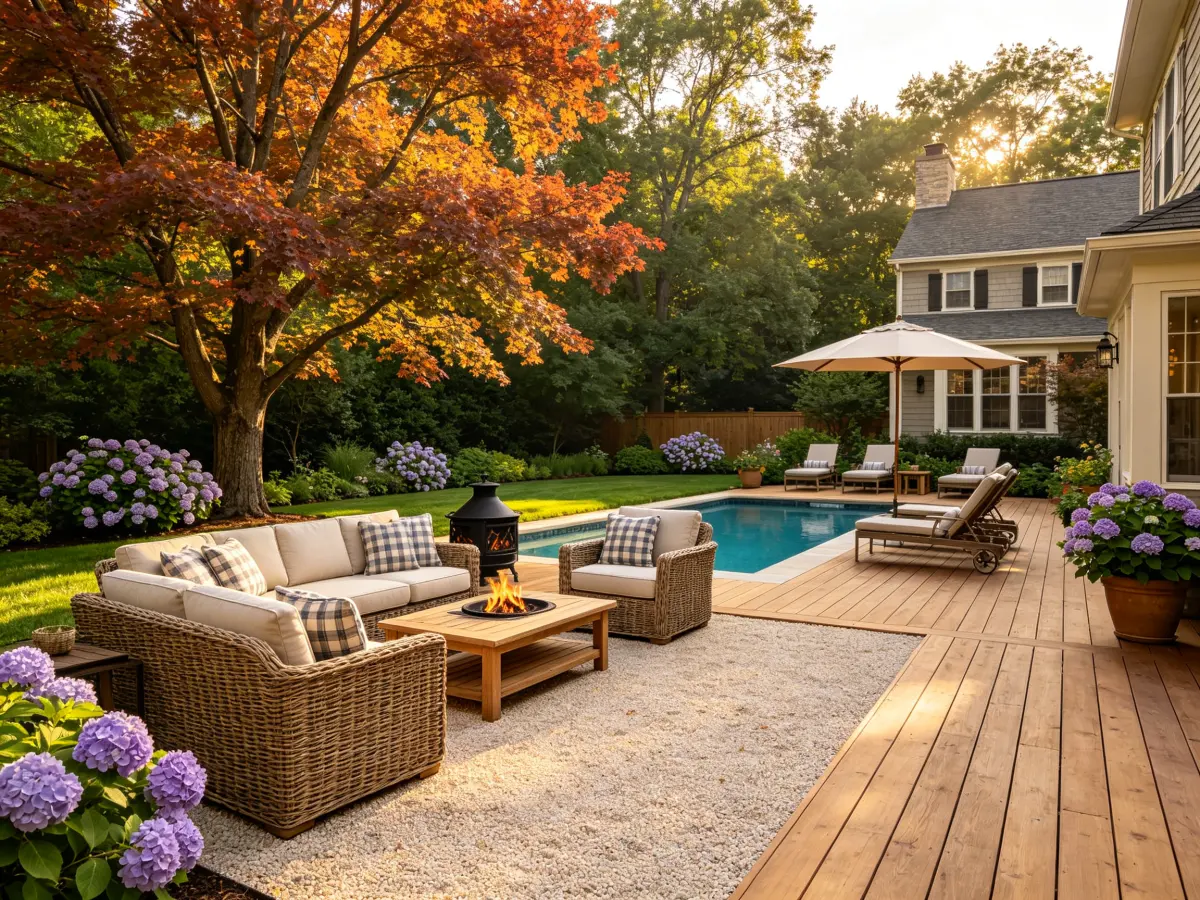
A garden should work from your kitchen window, your back door, and the chair where you drink your morning coffee. That is why I judge a landscape design app by more than its prettiest image. It should help you understand your own space and make the next decision easier.
This comparison looks at five tools through a garden designer’s lens, with phones as the starting point. It covers published features and workflows, rather than claiming hands-on testing. A mobile website counts as an option alongside a downloadable app.
If you want a free landscape design app, start with your project. Using a landscape design app free of charge is helpful only if the output answers your question. Likewise, a landscaping design app should support your priorities. Keeping a landscaping design app free to explore lowers the barrier, but the best landscape design app still depends on what you need to change.
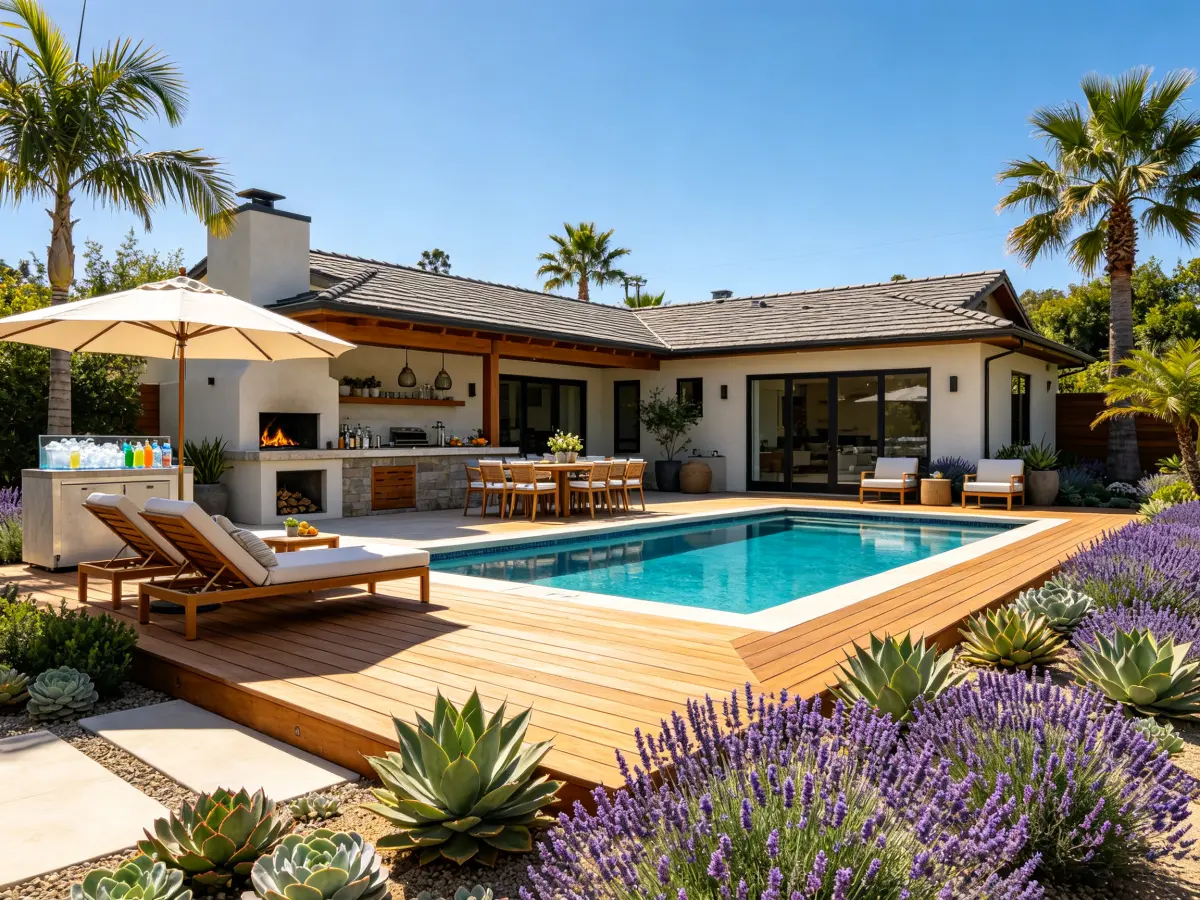
What I Look for in a Mobile Landscape Design App
I start with three questions: Can you work from a real photograph? Can you communicate what must stay? Can you save something useful for a conversation with a nursery or contractor?
A landscaping design app should also make sense on a small screen. Uploading from your gallery, choosing a style, and reviewing an image should not require a desktop workflow. Detailed finger placement can be more demanding, especially around narrow borders.
For a free landscape design app, I check generation limits, editing access, and downloads separately. Trying a landscape design app free does not automatically include unrestricted exports. The same applies when evaluating a landscaping design app free of charge: understand what the allowance actually covers. The best landscape design app makes those choices clear before you spend time designing.
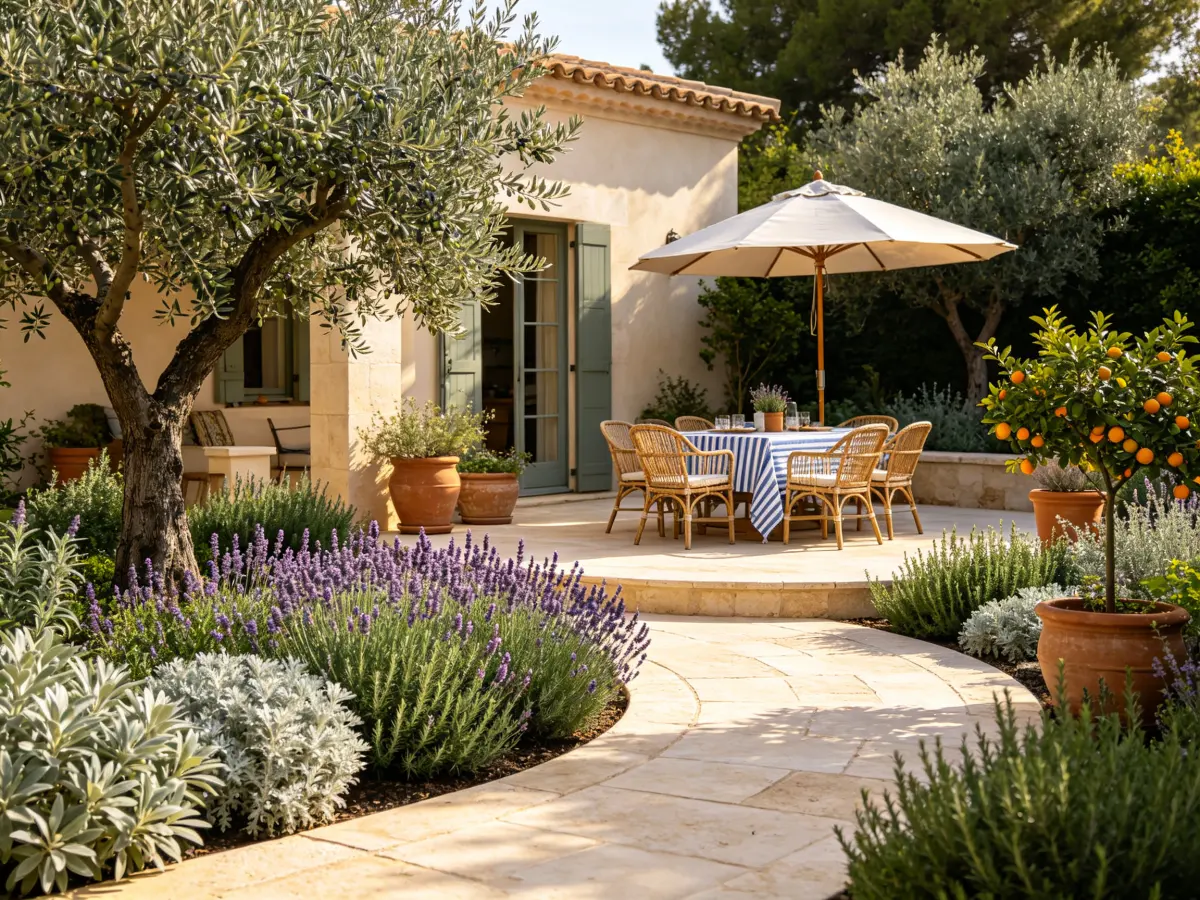
Five Mobile Tools Compared at a Glance
This is a workflow comparison, not a speed or image-quality ranking. A landscaping design app with manual placement solves a different problem from automatic generation. The best landscape design app for inspiration may therefore differ from your choice for detailed composition.
Landscape Design AI: A Direct Starting Point in Your Browser
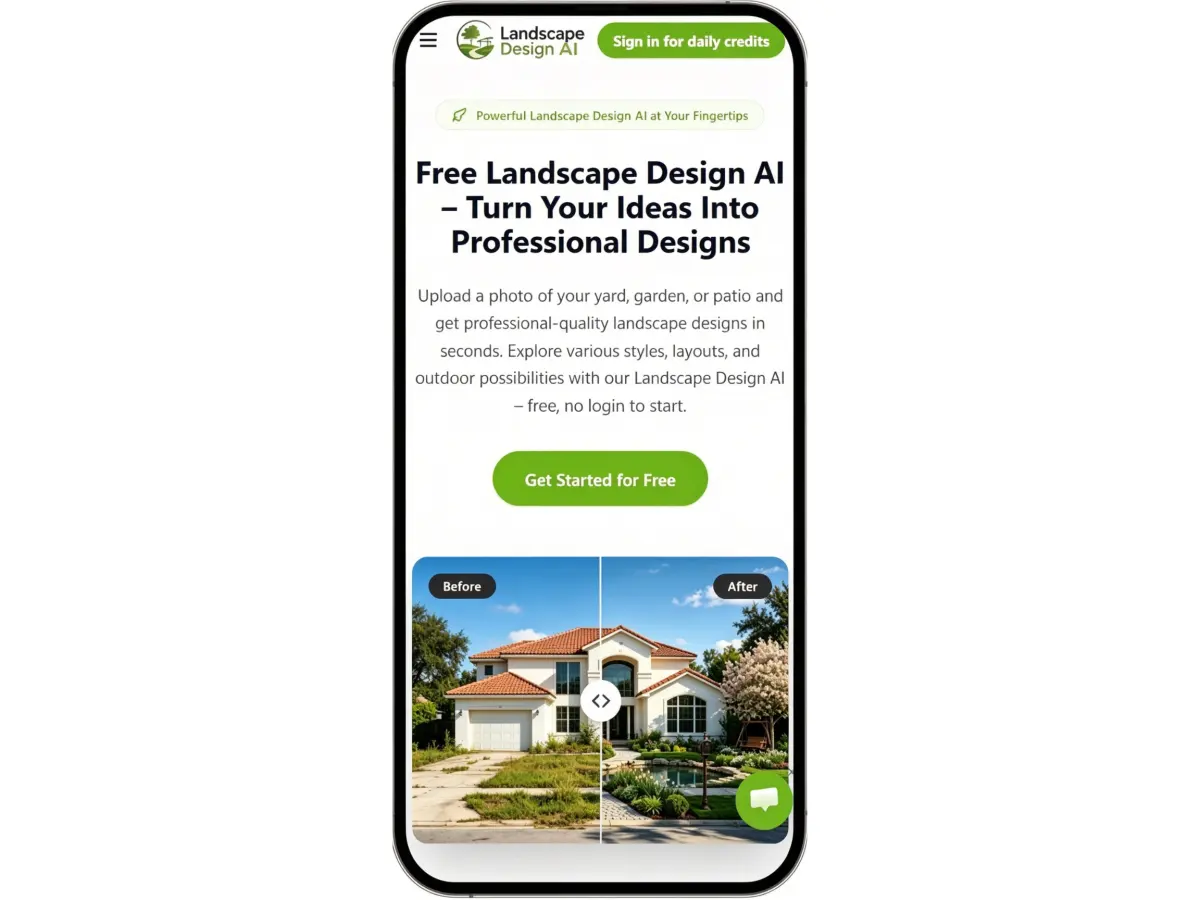
From a phone photo to an outdoor concept
Landscape Design AI focuses on outdoor visualization without requiring an installation. The website supports photo upload, style selection, and written descriptions, covering spaces such as gardens, yards, and patios.
For a mobile user, that provides a straightforward starting point: open the site, choose a photograph, and explore a direction. A landscaping design app does not need a native download to help you compare a cottage-style border with a cleaner modern composition.
I would begin with a practical brief: retain the patio, leave the doorway clear, and introduce layered planting around the lawn. Specific instructions give a concept a purpose beyond decoration.
Why it belongs on the shortlist
Landscape Design AI is a free landscape design app to try through the browser. Its published allowance and account conditions should be checked at the point of use. Starting with a landscape design app free lets you explore your own photograph before deciding whether you need more.
For readers seeking a landscaping design app free of an installation step, the browser format is particularly relevant. Its appeal is a focused route into visual garden planning.
It belongs among the best landscape design app options for homeowners who want to begin with their existing space and compare outdoor styles. Save a preferred direction as a reference for your next garden discussion.
Neighborbrite: For Exploring and Refining Garden Ideas
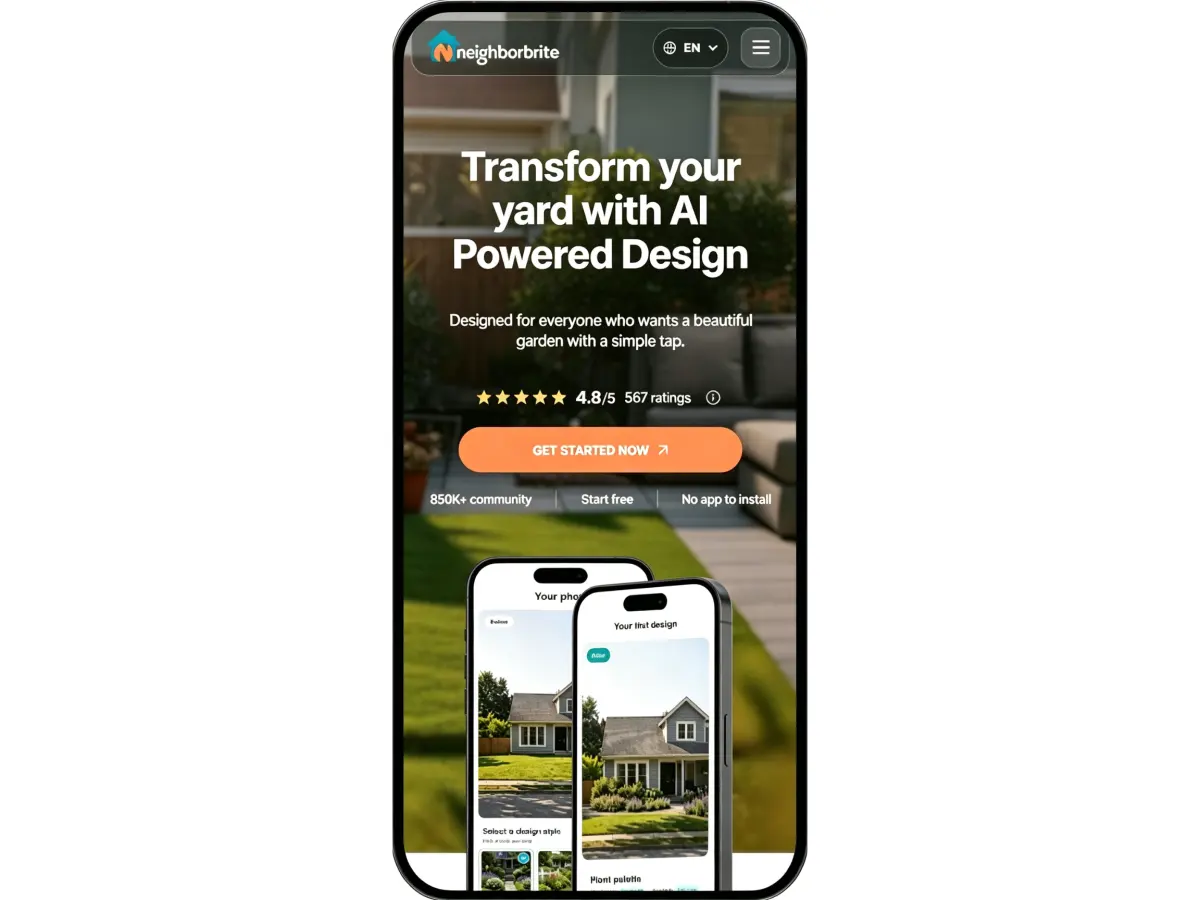
What the workflow offers
Neighborbrite starts with a yard photograph and a selected style. Its website also lists tools for describing a desired garden, editing areas, adding elements, and removing objects. Some controls require a paid plan.
From a design perspective, the interesting feature is the ability to develop an idea after the first image. A front garden may need a quieter planting palette rather than a completely different layout. Targeted changes can help communicate that distinction.
This landscaping design app offers native mobile downloads and browser access. That gives homeowners different ways to begin, although interface comfort still deserves checking on your own phone.
Free access and who it suits
Neighborbrite is a free landscape design app to start, with additional customization attached to paid tiers. If you want to use a landscape design app free before committing, check which changes and downloads are included in your account.
Choosing a landscaping design app free of charge makes sense for exploring broad directions first. Do not subscribe just because the first image is attractive: identify the specific editing capability you need.
Neighborbrite belongs on a best landscape design app shortlist for homeowners who want photo-based inspiration followed by revisions. Plant suggestions should still be checked against local conditions and mature size.
Remodel AI: For Garden Ideas Within a Wider Renovation
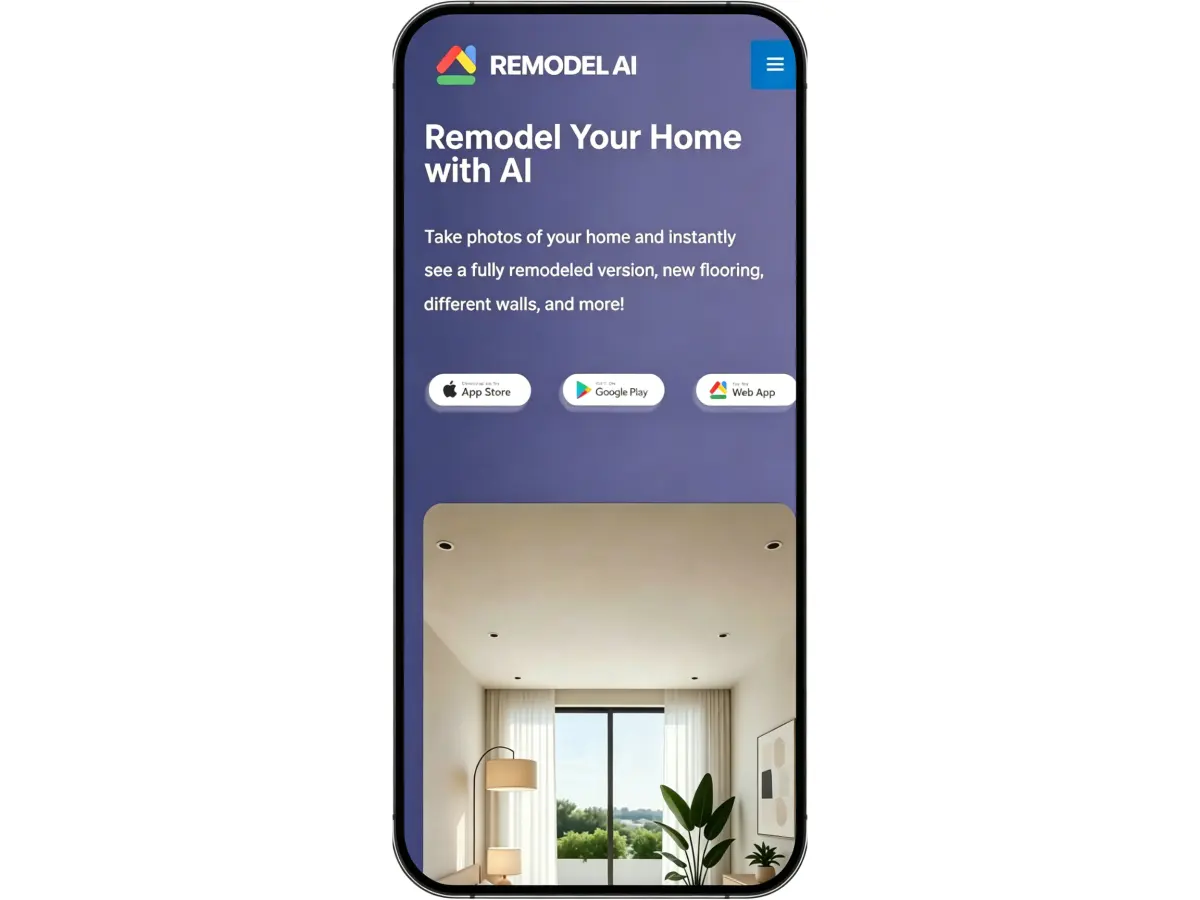
Its place in an outdoor project
Remodel AI includes landscape design alongside exterior and interior tools. Its official website lists photo upload, garden styles, and downloadable redesigns, with access through mobile apps and the web.
That broader scope is relevant when a garden project connects with changes to the house. A restrained planting scheme may work better once you compare it with the intended exterior finish. However, a large collection of interior styles is not evidence of deeper planting expertise.
As a landscaping design app, its main appeal is visual coordination across the property. I would use the garden image to discuss planting character, paving tone, and the relationship between the entrance and house.
What to consider before paying
The official site advertises three starter designs, making this a free landscape design app to sample rather than an assumption of unlimited use. Try a landscape design app free on the photograph that matters to your project.
For anyone comparing a landscaping design app free of charge, that first allowance is an opportunity to check boundaries and proportions. Does the path still lead somewhere sensible? Is the entrance recognizable?
Remodel AI could be the best landscape design app for someone coordinating several renovation ideas. For a garden-only project, compare its outdoor controls with a dedicated tool before choosing a subscription.
DreamzAR: For Taking a Concept Further
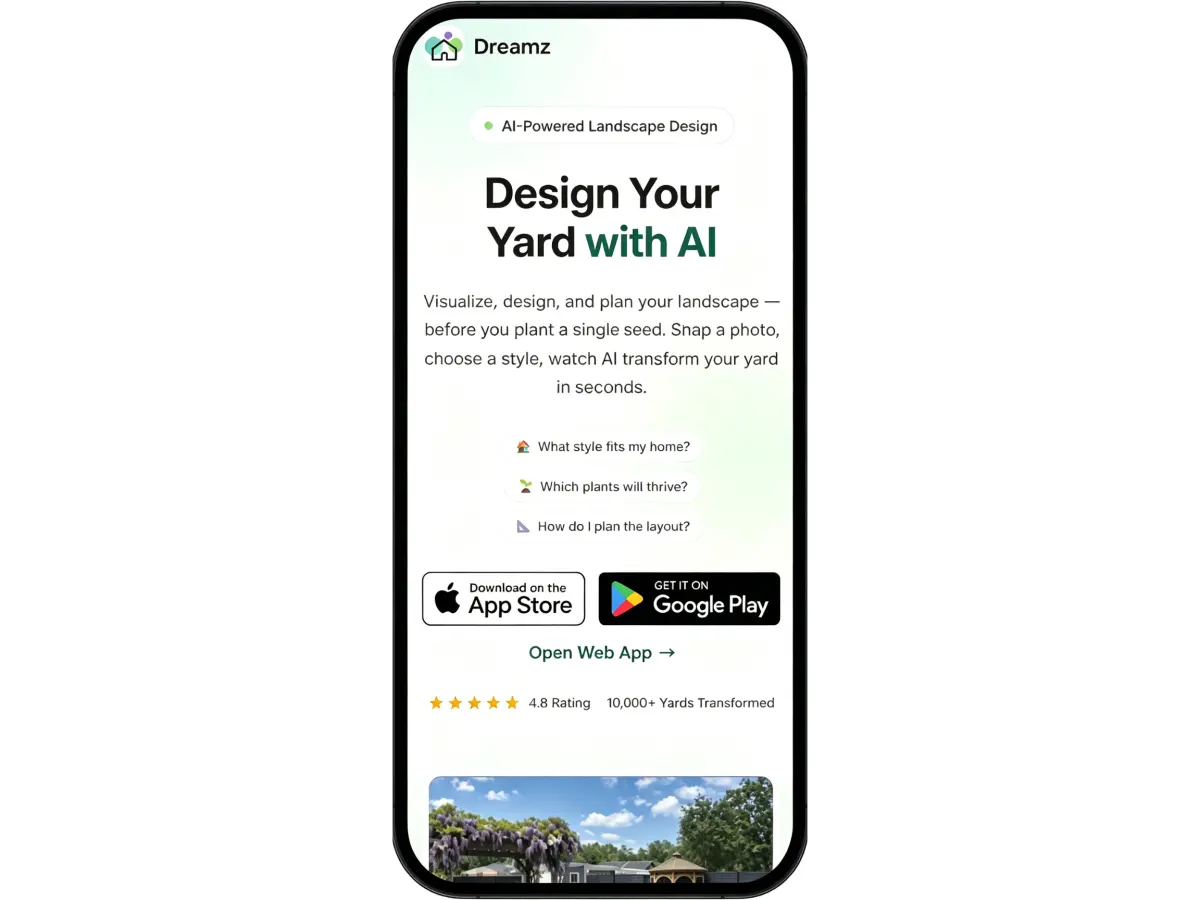
Generation and further adjustments
DreamzAR combines AI photo generation with chat-based refinement. Its website also presents a plant library, a 2D editor, and AR visualization, while distinguishing the fuller iOS offering from Android and web access.
That distinction matters on mobile. An App Store demonstration does not establish that every feature is available in an Android browser. Before paying, check the capabilities listed for your exact platform.
For a garden designer, the potential value is moving between overall character and individual elements. You might explore a softer border, then consider whether the seating area needs more room. This landscaping design app offers several ways to develop that conversation.
How to judge the subscription
Do not assume DreamzAR is a free landscape design app with permanent access to its full toolkit. Check the current trial or starter offer and the billing period.
When trying a landscape design app free, establish whether refinement consumes additional credits. When comparing a landscaping design app free of upfront payment, check what happens when an introductory period ends.
DreamzAR is a candidate for the best landscape design app for people who expect to keep adjusting their concept. Its additional tools are useful only if they match both your device and the way you want to work.
iScape: A Manual Alternative for Specific Plant Placement
More control over the composition
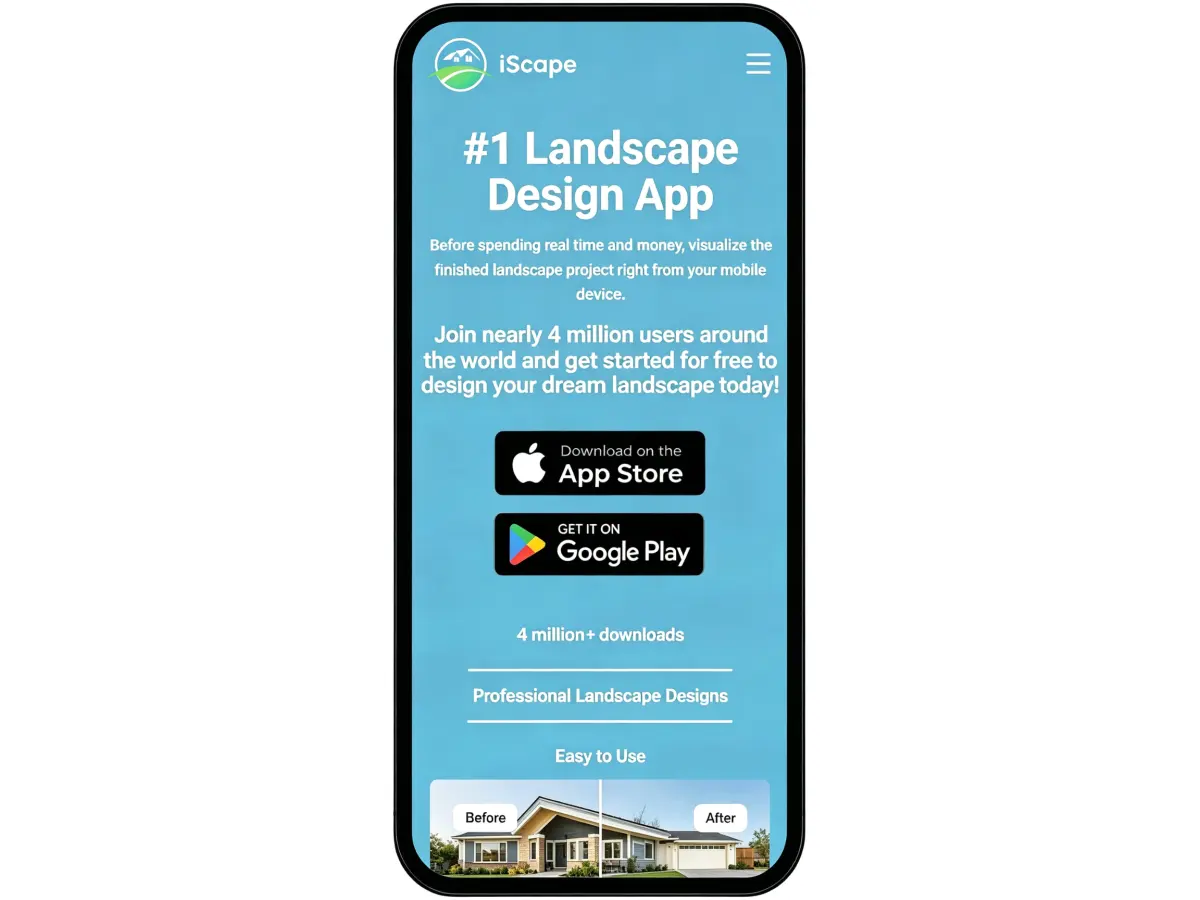
Unlike an automatic AI makeover, iScape emphasizes arranging plants and landscape elements yourself. Its official website describes drag-and-drop composition, a materials library, sharing, and proposal tools for paying professional users.
This landscaping design app is relevant when you already know the broad direction. Placing a shrub beside a doorway answers a different question from asking AI to redesign the entire frontage.
The website lists iOS and Android, but its plan details attach iOS restrictions to some design capabilities. Confirm device support, particularly for AR, rather than assuming complete platform parity.
Where the free version fits
iScape is a free landscape design app to download and trial with limited features. Using a landscape design app free here means accepting a restricted library or toolset, rather than expecting full professional access.
Consider a landscaping design app free trial if you want to judge the manual workflow before subscribing. Small-screen object placement asks for more patience than choosing a generated style.
iScape may be the best landscape design app for hands-on composition. It is less direct for someone who simply wants several instant garden directions, which is why it appears here as a manual alternative.
Why I Would Start with Landscape Design AI
My preference for early garden concepts is Landscape Design AI. Its outdoor focus suits the questions I care about: how planting frames a terrace, whether a border feels too busy, and which style connects the garden with the house. It is the landscaping design app I would reach for when a homeowner needs a visual starting point.
As a free landscape design app to try in your phone’s browser, it keeps the first step simple. You can explore a landscape design app free of an initial subscription commitment, using a photograph of the space you want to improve.
For anyone seeking a landscaping design app free to try, I recommend starting here with one clear goal. Compare a few directions, choose the most promising, and use it to explain your ideas. For this early stage, Landscape Design AI is my best landscape design app recommendation.
How I Would Brief These Tools from a Phone
Take a well-lit photograph from a normal standing viewpoint. Include the house, boundaries, and existing paving so the design has context. Avoid a close-up that hides how the garden connects together.
Then state what matters: room for children, privacy beside a terrace, or less lawn to maintain. Use one photograph when comparing tools so you can judge the same space.
A free landscape design app is enough to begin that exercise. Before trying another landscape design app free, write down what the previous image missed. This makes the next attempt more purposeful.
Keeping a landscaping design app free during initial exploration is sensible, but a landscaping design app cannot verify drainage or identify every illustrated plant reliably. The best landscape design app supports your judgment; final plant choices still need local checks.
Frequently Asked Questions
Which free landscape design app should I try first?
For a browser-based start, consider Landscape Design AI or Neighborbrite. Check the current allowance and whether you can save a useful result. The best landscape design app for you is the one that addresses your first design question without unnecessary setup.
Can I use a landscape design app free without downloading anything?
Yes. Browser-based options let you upload a photograph without installing software. Account requirements and generation allowances vary. Check those separately from the ability to open the tool on your phone.
Is a landscaping design app free on both iPhone and Android?
Some products offer free entry on both platforms, but features and subscriptions can differ. Confirm the listing for your device. A landscaping design app available everywhere may still reserve particular editing or AR functions for one platform.
Can AI replace a measured planting plan?
A rendering helps explain style and atmosphere. It does not establish plant quantities, drainage levels, or accurate construction dimensions. Use the image to begin a more specific discussion before buying materials or commissioning work.
Final Verdict: Start with the Decision You Need to Make
For browser-based outdoor inspiration, start with Landscape Design AI. Consider Neighborbrite for photo-based revisions, Remodel AI for connected home ideas, and DreamzAR for its additional development tools. Choose iScape when manual placement is your priority.
Use a free landscape design app to find a direction worth discussing. Try a landscape design app free before buying a subscription, and compare a landscaping design app free offer against the work ahead. A landscaping design app earns its place when it makes that work clearer. The best landscape design app helps you move from an uncertain idea toward a garden you can explain.
See What Your Garden Could Become
Still picturing the possibilities? Upload a photo to Landscape Design AI, explore your favorite styles, and find a fresh direction for your outdoor space—all from your phone.