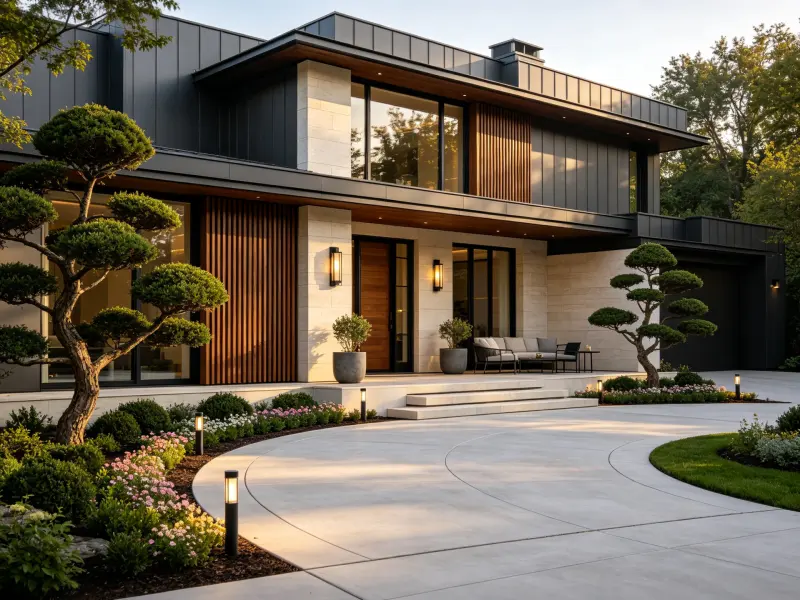
How to Use AI to Design a Landscape from a Photo
Learn how to use AI landscape design to turn a garden photo into a practical design concept with better prompts, style ideas, and planning tips.

Jasmine Carter
Garden Designer
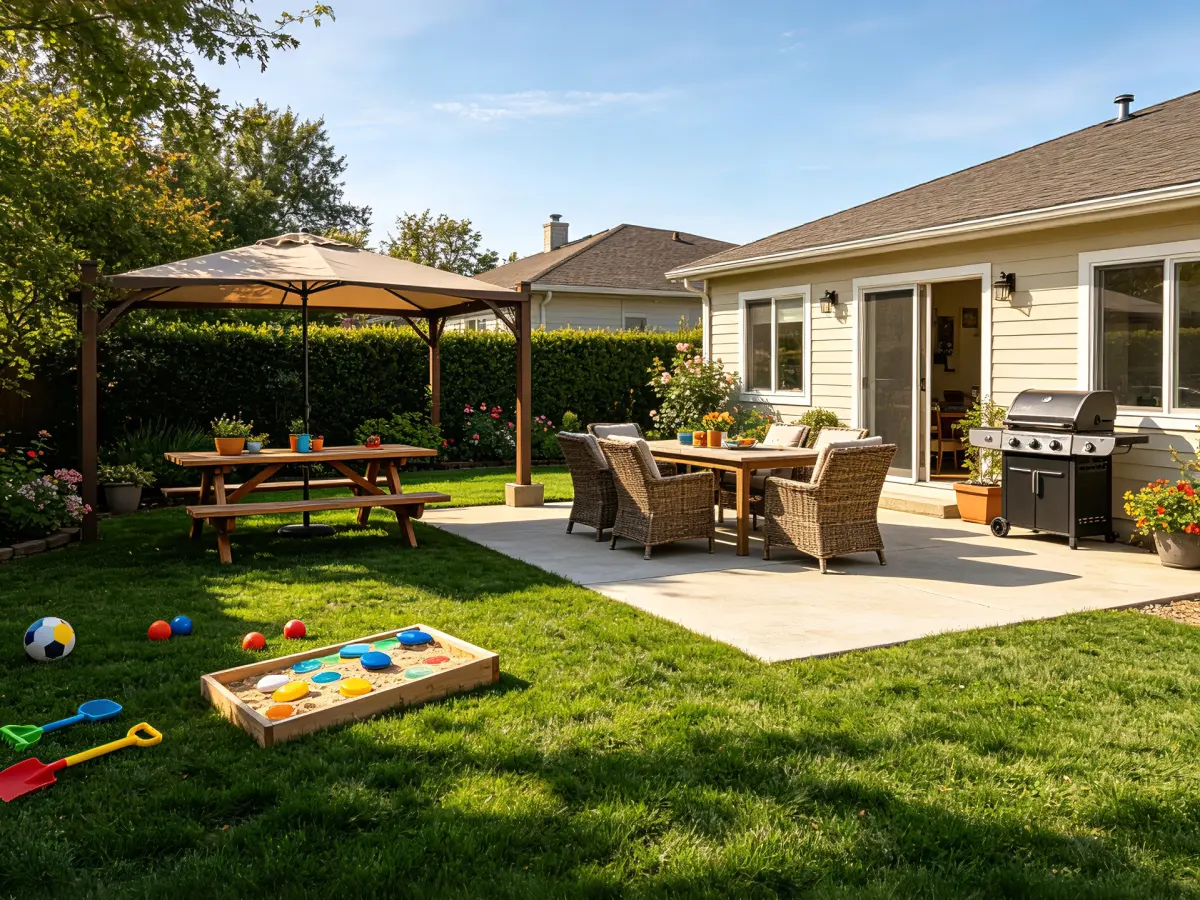
Designing an outdoor space is easier when you can see the possibilities before buying materials or starting construction. Yet many homeowners struggle to imagine how a bare yard, narrow side garden, patio, or overgrown border could look after a redesign.
AI landscape design helps with this early visual stage. Upload a photo, describe how you want to use the space, and explore different layouts, planting moods, materials, and outdoor living ideas. The result is a concept, not a construction drawing, but it can give you a clearer direction and a better brief for detailed planning.
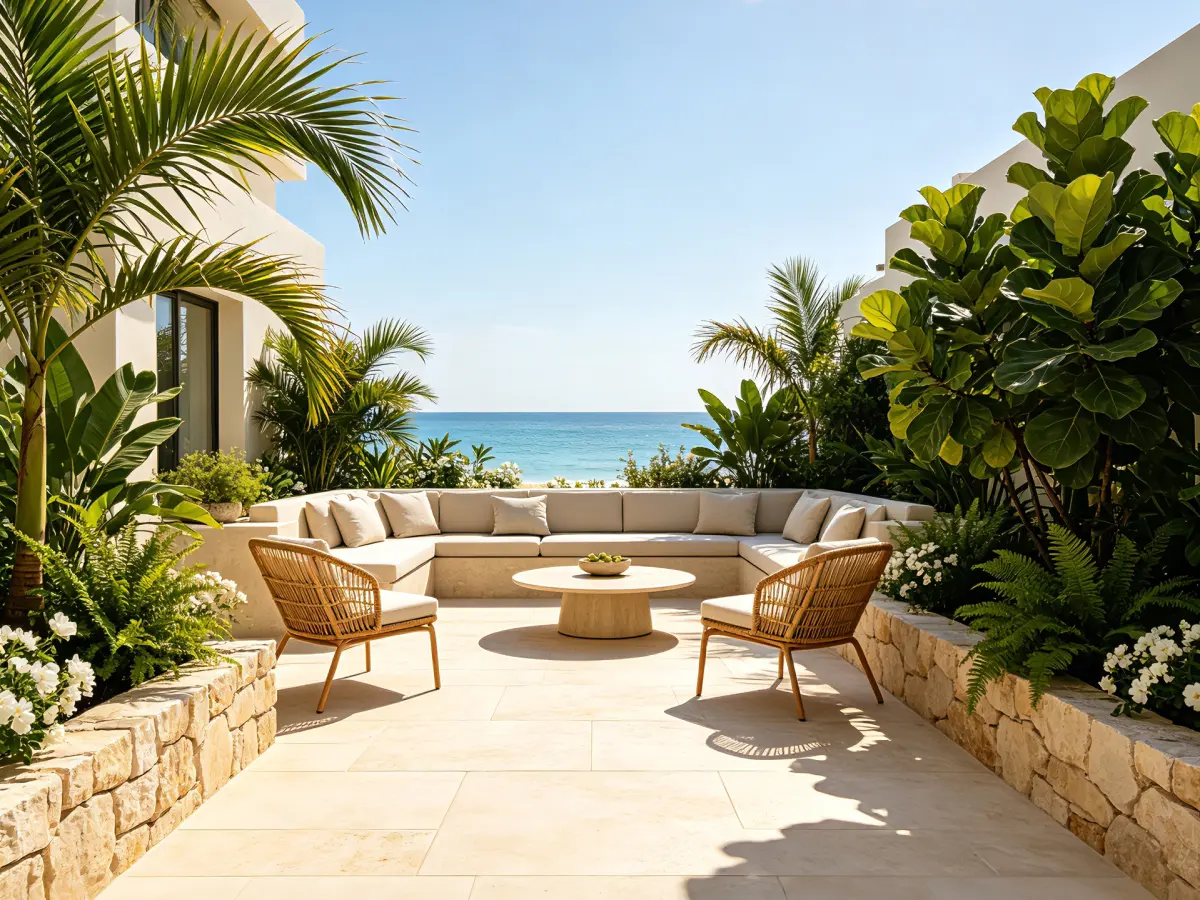
This guide explains how to use AI to create a landscape concept from a photo, write effective prompts, compare options, and know when professional advice is needed.
What Is AI Landscape Design?
AI landscape design uses artificial intelligence to turn an existing outdoor-space photo into one or more visual design concepts. Depending on the tool, you can explore ideas for:
- Backyards, front yards, and side yards
- Small gardens and planting borders
- Patios, terraces, balconies, and pool areas
- Outdoor dining, entertaining, and relaxation spaces
- Privacy planting and low-maintenance gardens
- Family-friendly outdoor areas
A typical workflow combines the original image with the space type, intended use, design style, sunlight, terrain, and preferred materials. The AI then creates a visual direction while attempting to preserve features such as the house, fence, mature tree, wall, or existing path.
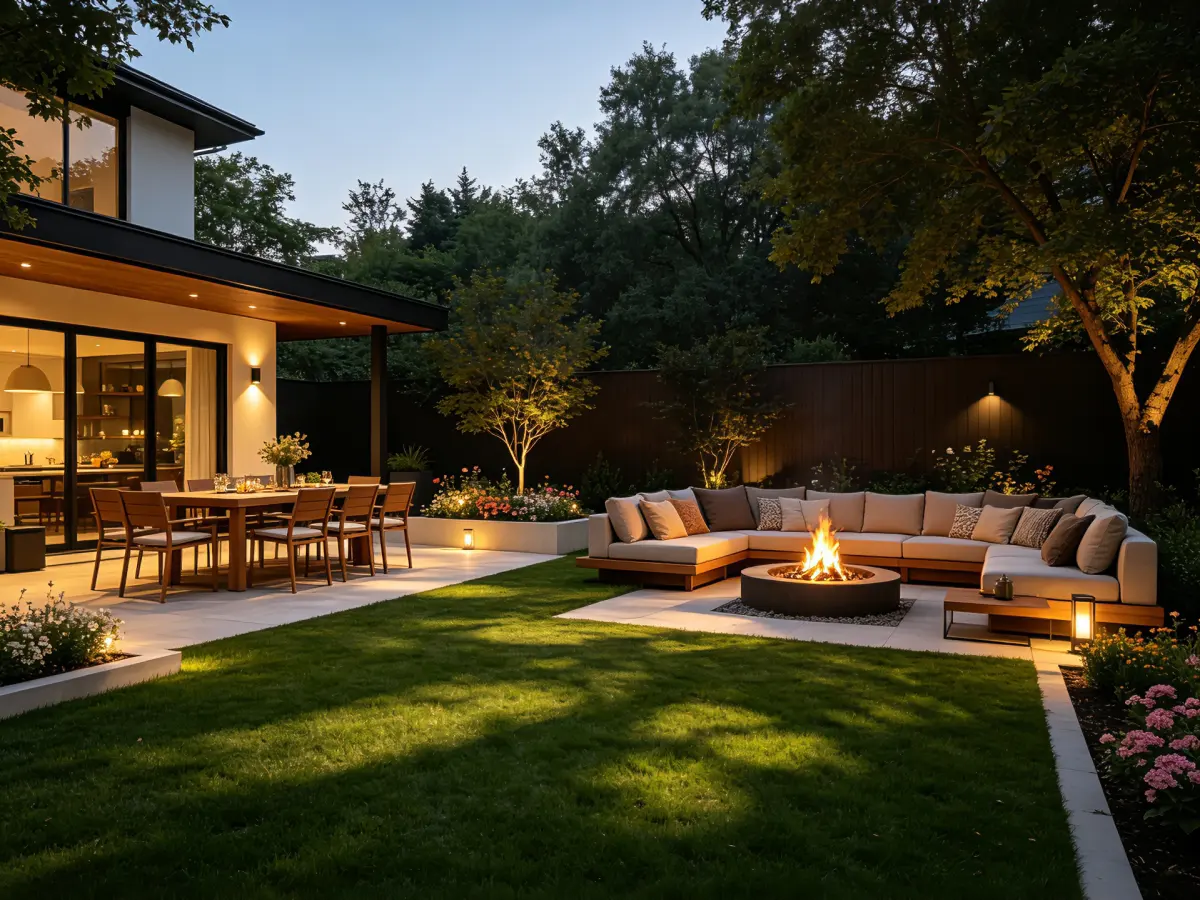
Think of AI landscape design as a concept-development tool. It helps you compare possibilities and communicate your priorities before moving to measured plans and construction decisions.
What AI Landscape Design Can and Cannot Do
AI can help you visualize a garden, compare modern or cottage styles, test patio and planting arrangements, and explain your preferences to family members, contractors, or a landscape designer. It can also help you identify questions to answer before requesting quotes.
An AI image should not be treated as a measured plan. It may not accurately show dimensions, scale, levels, drainage, irrigation, soil, underground utilities, structural safety, mature plant size, accessibility, lighting, or local permit requirements. Before construction, verify the concept with accurate measurements and consult a qualified professional when the project involves technical, structural, or regulatory work.
How to Use AI to Design a Landscape from a Photo
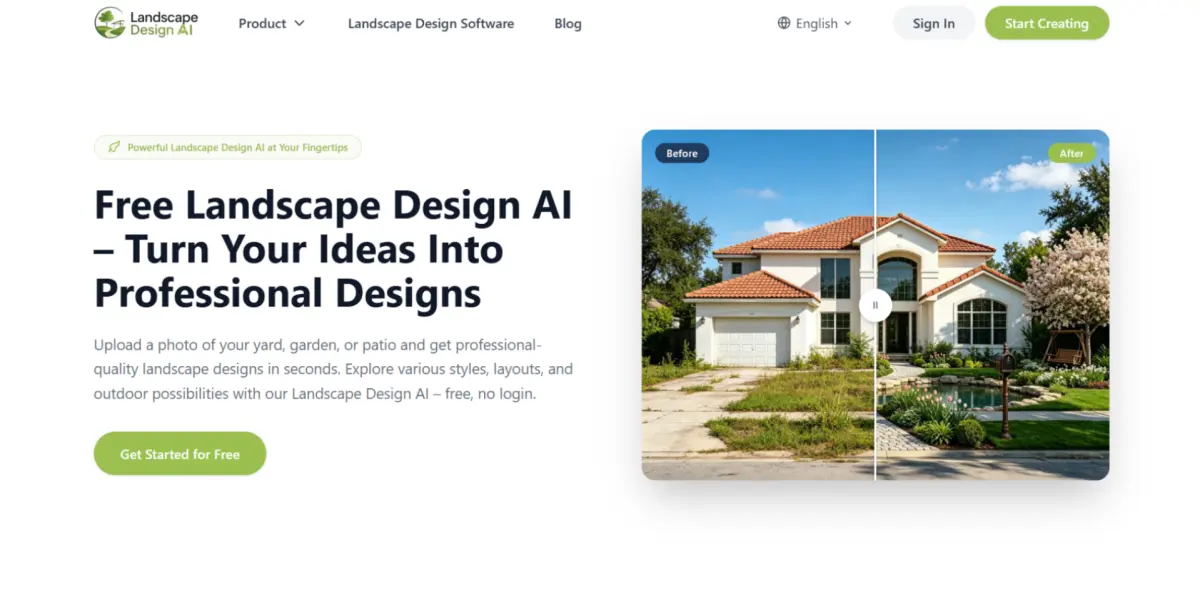
Take a clear photo
Take the photo in daylight and stand far enough away to show the area you want to change. Include the house or building edge, fences, walls, gates, mature trees, existing paths, structures, visible slopes, and access routes. Avoid heavy filters, extreme shadows, and objects that hide the ground.
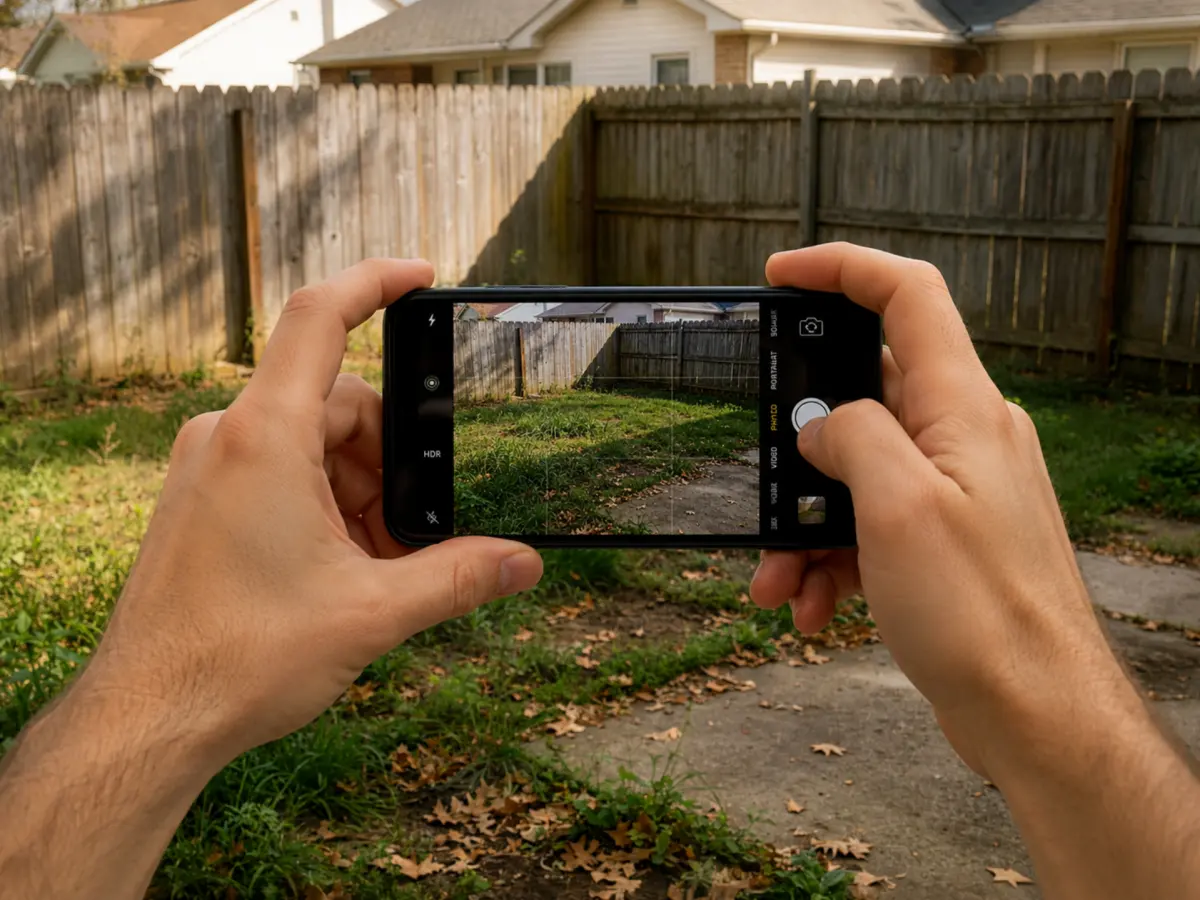
For a complicated site, take three views: from the house outward, from the garden toward the house, and along the side boundary. Choose the image that best explains the project.
Upload and crop the image
Open Landscape Design AI and upload a JPG, PNG, or WebP image. Crop the photo so the project area is easy to read, while keeping enough context to show how the garden connects to the house, fence, path, or neighboring space.
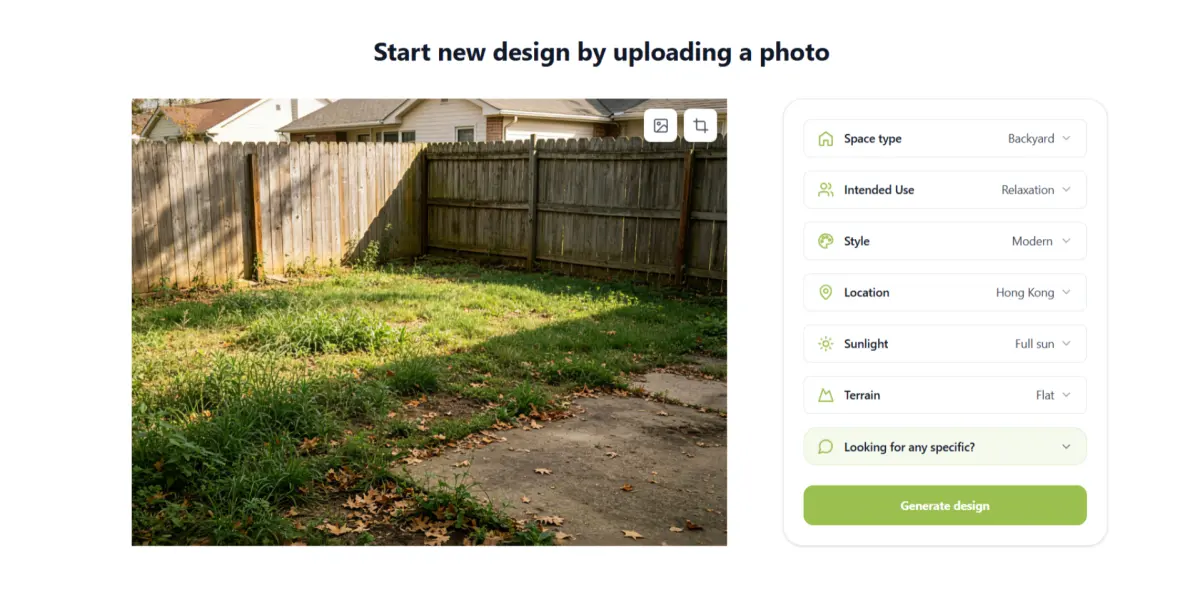
Do not crop away features that must remain. If an oak tree, retaining wall, entrance path, or patio is important, keep it visible and mention it in the prompt. Save the original image for comparison.
Define the purpose of the space
A strong landscape design starts with function, not decoration. Decide whether you want to create an outdoor dining area, add privacy, make a small yard feel larger, provide play space, build a quiet retreat, improve access, or replace a high-maintenance lawn.
The purpose changes the layout. A family garden needs open circulation and durable surfaces. An entertaining area needs comfortable seating and a practical route between the house and patio. A private retreat may need shade, screening, and layered planting.
Choose the style, sunlight, and terrain
Select the project type—such as backyard, front yard, garden, patio, or balcony—and choose a style that fits the home and the way you will use the space. Common directions include:
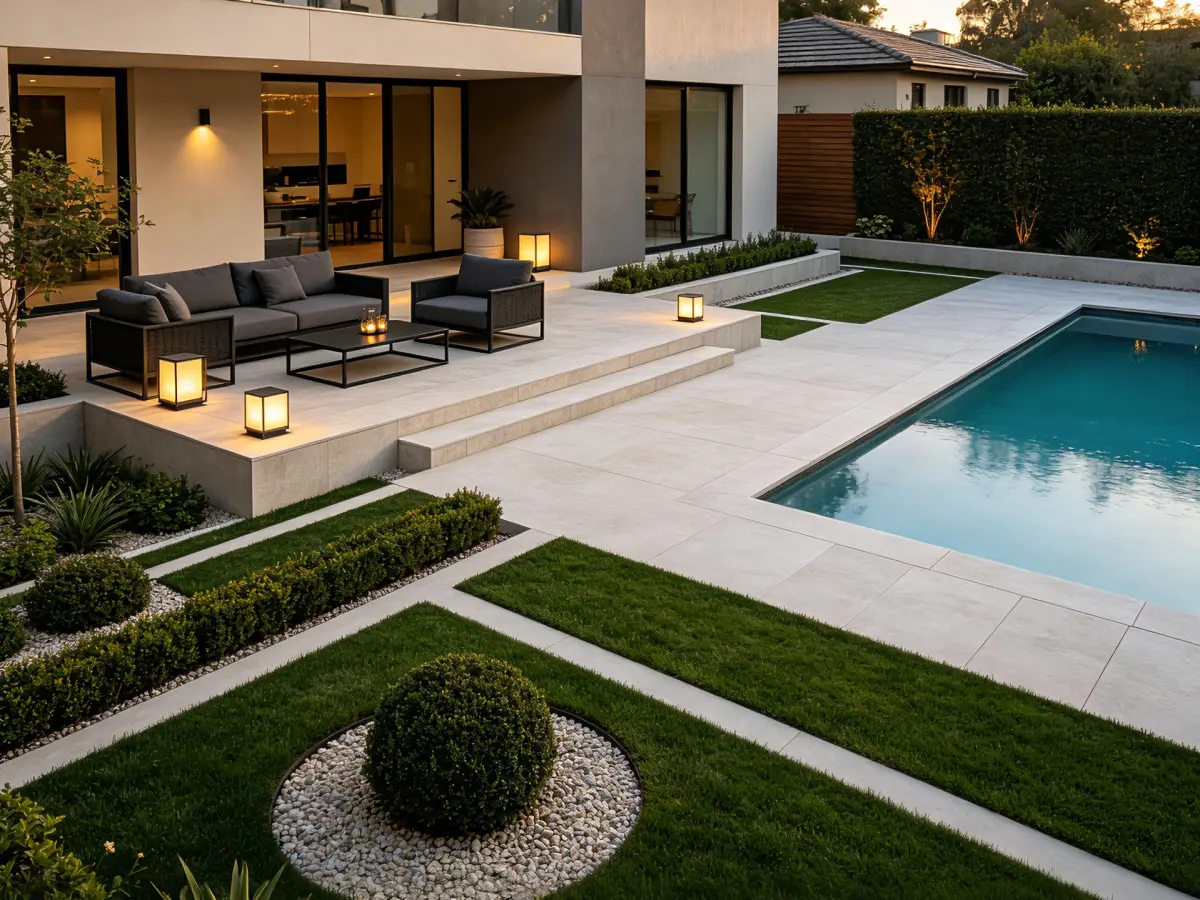
- Modern: clean lines, simple geometry, restrained planting, and durable materials
- Cottage: informal paths, soft edges, layered planting, and seasonal color
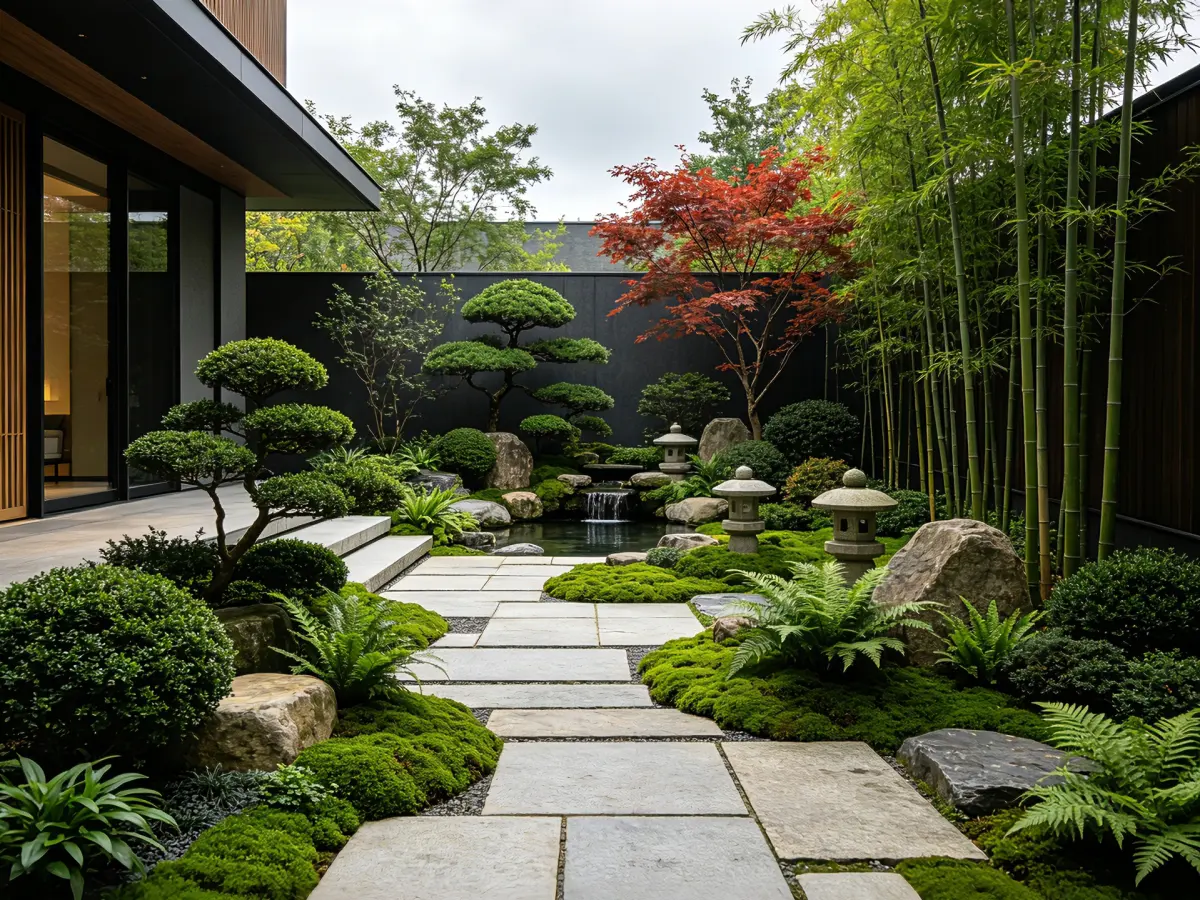
- Japanese-inspired: balance, texture, stones, and quiet transitions
- Naturalistic: organic movement, grasses, and habitat-friendly planting
- Mediterranean or desert: gravel, warm materials, structural plants, and water-conscious ideas
- Family-friendly: clear circulation, usable lawn, safe surfaces, and durable planting
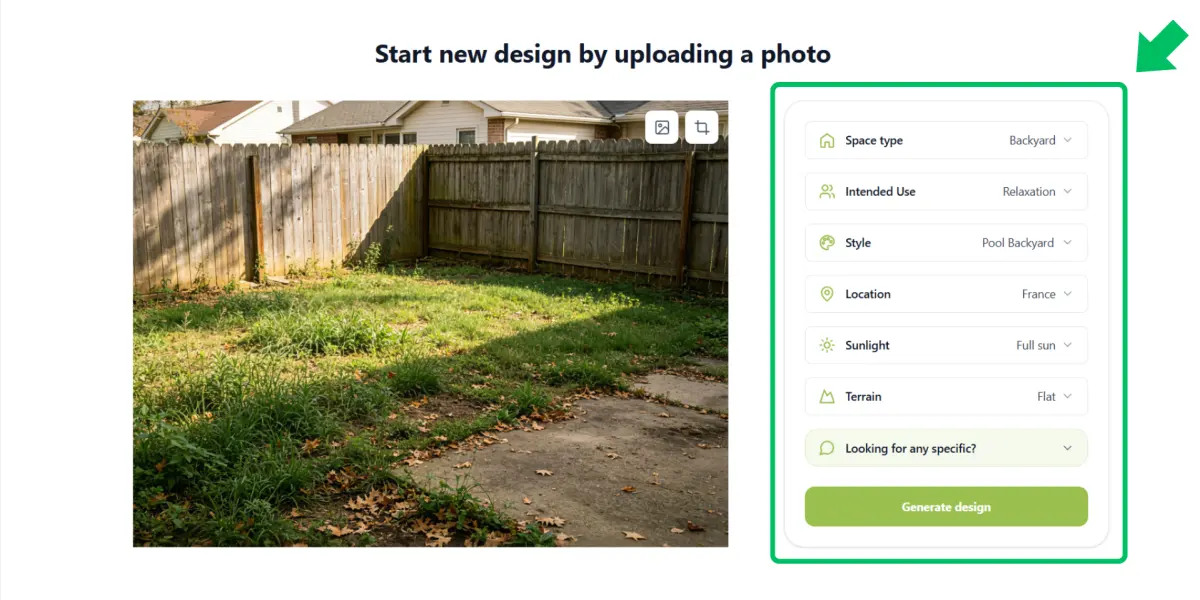
If available, add location, sunlight, and terrain information. Mention full sun, partial shade, slopes, pools, retaining walls, pets, children, privacy needs, or limited access. These details make the concept more relevant than a generic image.
Write a focused prompt
A useful prompt describes the purpose, features to preserve, changes you want, materials, planting mood, and constraints. For example:
- Keep the existing oak tree, fence, and connection to the back door. Create a low-maintenance modern backyard with a compact dining patio, a clear path from the kitchen, layered evergreen planting along the boundary, and open lawn for children. Use natural stone and warm timber.
You can also write:
- Transform this narrow side garden into a calm Japanese-inspired walkway. Keep the boundary wall and existing tree. Add stepping stones, gravel, shade-tolerant planting, subtle lighting, and a small bench while preserving everyday access.
Start with one clear direction. Asking for a patio, pool, fire pit, vegetable garden, play zone, multiple structures, and several styles at once can produce a crowded or inconsistent result.
Generate and compare variations
Review the first concept by checking the layout before judging decorative details:
- Does the path lead somewhere useful?
- Is there enough room for the intended activity?
- Does the garden connect naturally to the house?
- Are existing trees, walls, and boundaries in the right locations?
- Does the design fit the apparent property scale?
- Are planting, access, drainage, and safety concerns visible?
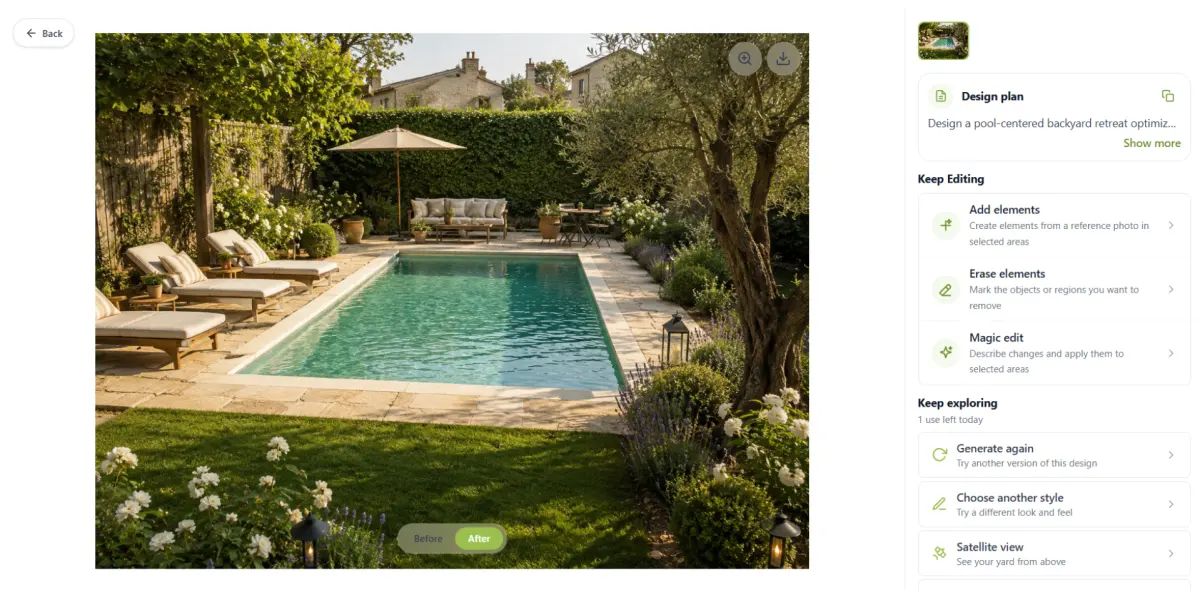
Refine one variable at a time. Keep the layout while changing the style, reduce the patio, add privacy planting, or create more open lawn. Compare a circulation-focused version, a planting-focused version, and an outdoor-living version rather than generating unrelated images.
Share the concept as a planning brief
Save the concept and mark what you like, what should change, and what still needs an answer. Share it with family members, a landscape designer, contractor, nursery, or gardener.
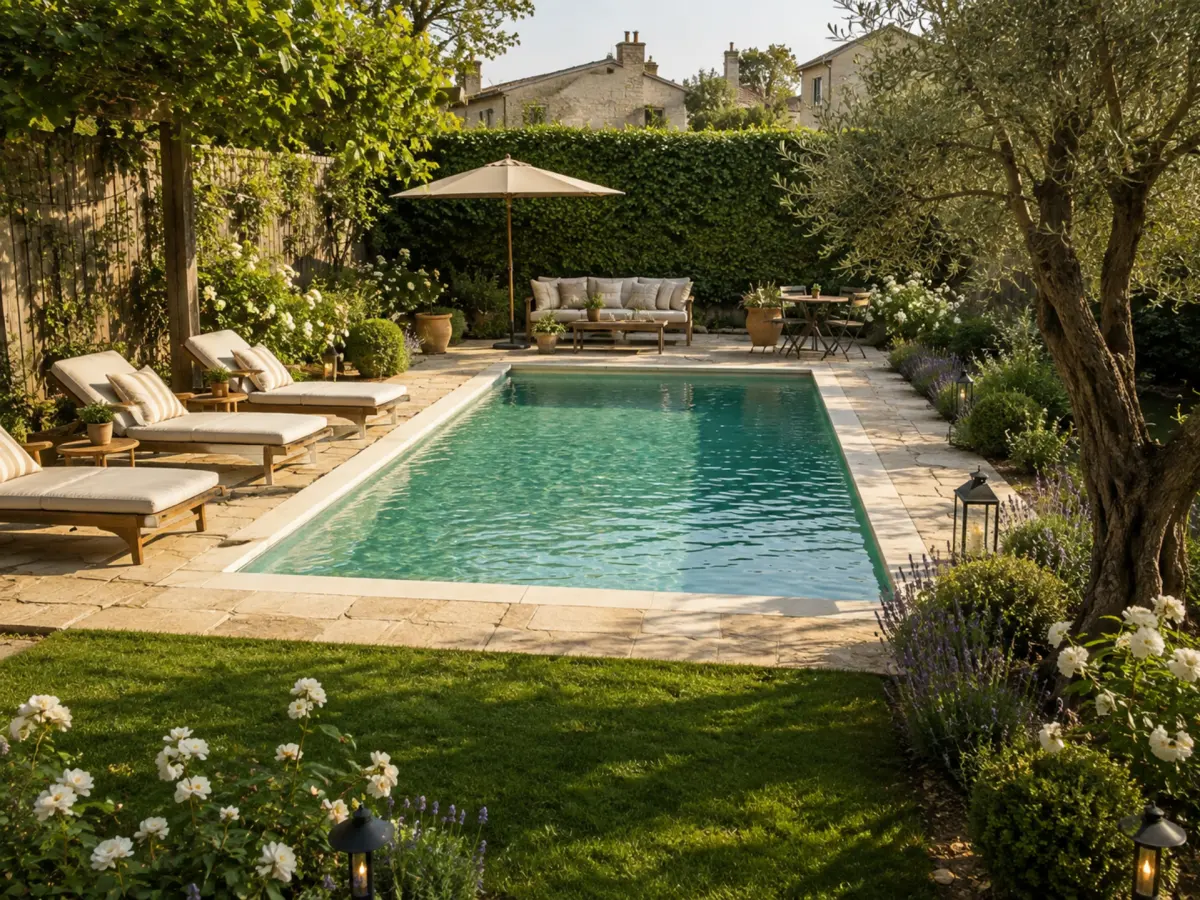
The image is valuable because it starts a conversation. It can show mood and general arrangement, but it cannot replace a site survey, measured drawing, planting schedule, drainage plan, or construction specification.
Tips for Better AI Landscape Design Results
Describe problems, not just appearances
Instead of “make my garden beautiful,” write “create privacy along the left fence,” “add shade beside the seating area,” or “make the narrow yard feel more open.” A functional brief gives the AI a clearer goal.
Preserve existing features
Mention mature trees, walls, fences, gates, patios, windows, and access routes that must remain. These features affect circulation, shade, views, and available planting space.
Use maintenance language
Say whether you prefer low-maintenance, evergreen, drought-tolerant, seasonal, pollinator-friendly, or vegetable-growing ideas. Check any plant suggestions against your climate, soil, water, pets, and maintenance capacity.
Keep the material palette simple
A few coordinated materials usually create a more believable concept. For example, combine natural stone paving, timber screening, and a restrained planting palette instead of requesting many unrelated finishes.
Compare options deliberately
Compare privacy, shade, lawn, seating, planting density, and circulation in each version. The best concept is not necessarily the most dramatic; it is the one that fits your space and daily life.
Garden Styles to Explore with AI
- Modern: clean edges, simple routes, strong geometry, evergreen structure, and easy maintenance.
- Cottage: informal paths, flowers, shrubs, grasses, and a relaxed transition between lawn and borders.
- Japanese-inspired: stones, texture, balance, framed views, and carefully placed pauses.
- Naturalistic: organic movement, grasses, meadow-like planting, and habitat-friendly ideas.
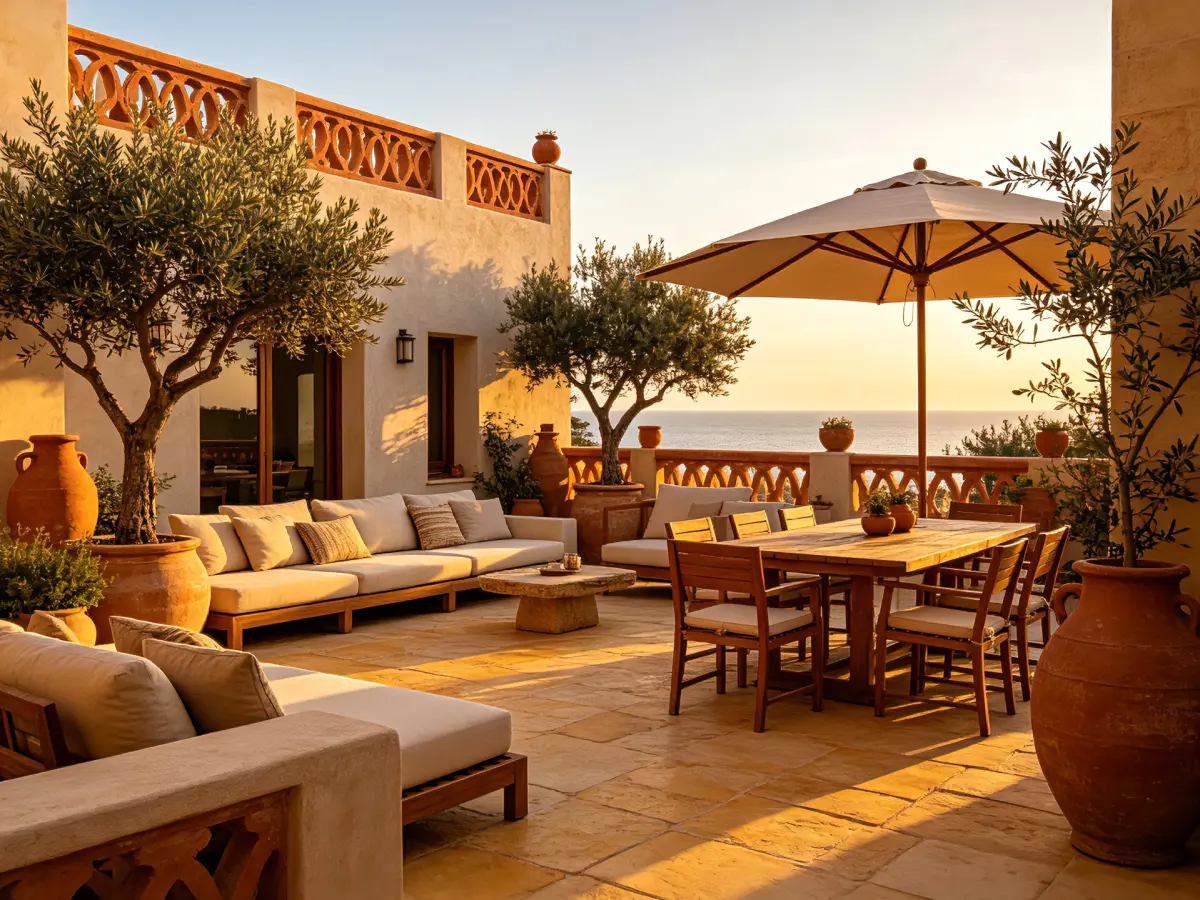
- Mediterranean, desert, or coastal: gravel, stone, warm textures, structural plants, and shaded seating.
- Family-friendly: open play space, clear circulation, durable surfaces, and planting away from busy routes.
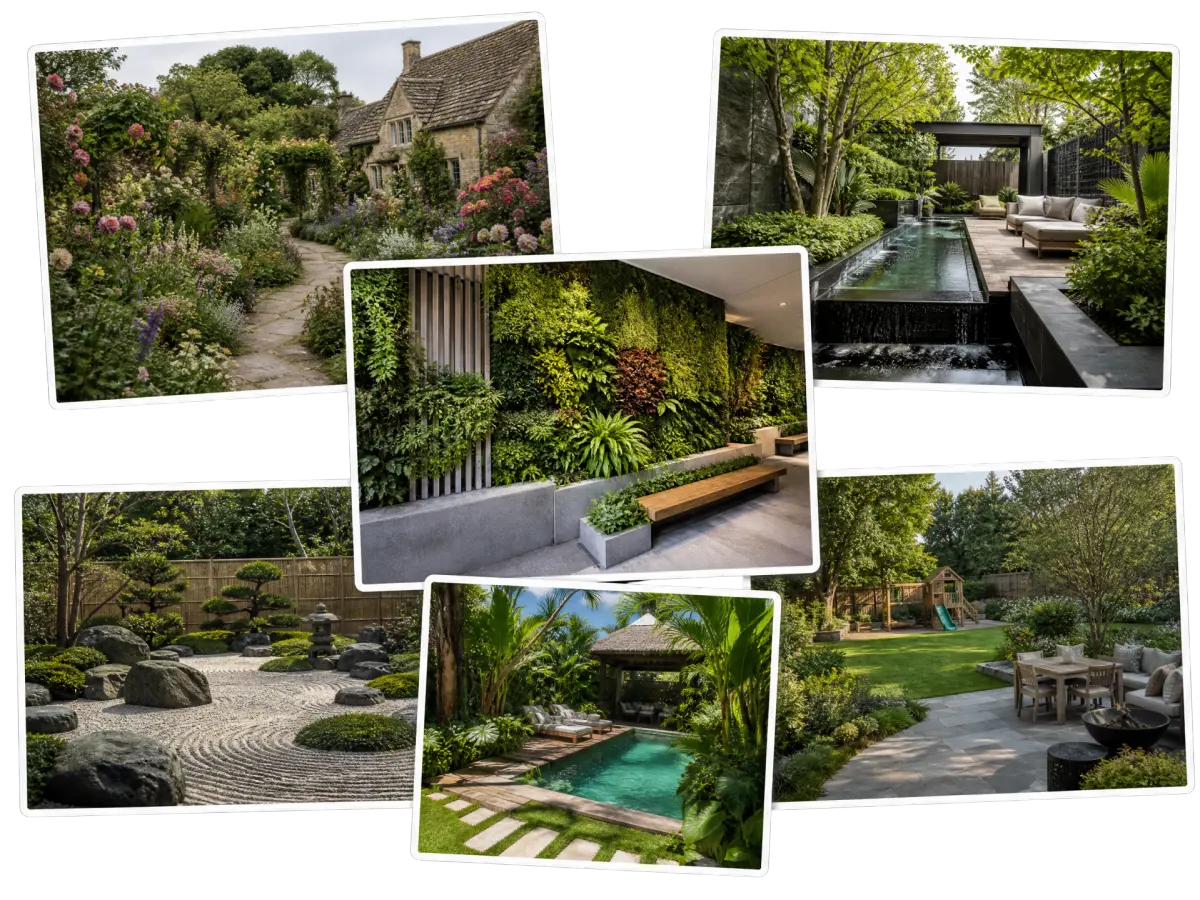
Use these styles for visual direction, then adapt the materials and plants to local climate and site conditions.
When Should You Involve a Landscape Professional?
Professional advice is important when your project involves:
- Grading, drainage, retaining walls, or other structural elements
- Major paving, decks, steps, accessibility, or tree work
- Irrigation, electrical work, or outdoor lighting
- Difficult soil, extreme conditions, or mature-tree protection
- Permits, setbacks, local codes, measured plans, or construction documents
A practical workflow is to create an AI concept first, identify what you like, and ask a professional to test it against the real site. This creates a clearer brief without confusing a visual concept with a buildable plan.
Frequently Asked Questions
Is AI landscape design useful for a small garden?
Yes. Small spaces benefit from visual testing because moving a path, border, or seating area can affect the entire garden. Compare proportions and circulation, then verify dimensions on site.
Can beginners use an AI landscape design tool?
Yes. Start with a clear photo, one practical goal, and a short description of the space. Professional advice is still needed for technical decisions.
Can I design a landscape for free with AI?
Some platforms offer free ways to explore initial concepts, but features, usage limits, resolution, and downloads vary. Check the current product terms. An AI concept is not a measured construction plan regardless of cost.
Is an AI garden design a construction drawing?
No. It may not show accurate dimensions, levels, drainage, utilities, structural requirements, plant quantities, or permits. Use it to communicate an idea, not to build directly from the image.
How do I get more realistic results?
Use a clear daylight photo, preserve important context, describe the space's purpose, mention constraints, and refine one change at a time. Avoid unrelated features in one prompt.
AI Landscape Design Checklist
Before generating:
- Take a clear daylight photo and show boundaries, access, and mature features.
- Decide how you will use the space.
- Choose one design direction.
- Note sunlight, slope, drainage concerns, pets, children, and privacy needs.
- List features that must stay.
After generating:
- Check scale, circulation, planting density, and access.
- Compare two or three purposeful variations.
- Mark what you like and what needs to change.
- Verify measurements, site conditions, safety, and plant suitability.
- Share the concept with a professional when technical work is involved.
Conclusion: Use AI to Explore, Then Plan with Confidence
AI landscape design makes the early planning stage more visual and approachable. A clear photo, focused brief, and controlled variations can help you discover what you want from a backyard, garden, patio, or outdoor living area.
Use AI to compare styles, test layouts, and communicate priorities—not as a replacement for site knowledge. Verify the concept with real measurements, local growing conditions, drainage and safety requirements, and professional advice where necessary.
Ready to explore your space? Open Landscape Design AI, upload a photo, describe how you want to use the area, and create your first landscape concept.
Turn Your Landscape Ideas Into Reality!
See how your garden could look with AI. Upload a photo, explore different design directions, and turn your initial idea into a clearer planning brief.