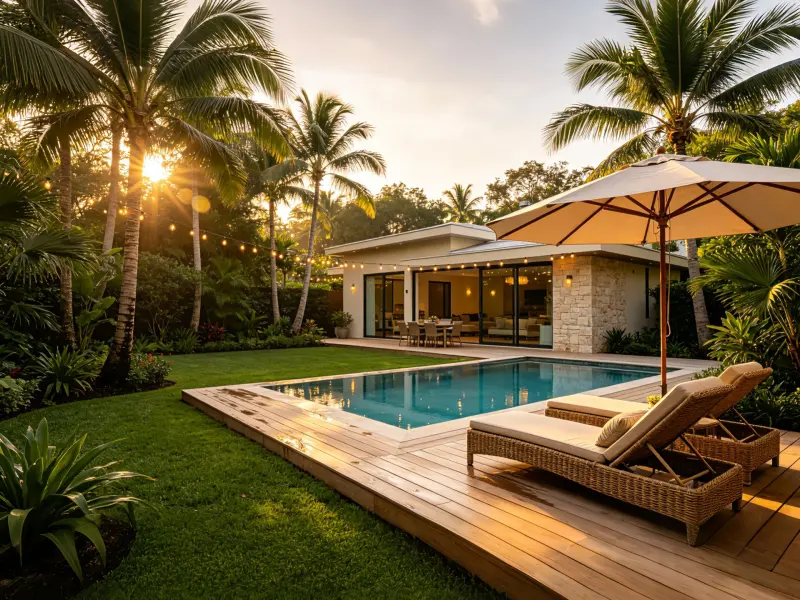
Best Landscape Design AI Free Tools in 2026
Compare the best landscape design AI tools for 2026. See which free, no-login options can turn yard, garden, and outdoor photos into realistic design ideas.

Louis Bernard
Landscape Design Consultant
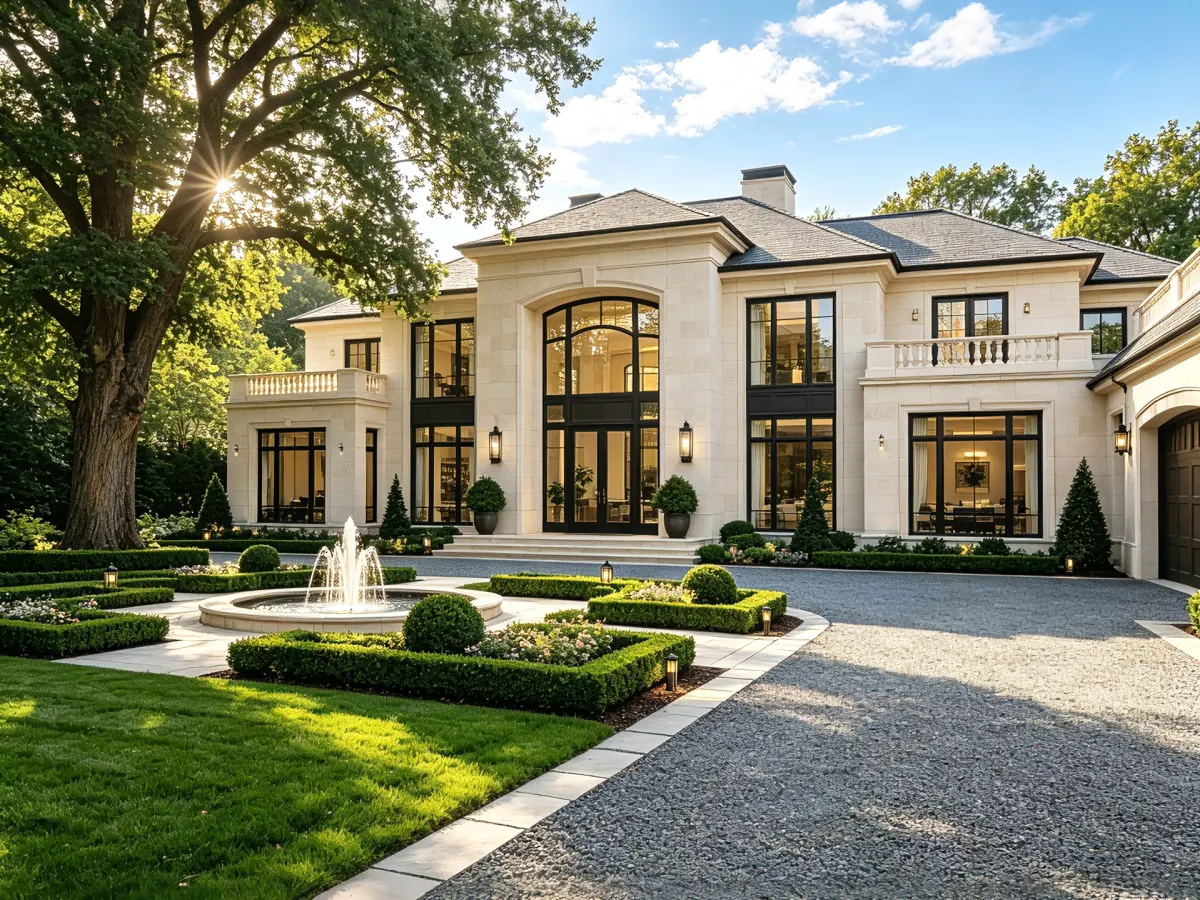
Choosing plants, paving, lighting, seating, or a new patio is easier when you can see the possibilities first. A landscape design AI tool can turn a photo of your existing outdoor space into realistic concept images, helping you compare styles before you buy materials or contact a contractor.
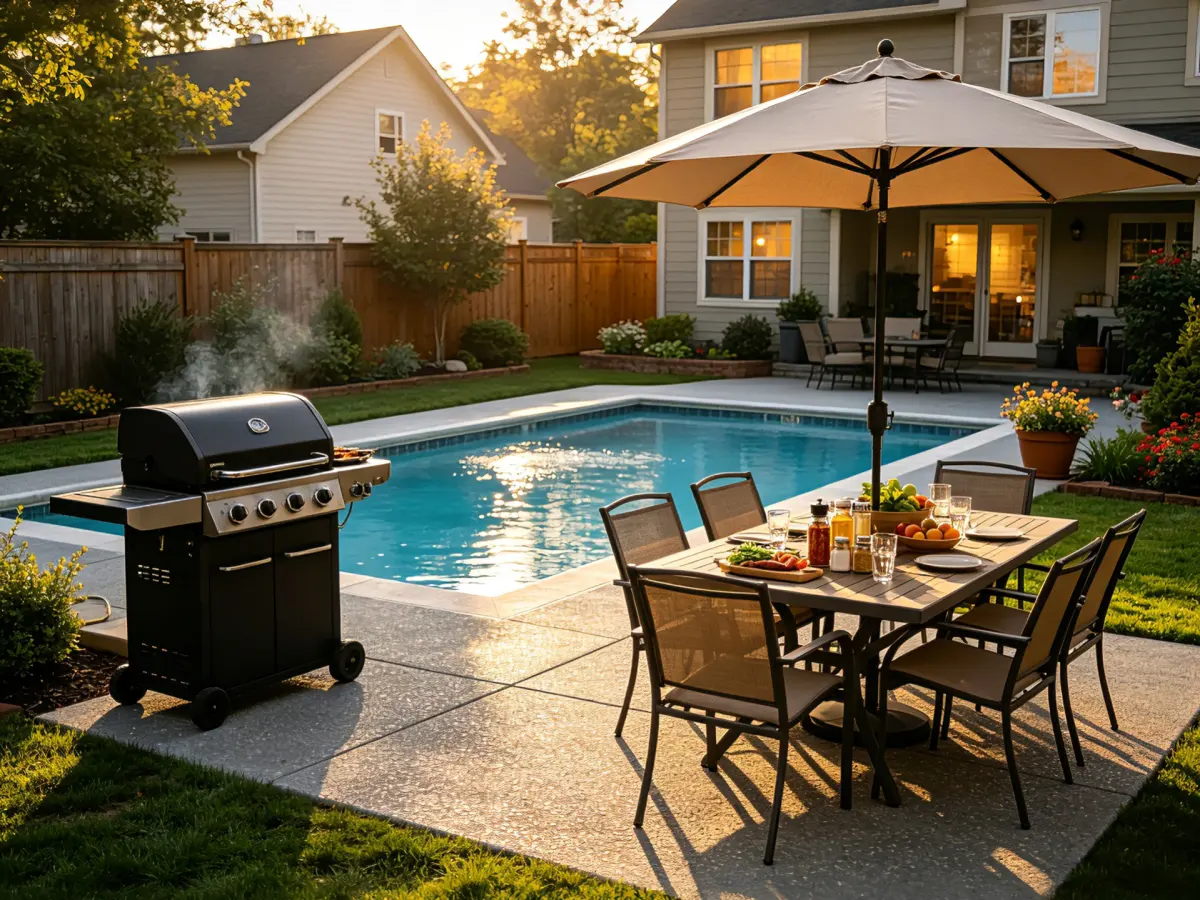
But not every tool serves the same purpose. Some focus on quick photo transformations, some are built around community inspiration, and others are better suited to detailed 3D home planning. This guide compares five popular options and explains why Landscape Design AI is the best starting point for most homeowners who want a fast, free, and no-login way to explore their ideas.
What Makes the Best Landscape Design AI Tool?
The best landscape design AI tool should do more than produce an attractive image. It should make the first stage of landscape planning simple and useful. Look for these capabilities:
- Photo-based design: Upload your own yard, garden, patio, balcony, or pool-area photo.
- Relevant context: Add the space type, intended use, style, location, sunlight, terrain, and maintenance preferences.
- Useful variety: Explore modern, cottage, Mediterranean, tropical, desert, Scandinavian, naturalistic, and other styles.
- Low-friction access: Start quickly without installing software or creating an account before you know whether the tool suits you.
- Shareable results: Download a clear concept image that can support family discussions, budgeting, or an early conversation with a professional.
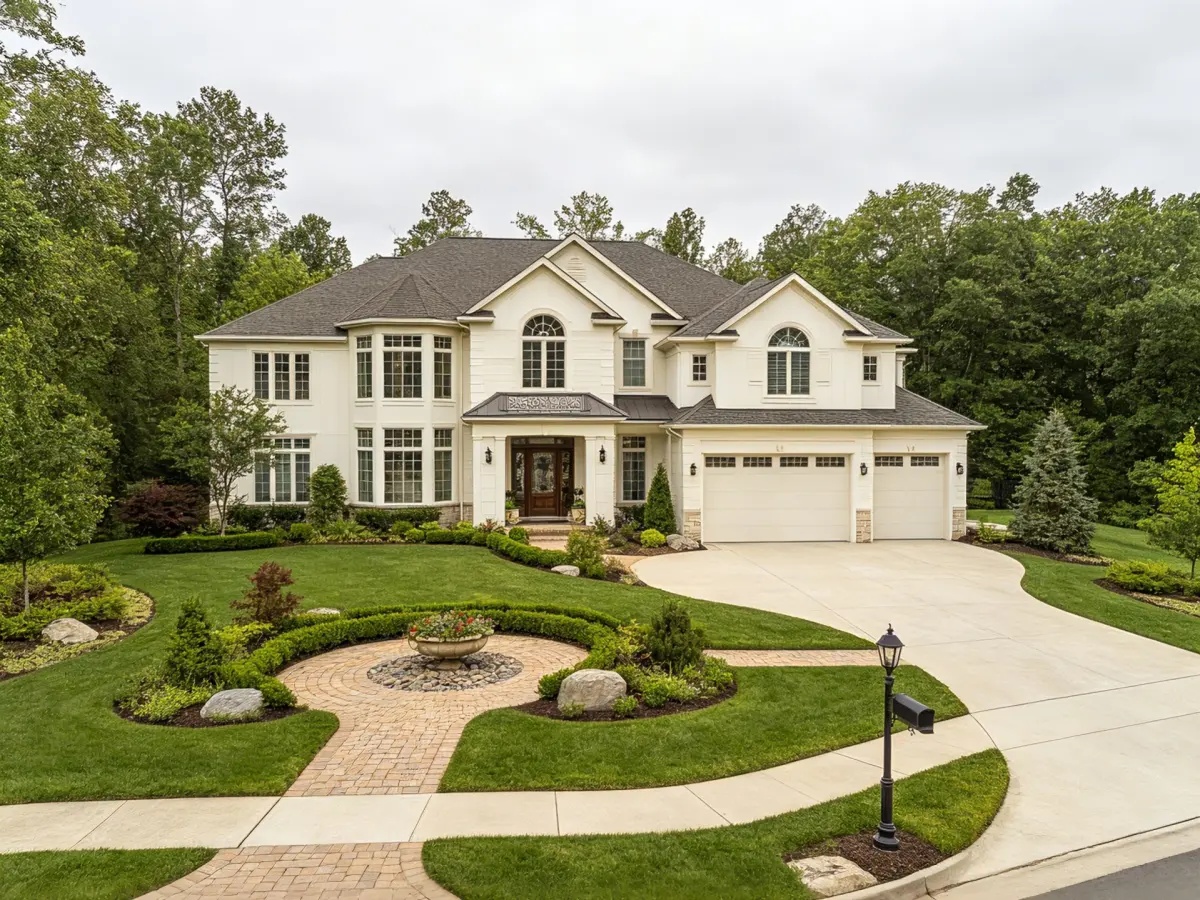
AI-generated designs are visual concepts, not surveys, engineering drawings, planting schedules, or permit documents. The purpose is to make decisions clearer at the beginning of a project—not to replace measurements, drainage analysis, code checks, or professional installation advice.
The 5 Best Landscape Design AI Tools at a Glance
| Tool | Best for | Main advantage | Keep in mind |
|---|---|---|---|
| Landscape Design AI | Fast photo-based concepts | Free to start, no login, many outdoor styles | Concepts still need local verification |
| Neighborbrite | Community inspiration | Large collection of user-generated ideas | Some advanced features may require an upgrade |
| OutdoorBrite | Paid photo transformations | Clear photo-first workflow | Better suited to users comfortable with paid plans |
| Planner 5D | Broader 3D home planning | Floor plans, 3D scenes, and larger design projects | More learning required for a simple yard refresh |
| DreamYard | Quick idea sharing | Multiple concepts and easy group feedback | Inspirational images are not construction plans |
Landscape Design AI: Best Free, No-Login Option
Landscape Design AI is my recommended starting point for homeowners who want to visualize an outdoor space without a complicated setup. Upload a photo, select the type of space and a preferred style, describe your goal, and generate a realistic redesign in seconds.
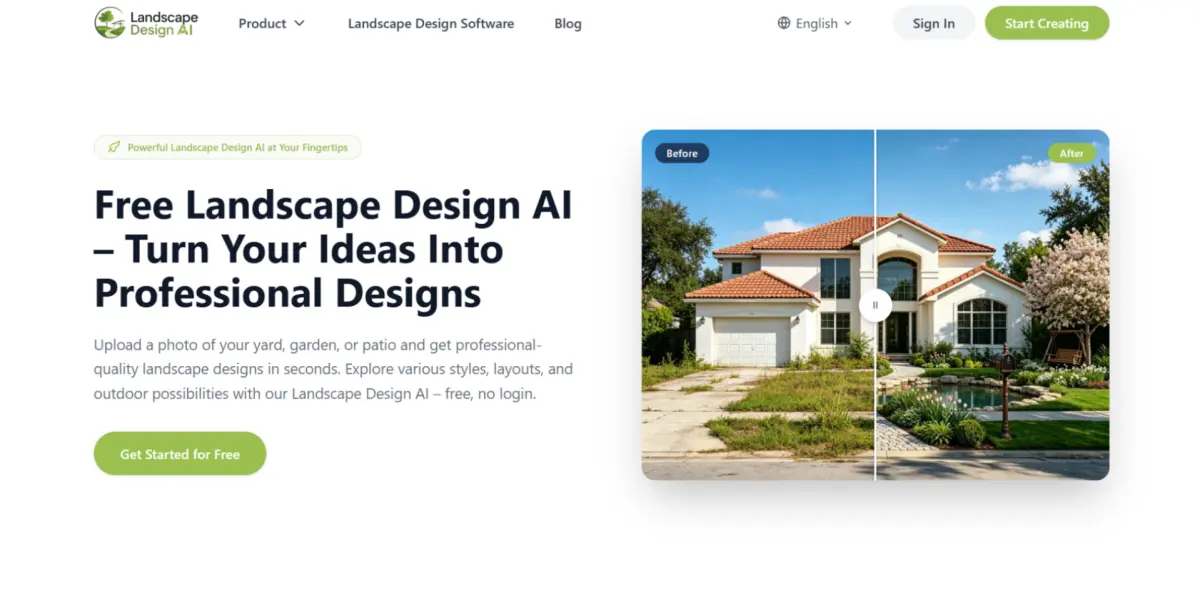
The tool is designed for real-world spaces, including backyards, front yards, gardens, patios, side yards, balconies, and pool areas. Its style range covers modern, cottage, tropical, Mediterranean, desert, French, Scandinavian, rock garden, and other directions. You can also add practical context such as location, sunlight, terrain, intended use, and maintenance preferences.
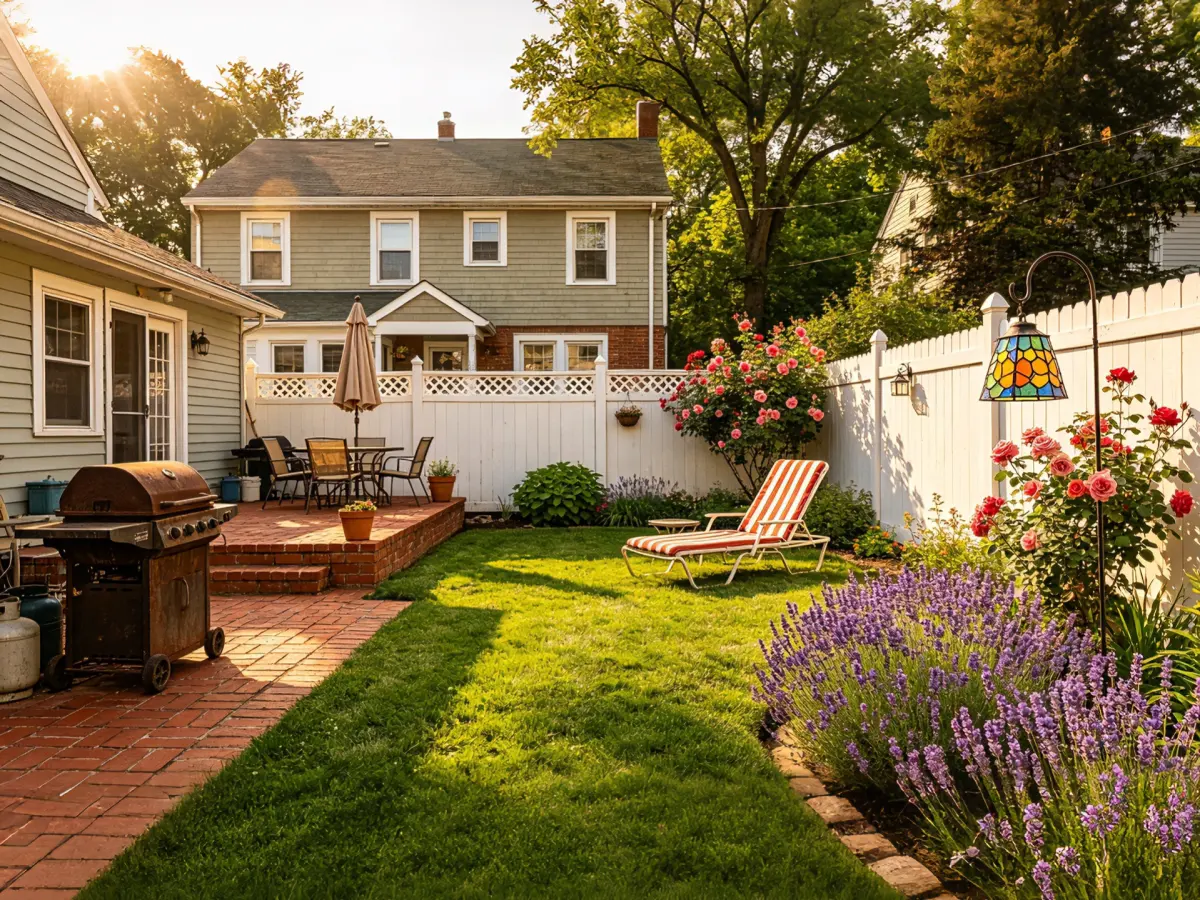
That context matters. A low-maintenance front yard should not be planned like a private backyard retreat. A family entertaining area needs different circulation and seating from a quiet reading garden. By adding a specific brief, you can make the generated concept more relevant to your actual project.
Why Choose Landscape Design AI?
- Free to try with no login required.
- Works from a photo of your own space.
- Supports many outdoor settings and design styles.
- Helps compare ideas before spending on materials or professional services.
- Provides high-resolution, watermark-free downloads for sharing and planning.
The main limitation is also important to understand: Landscape Design AI creates a visual direction, not a dimensioned plan. Before building, verify scale, property boundaries, utilities, drainage, local regulations, plant suitability, and structural requirements.
Neighborbrite: Best for Community Inspiration
Neighborbrite is a useful option when you are still exploring your design direction. Community examples can help you discover ideas for planting beds, paths, patios, privacy screens, and outdoor living zones. Photo transformations, style selection, plant-related tools, and editing features make it suitable for early landscaping design.
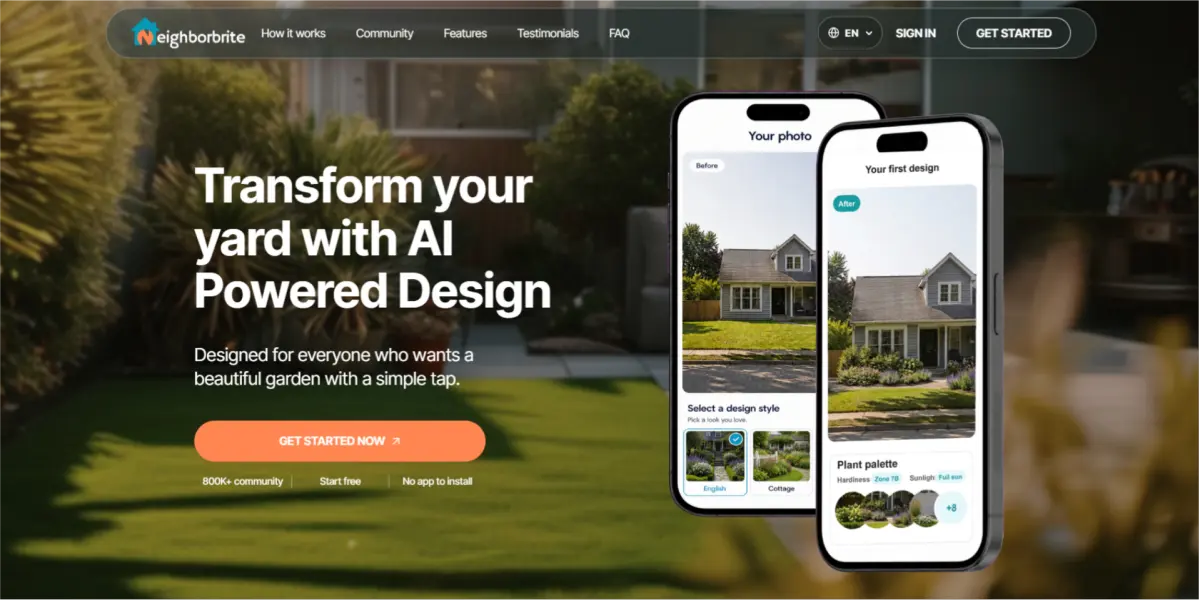
Its community-led approach is helpful if you want to browse before writing a detailed brief. However, some advanced controls or higher-resolution workflows may be limited by plan level. For users specifically searching for free landscape design AI tools with a quick, no-login experience, it is worth checking the current access requirements before starting.
Choose Neighborbrite when inspiration and community examples matter more than a simple one-purpose workflow.
OutdoorBrite: Best for Paid Photo-Based Concepts
OutdoorBrite focuses on transforming photos of yards, gardens, patios, and other outdoor areas into design concepts. Its photo-first approach is easy to understand, and a wide range of visual themes can help homeowners compare modern, Japanese, Mediterranean, cottage, tropical, coastal, rustic, and other looks.
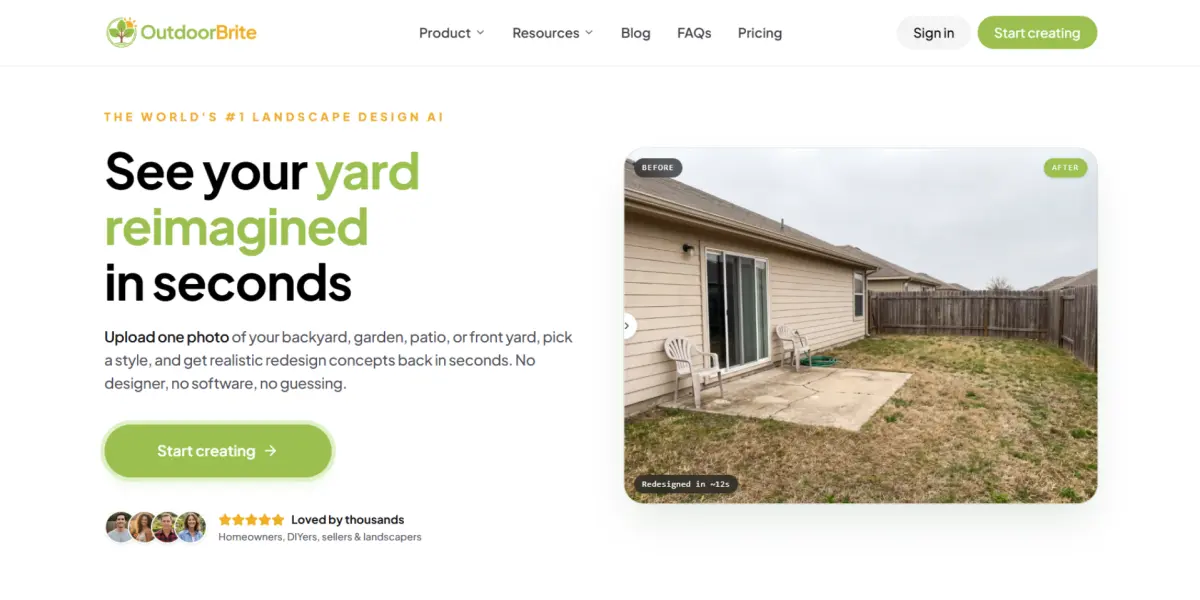
This type of tool can be useful for an early landscape planning conversation with a contractor or designer. The trade-off is that a paid workflow may be less convenient for someone who wants to test an idea casually or generate several alternatives before committing.
OutdoorBrite is a reasonable choice for users who prefer a paid product and want a dedicated photo transformation experience. If you want to begin with minimal friction, Landscape Design AI is the more accessible first step.
Planner 5D: Best for Broader 3D Home Planning
Planner 5D is a broad home-design platform rather than a landscape-first tool. It can be valuable when your outdoor project is part of a larger renovation involving floor plans, the house exterior, interiors, furniture, and 3D scenes.
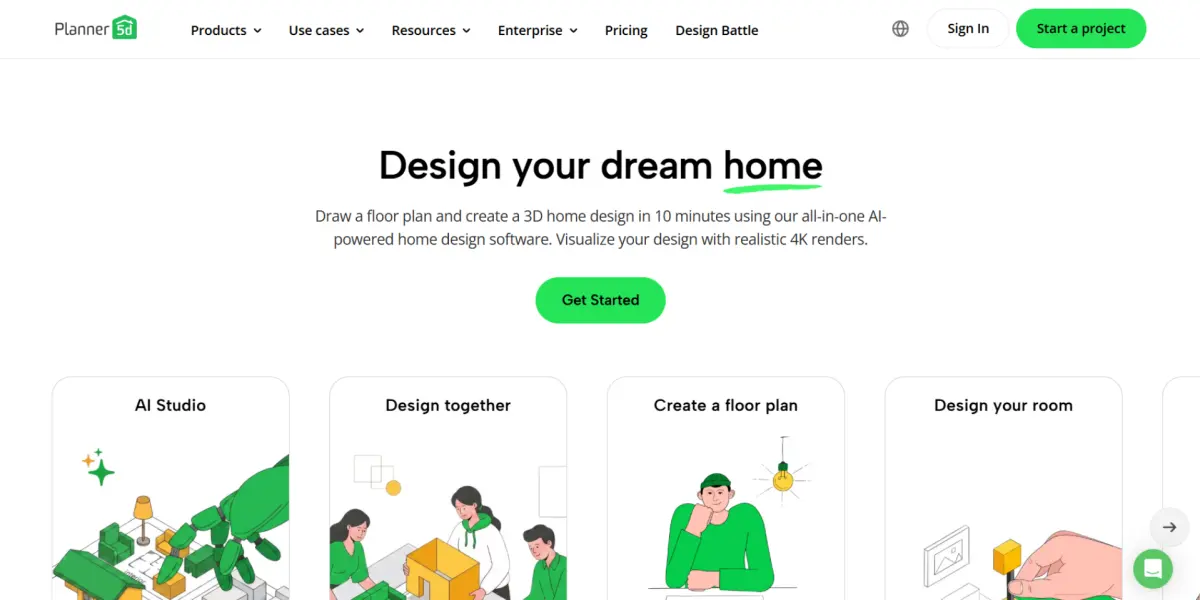
Its structured workflow is better suited to users who need a more complete digital model. The downside is a steeper learning curve. If you only want to see how a new garden, lawn, patio, or front entrance might look, a full planning platform may feel more complicated than necessary.
Choose Planner 5D when you need whole-home coordination. Choose a photo-based landscape design AI tool when you want a fast visual answer for one outdoor space.
DreamYard: Best for Fast Idea Sharing
DreamYard is built around quick yard transformations and collaborative feedback. You can use multiple concepts to compare themes, discuss possibilities with family members, or gather preferences before contacting a professional. It can support backyards, front yards, side yards, pool areas, garden beds, and some commercial outdoor spaces.
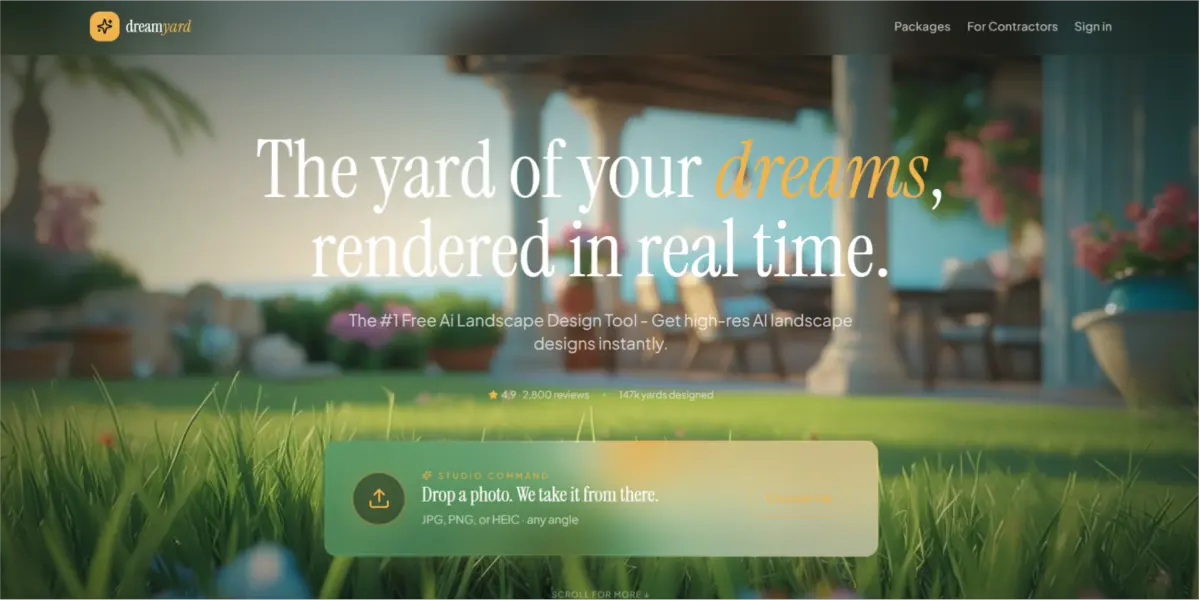
Its strength is brainstorming rather than technical landscape planning. A generated image will not automatically tell you the correct plant quantity, paving dimensions, grading solution, or drainage approach. Use the concepts as a visual brief and verify the practical details separately.
Why Landscape Design AI Is the Best Starting Point for Most Projects
After comparing the best landscape design AI tools, Landscape Design AI offers the most balanced first experience for homeowners. It combines a photo-based workflow, a wide range of styles, practical input fields, free access, and no-login use.
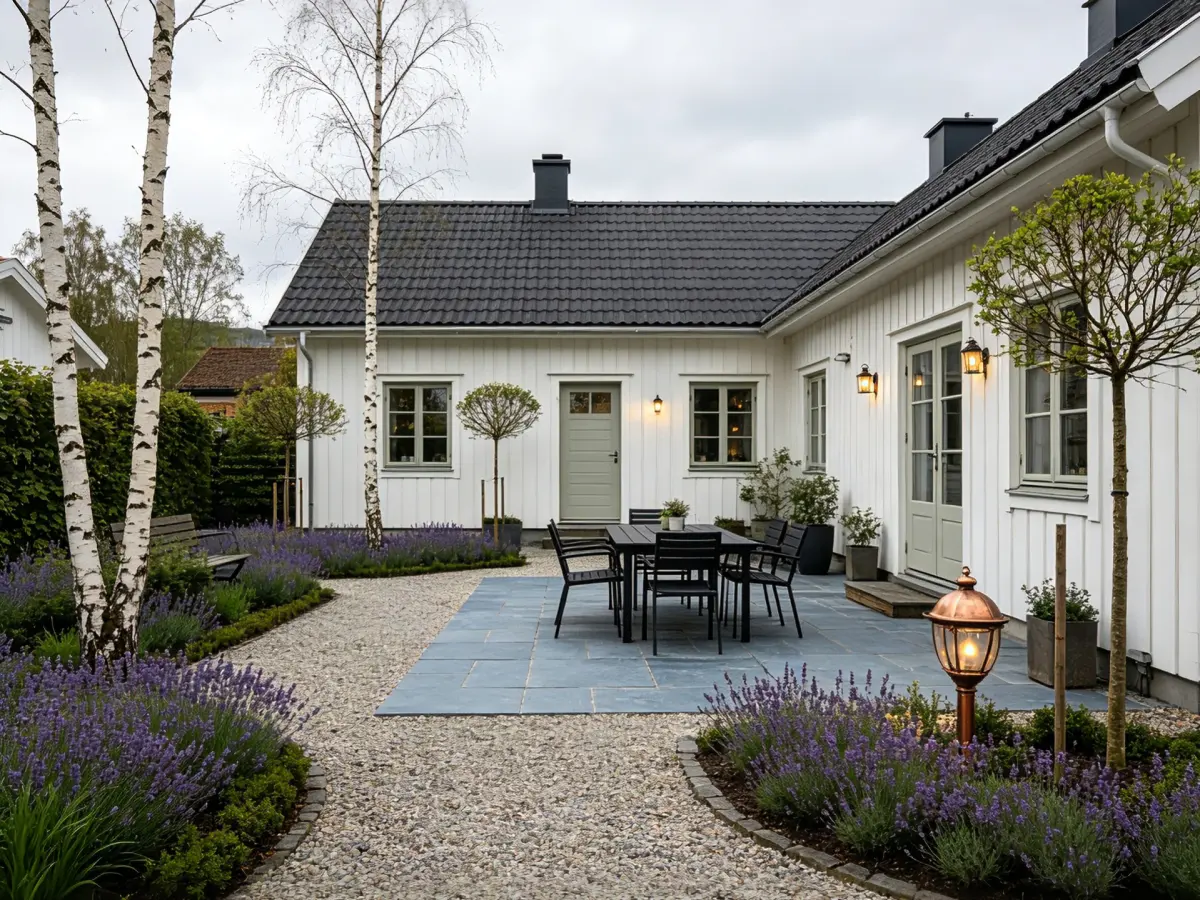
The tool is especially useful when you have a clear question but not yet a final plan:
- Would a modern patio work better than a lawn?
- How could a narrow side yard become more useful?
- Would a privacy screen make the backyard feel more comfortable?
- Could a drought-tolerant front yard still improve curb appeal?
- Which style fits the architecture of the house?
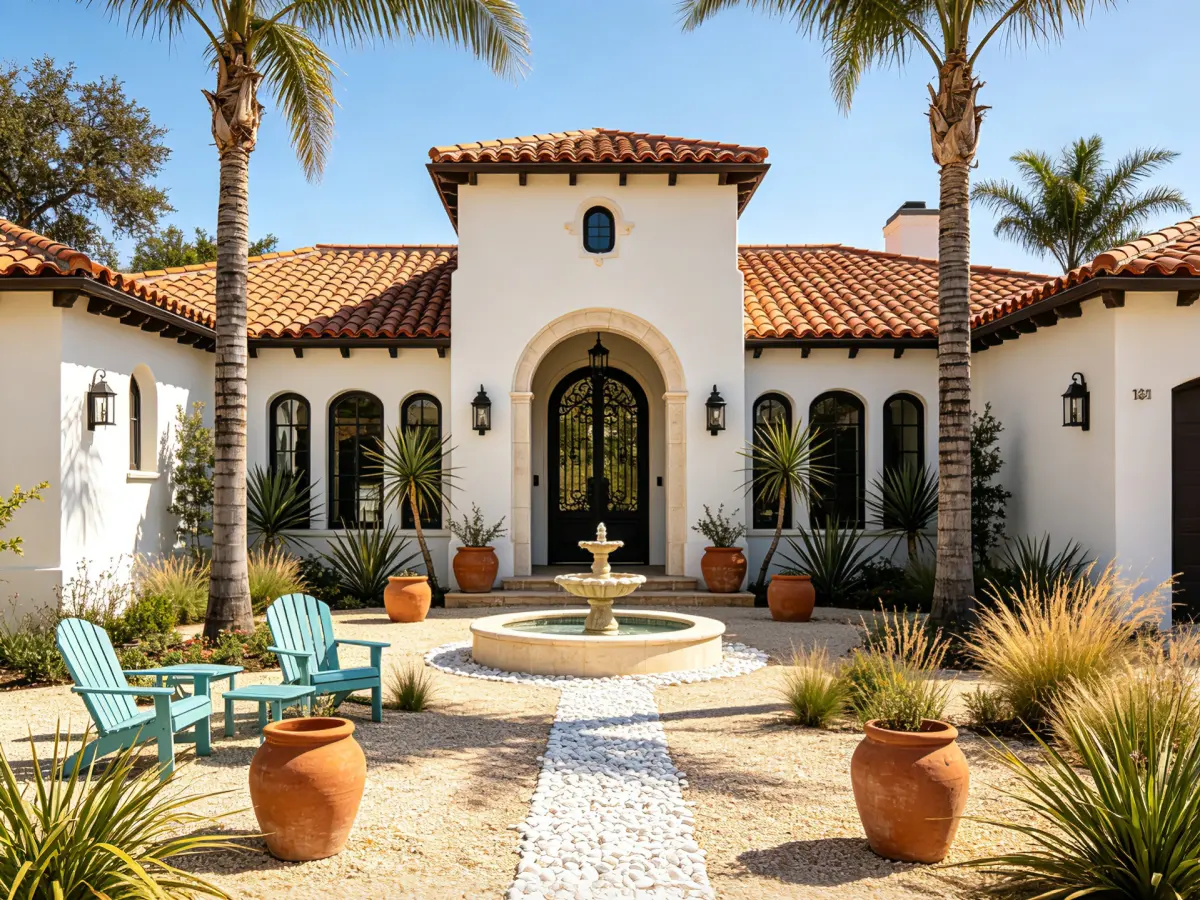
You can generate concepts for backyard landscape design, front yard design, garden landscape design, and broader residential landscape design before making a costly commitment. The result gives you something concrete to discuss with family, a nursery, a landscape designer, or a contractor.
How to Use Landscape Design AI in Three Steps
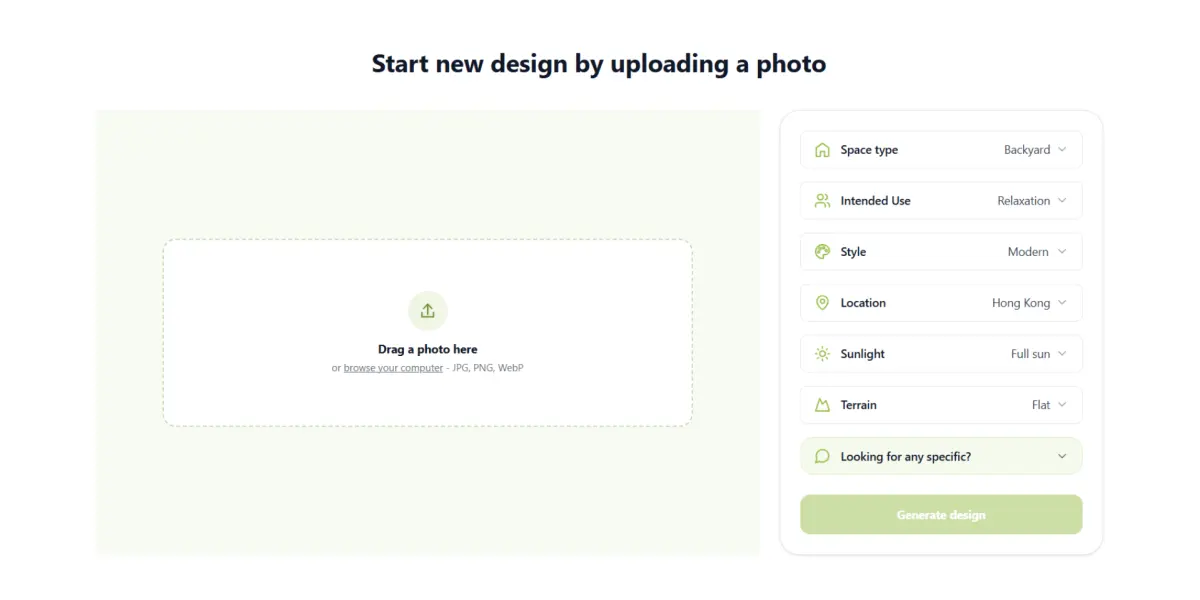
Upload a clear photo
Take the photo in daylight from eye level. Keep the house, fence, steps, doors, mature trees, retaining walls, and other fixed features visible. Avoid heavy filters and extreme wide-angle distortion.
Describe the space and your goal
Select a scene such as backyard, front yard, garden, patio, or pool area. Then add a specific request, for example: “Create a low-maintenance backyard seating area for six people with warm lighting, natural stone, and drought-tolerant planting.”
Mention what you want to avoid as well as what you want to include. “No artificial turf” or “keep the existing tree” can be as useful as a style instruction.
Compare controlled variations
Generate several versions, changing one factor at a time: style, paving, planting density, seating, lighting, or privacy screening. Download the strongest concept and use it as a visual brief for the next stage of planning.
Tips for Better AI Landscape Results
- Give the tool a real purpose. “Family dining for six” is more useful than “make it beautiful.”
- Include maintenance preferences. State whether you want low-maintenance, drought-tolerant, pet-friendly, child-friendly, or pollinator-friendly planting.
- Describe the site. Add location, sunlight, slope, privacy needs, and the relationship between the house and the outdoor area.
- Preserve important features. Identify mature trees, walls, utilities, steps, fences, and access paths that should remain.
- Verify before building. Check measurements, drainage, soil, climate, utilities, permits, budget, and plant availability with qualified local professionals.
FAQs About the Best Landscape Design AI Tools
What is the best free landscape design AI with no login?
For a quick, private starting point, Landscape Design AI is my recommended choice. You can upload a photo, select a style, generate an outdoor concept, and download the result without creating an account first.
Can AI landscape designs be built directly?
No. AI output is a visual concept. It does not replace a property survey, construction drawing, planting plan, engineering review, drainage design, or permit documentation. Confirm all practical details before installation.
Which AI tool is best for backyard landscape design?
For a fast photo-based concept, Landscape Design AI is the most direct option. Neighborbrite, OutdoorBrite, and DreamYard can also help with inspiration, while Planner 5D is better for a broader 3D home model.
Can AI help with front yard and residential landscape design?
Yes. It can help you compare planting styles, paths, lighting, lawns, privacy screens, patios, and outdoor zones. Use the result to clarify your preferences before requesting a professional quote.
How do I find landscape design near me after using AI?
Search for local landscape designers, contractors, or nurseries and show them your concept. Ask how the design should change for your climate, soil, drainage, plant availability, property rules, and budget.
Final Verdict
The best landscape design AI tool depends on your goal. Neighborbrite is useful for community inspiration, OutdoorBrite suits paid photo concepts, Planner 5D supports broader 3D planning, and DreamYard is convenient for fast group feedback.
For most homeowners who want a realistic first look at their own outdoor space, Landscape Design AI is the strongest place to begin. It is easy to use, free to try, requires no login, supports many styles and outdoor settings, and turns an uncertain idea into a visual direction in seconds.
Start Designing Your Landscape Today!
Upload your photo and explore stunning landscape ideas in seconds. Free to try. No login required.